
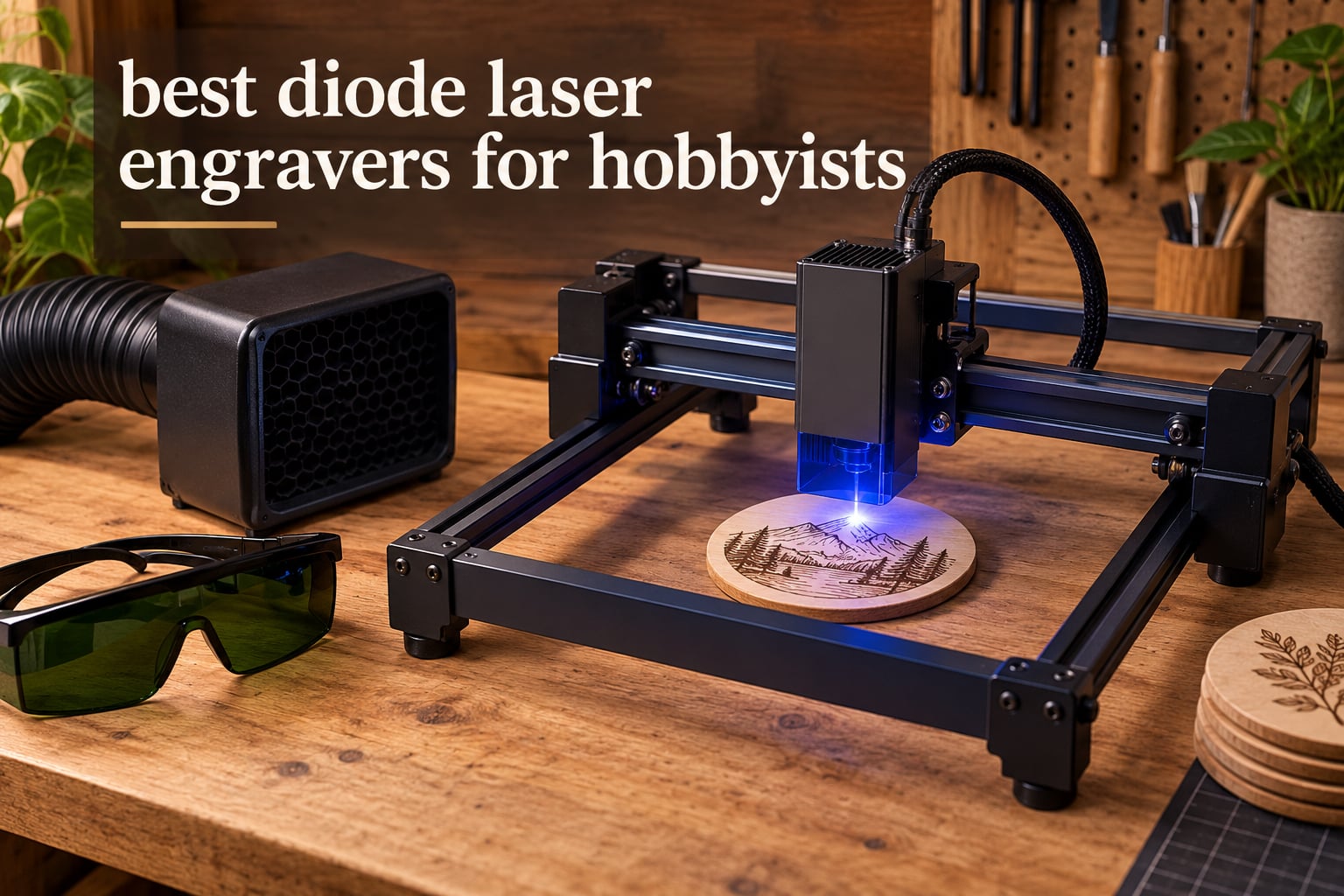
A diode laser engraver turns a design on your laptop into a burned line on wood, a mark on leather, or a cut profile in acrylic, and for a hobbyist it is still the cheapest way to make physical things that people actually want to hold. The problem is that almost every listing for these machines quotes a wattage, and almost none of them tell you what that wattage means in terms of the beam that actually leaves the lens. That gap is where most first-time buyers get disappointed.
We spent 2026 going through ten of the strongest diode laser engravers currently on the market, comparing rated power against published output, work area against project size, and the safety hardware each machine ships with. What follows is a ranked list of the best diode laser engravers for hobbyists, with the honest limitations of each one written next to the praise rather than buried in a footnote.
Is laser engraving worth it as a hobby? If you have any interest in 3D printing, woodworking, leatherwork or jewellery making, it is worth it sooner than you think, because the learning curve is shorter than the cost of replacing a chewed-up router bit. The machine is the cheap part of the hobby; the real money goes on glasses, extraction and a software licence, and we cover that in full below.
If you are outfitting a small workshop rather than a home bench, our guide to the best laser engravers for small businesses covers batch throughput and heavier enclosures instead.
Table of Contents
Can a Diode Laser Engrave Metal?
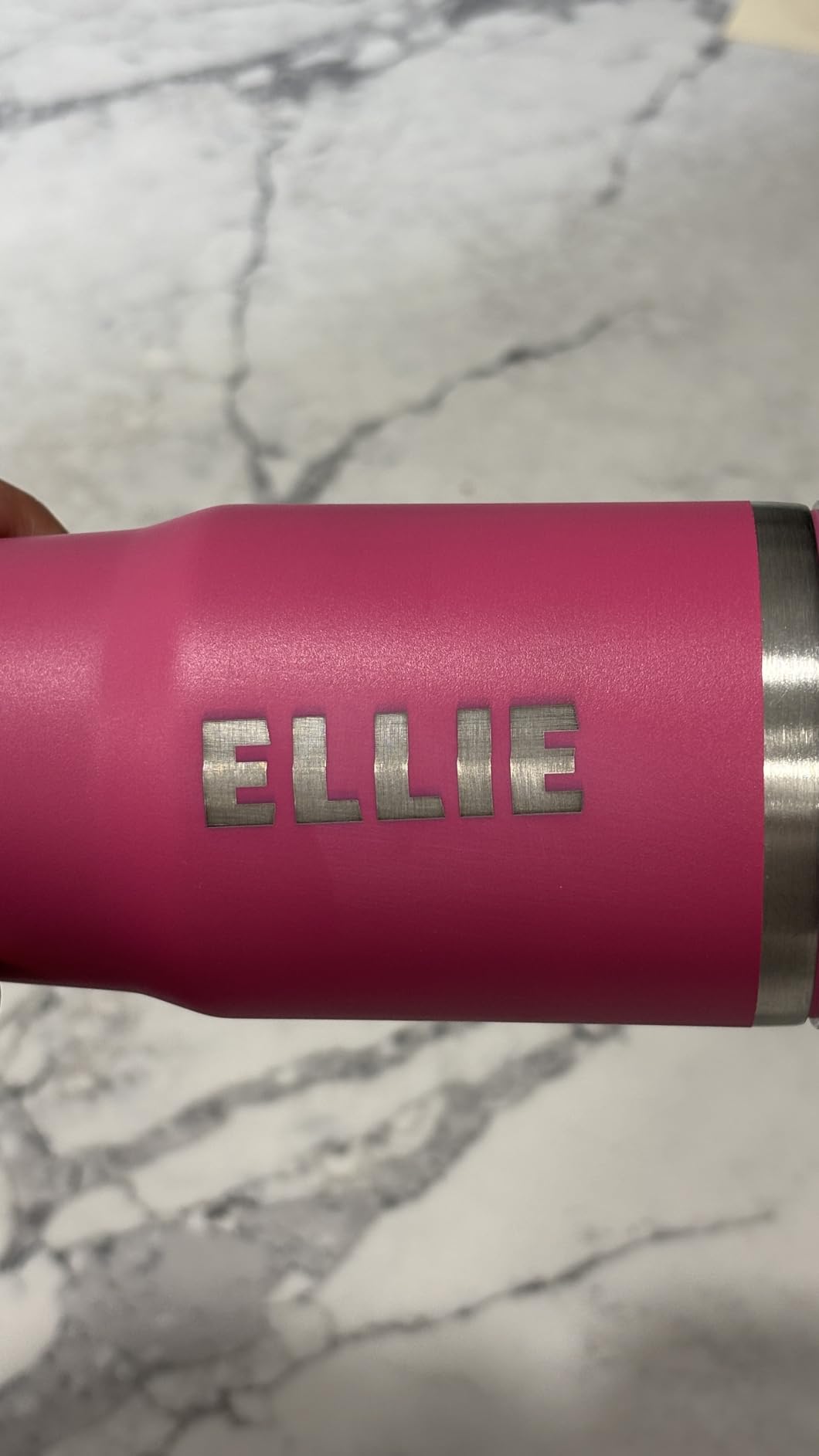
Only coated metal, and this is the single most misunderstood thing about blue diode lasers. A 445nm diode cannot touch bare or stainless steel because the coating is what absorbs the energy, so it marks painted, powder-coated, anodised or oxide-finished surfaces nicely and leaves raw metal completely unmarked. The Carverall K15 Pro in our list is the one exception worth knowing: it accepts an optional 1W infrared head specifically for stainless steel and tumblers, and that is a marking tool rather than a cutter.
Watch out for inflated claims in listings that read “engraves metal”. They mean coated metal. The Creality Falcon A1 goes further and explicitly refuses mirror-finished and highly reflective surfaces, because a reflection off polished metal is a genuine eye hazard no amount of software can control.
Top 3 Picks for Best Diode Laser Engravers in 2026
The Ortur Laser Master 2 S2 takes our Editor’s Choice because it pairs a full-metal frame with the largest review history of any machine here, so its strengths and faults are both well documented. The Longer Ray5 takes Best Value on speed and screen control, and the Twotrees TTS-10 Pro is the one we would hand to somebody learning LightBurn for the first time.

Ortur Laser Master 2 S2
- 10000mW module
- 390 x 410mm area
- full-metal frame
- G-sensor cutoff
- LightBurn and LaserGRBL

Longer Ray5
- 24000 mm/min dual beam
- 400 x 400mm
- 3.5-inch touch screen
- Wi-Fi app and TF card
- auto-stop program

Twotrees TTS-10 Pro
- 450nm 10000mW module
- 300 x 300mm
- 32-bit dual-core board
- TF card offline mode
- dual Y-axis steppers
All 10 Machines at a Glance in 2026
Read this table as a shortlist filter rather than a ranking. Three things decide most purchases: how big your biggest project is, whether you need a full enclosure for indoor work, and whether you care more about engraving detail or about cutting speed.
| Product | Specifications | Action |
|---|---|---|
| Ortur Laser Master 2 S2 |
|
Check Latest Price |
| Twotrees TTS-10 Pro |
|
Check Latest Price |
| Longer Ray5 |
|
Check Latest Price |
 ATOMSTACK A20 Pro V2 ATOMSTACK A20 Pro V2 |
|
Check Latest Price |
 ACMER S1 ACMER S1 |
|
Check Latest Price |
 ATOMSTACK Swift 12W ATOMSTACK Swift 12W |
|
Check Latest Price |
 Creality Falcon 10W Creality Falcon 10W |
|
Check Latest Price |
 Creality Falcon A1 Creality Falcon A1 |
|
Check Latest Price |
 Genmitsu L8 Genmitsu L8 |
|
Check Latest Price |
 Carverall K15 Pro Carverall K15 Pro |
|
Check Latest Price |
1. Ortur Laser Master 2 S2 – Best Overall, Built on a Full-Metal Frame
ORTUR Laser Master 2 S2 LU2-10A Laser Engraver Laser, 10000mW Engraving Cutting Machine, Class 4 High Accuracy Laser Cutter, DIY Laser Marking for Metal
10000mW optical module
390 x 410mm area
Class 4 laser
LaserGRBL and LightBurn
Pros
- Full-metal frame resists frame flex and keeps framing steady
- 390 x 410mm area is the most useful open-frame footprint here
- 1474 ratings give you the widest owner record to read
- Works with both LaserGRBL and LightBurn on Windows and Mac
- Dual-fan module cooling
- Built-in G-sensor motion cutoff and idle auto-off
Cons
- Open frame means no containment of smoke or reflections
- Manual focus routine and first-run setup take patience
- Class 4 output demands OD goggles and an air line
The Laser Master 2 is the machine most of the hobby laser community has actually seen run for years, and that matters more than any spec on the listing. Its 390 x 410mm envelope is close to a sheet of A4, which is the point at which you stop rearranging coasters to fit one design.
Ortur builds the chassis from industrial-grade full metal rather than the folded sheet steel used on the cheapest frames, and you can feel the difference the moment you push the gantry into a hard stop. A rigid frame keeps the belt path predictable, which is why engravings on this machine repeat cleanly across a full sheet instead of drifting toward one corner.
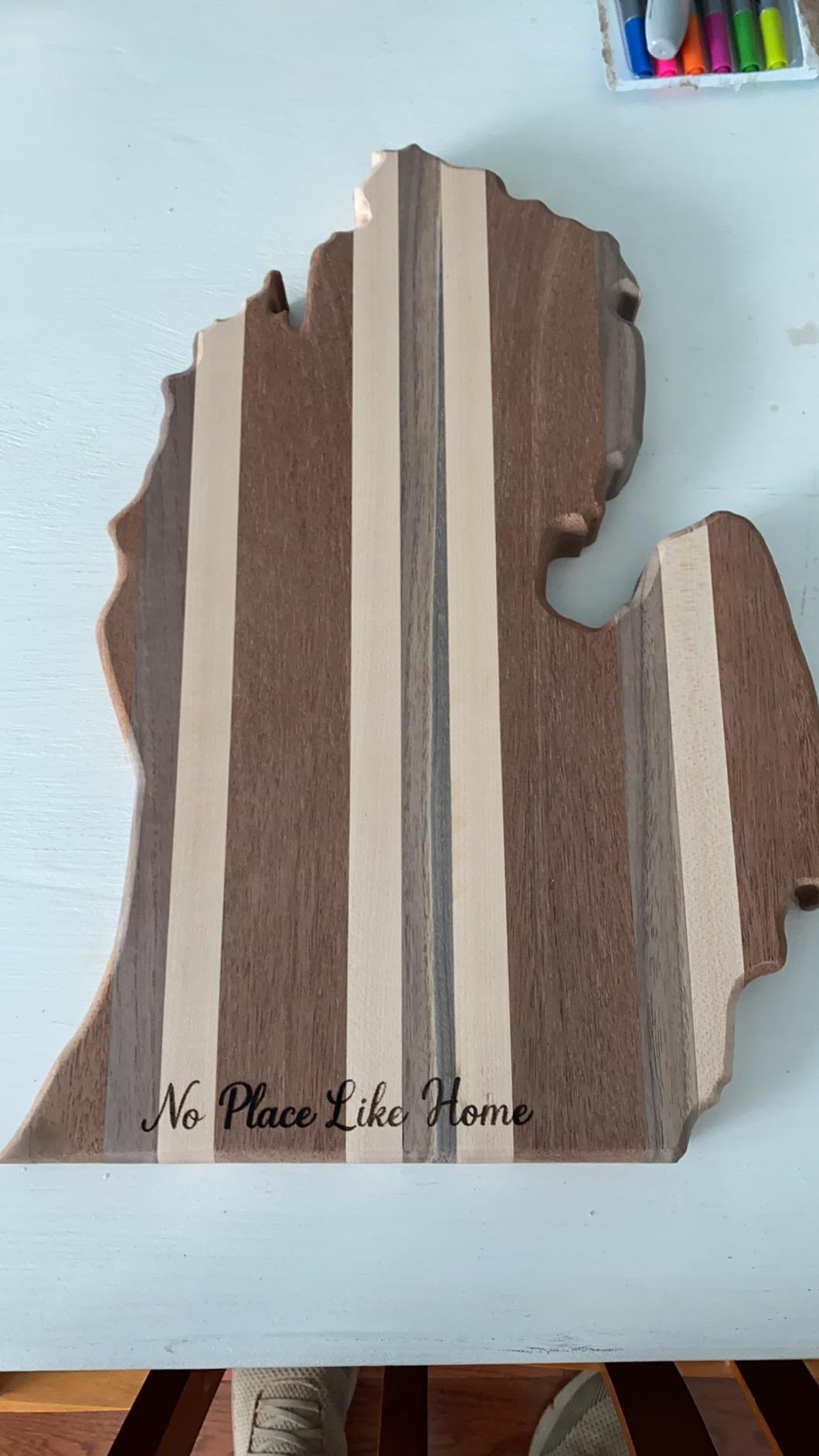
The published figures here are unusually honest for the category. The listing states 10000mW optical power rather than quoting an electrical input, and gives a compressed spot of 0.05mm x 0.1mm, which is a genuinely small kerf for a 10W module and explains why fine text holds together at speed.
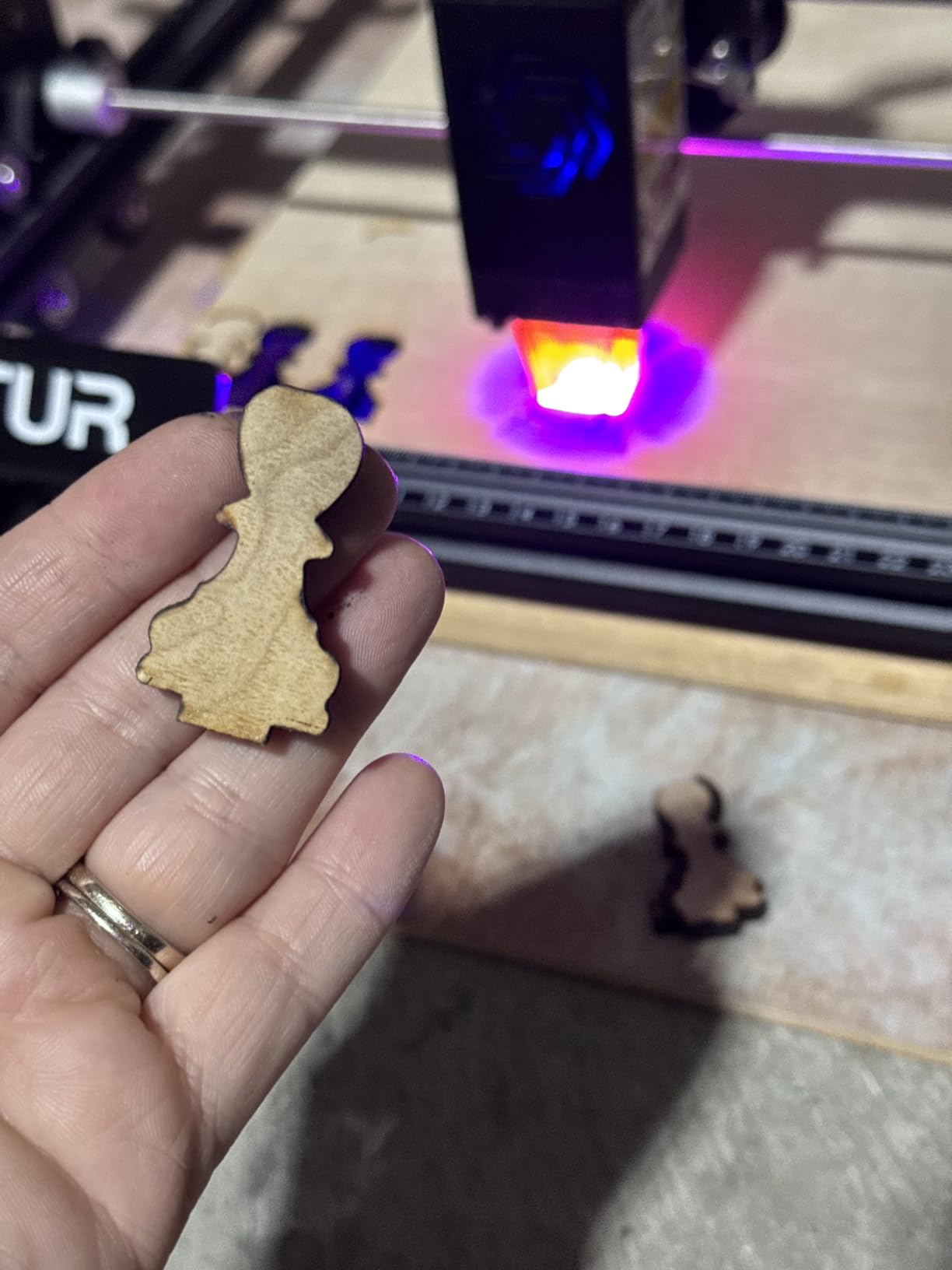
Ortur states it cuts 30mm acrylic and 20mm wood, and owner reports broadly support that these numbers are achievable in multiple passes with air assist. File support covers SVG, DXF, JPG, PNG, BMP, TIF and CR2, and it runs on Windows and Mac through either LaserGRBL or LightBurn.
What we liked about the frame and the safety switches
Three cutoffs are built in: a G-sensor that kills the beam if the machine is moved, a USB disconnect stop, and an automatic laser-off when the head sits idle. For an open-frame machine running in a room with other people, that combination is worth real money.
There is also a protective cover that filters out 98% of UV light, plus included goggles. Neither replaces extraction, and the cover is a shield against stray reflection rather than a substitute for an enclosure.
Where owners run into trouble
The most common friction is the manual focus procedure. Nothing is automatic, so the first week is spent learning where the focal plane sits and how to make it repeatable rather than guessing each time.
Second is air assist. The module has an air-assist interface but the pump is a separate purchase, and without it you will chase char and edge burn on every cut. Budget for the pump on day one rather than after your first frustrating sheet.
2. Twotrees TTS-10 Pro – Best for Your First LightBurn Setup
Twotrees TTS-10 Pro Laser Engraver,10000mW High Precision Laser Engraving
450nm 10000mW module
300 x 300mm area
30000mm/min max speed
32-bit dual-core board
Pros
- TF card offline mode means no computer needed for repeat jobs
- 30000mm/min is the fastest rated speed in this group
- 32-bit dual-core board processes files smoothly
- Full metal frame with dual Y-axis 42 steppers and GT2-6mm belts
- CE FCC ROHS FDA and UL62368 certified
- One-year warranty
Cons
- Assembly and first-run setup are hard for a complete beginner
- LightBurn may need a licence depending on platform
- Not for bare stainless steel or uncoated metal
- Some owners report intermittent connection dropouts mid-job
If your plan is to learn LightBurn properly rather than just run files from a memory card, this is the machine we would start on. The 32-bit dual-core mainboard handles artwork far more smoothly than the older single-core boards still fitted to some competing frames, and you notice it when you send a dense vector design across the bed.
Twotrees specifies a 450nm blue diode at 10000mW with a 0.069mm spot and a maximum speed of 30000mm/min. The dual Y-axis motors on GT2-6mm synchronous belts mean both sides of the gantry are driven directly, which reduces the twist you get on cheaper single-motor frames under load.
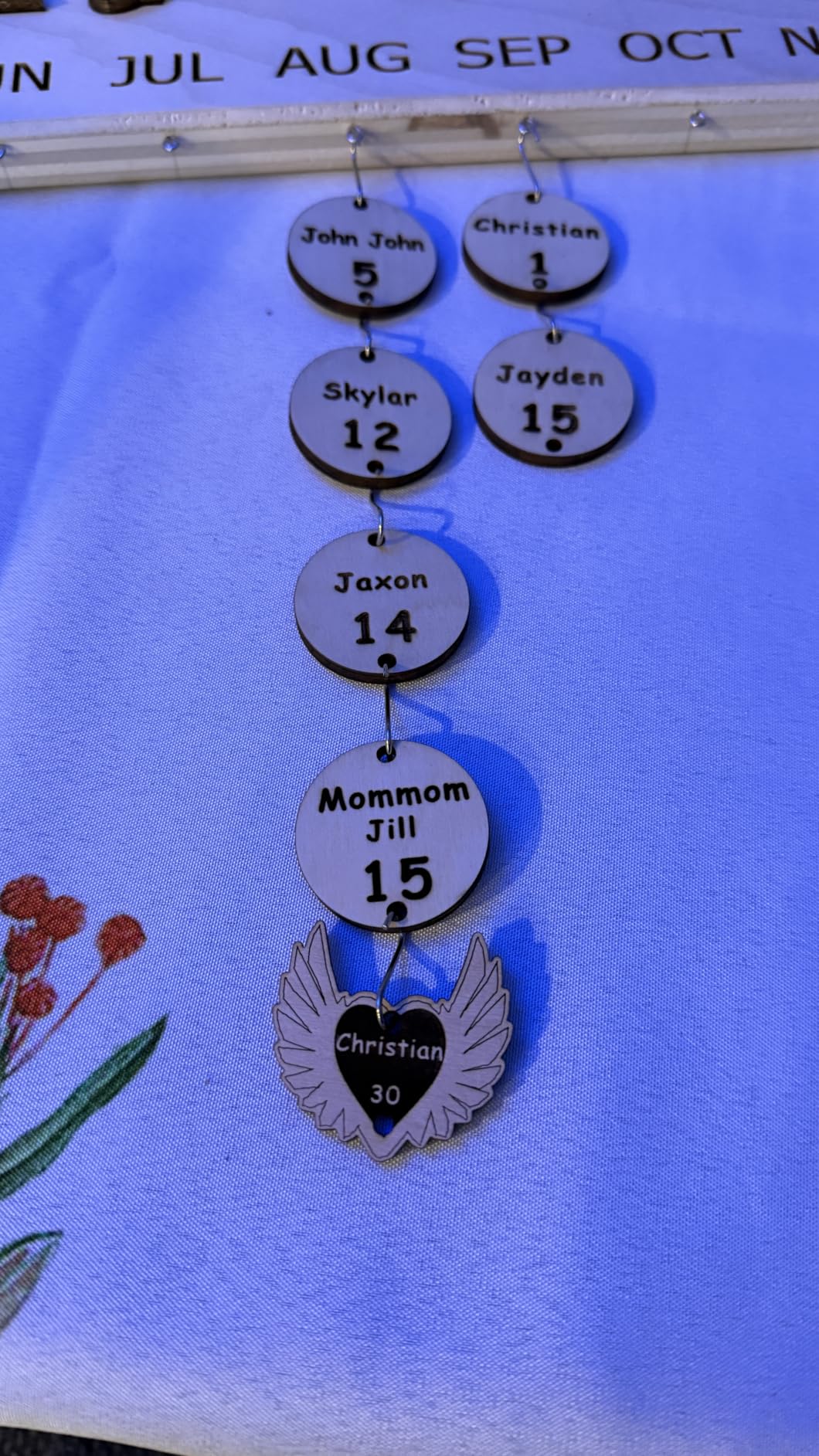
Two things make this unusually friendly to a first machine. It ships with a 4GB TF card and a card reader for fully offline work, so you are not chained to a laptop at the bench, and the listed certifications cover CE, FCC, ROHS, FDA and UL62368.
The stated material range is wood, bamboo, acrylic, leather, dark glass and coated or anodised metal, which covers almost everything a hobbyist actually buys stock for. The 300 x 300mm area handles keychains, coasters, jewellery and small signage but not a full sheet of plywood.
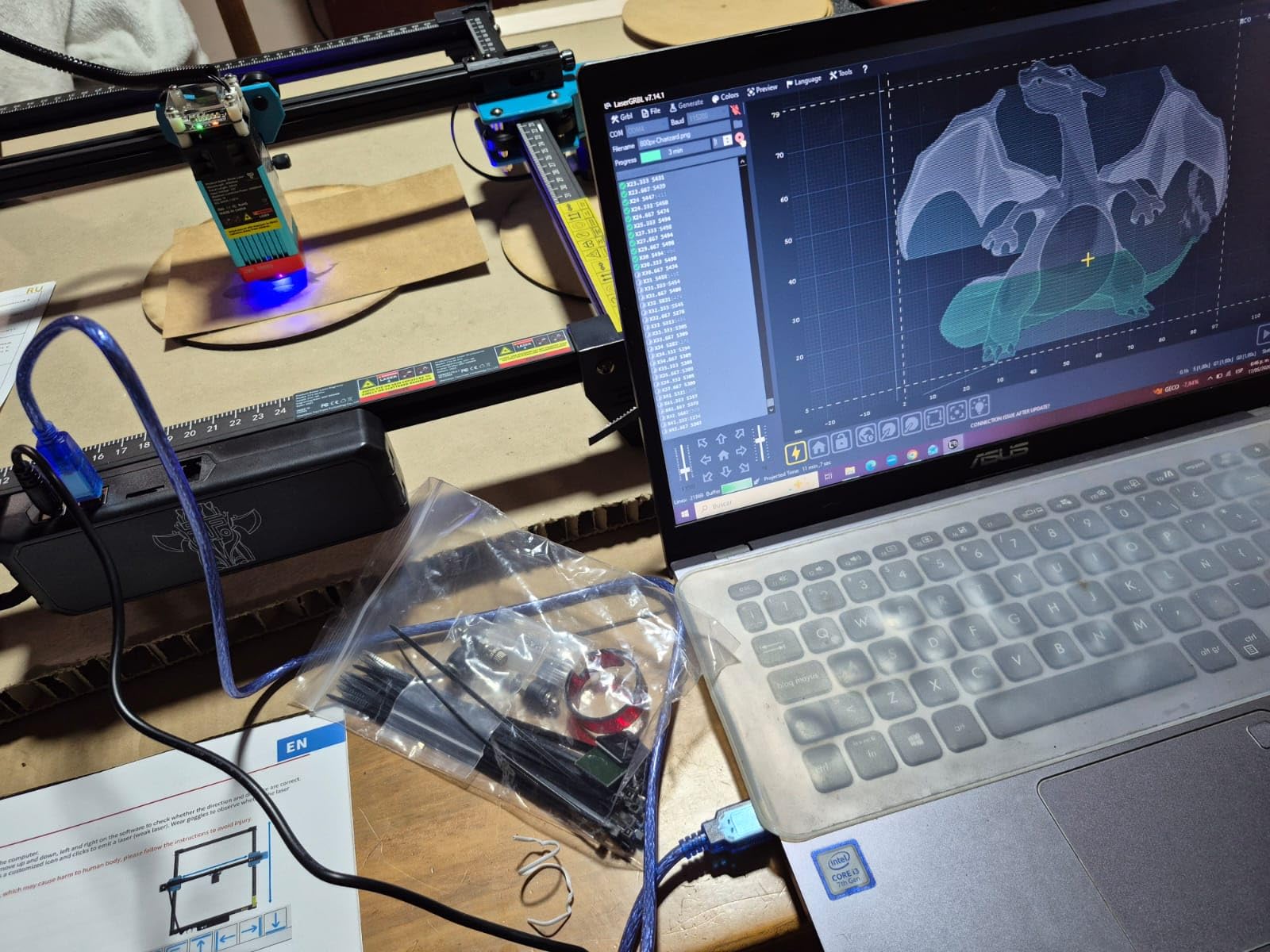
Why first-time buyers land on this machine
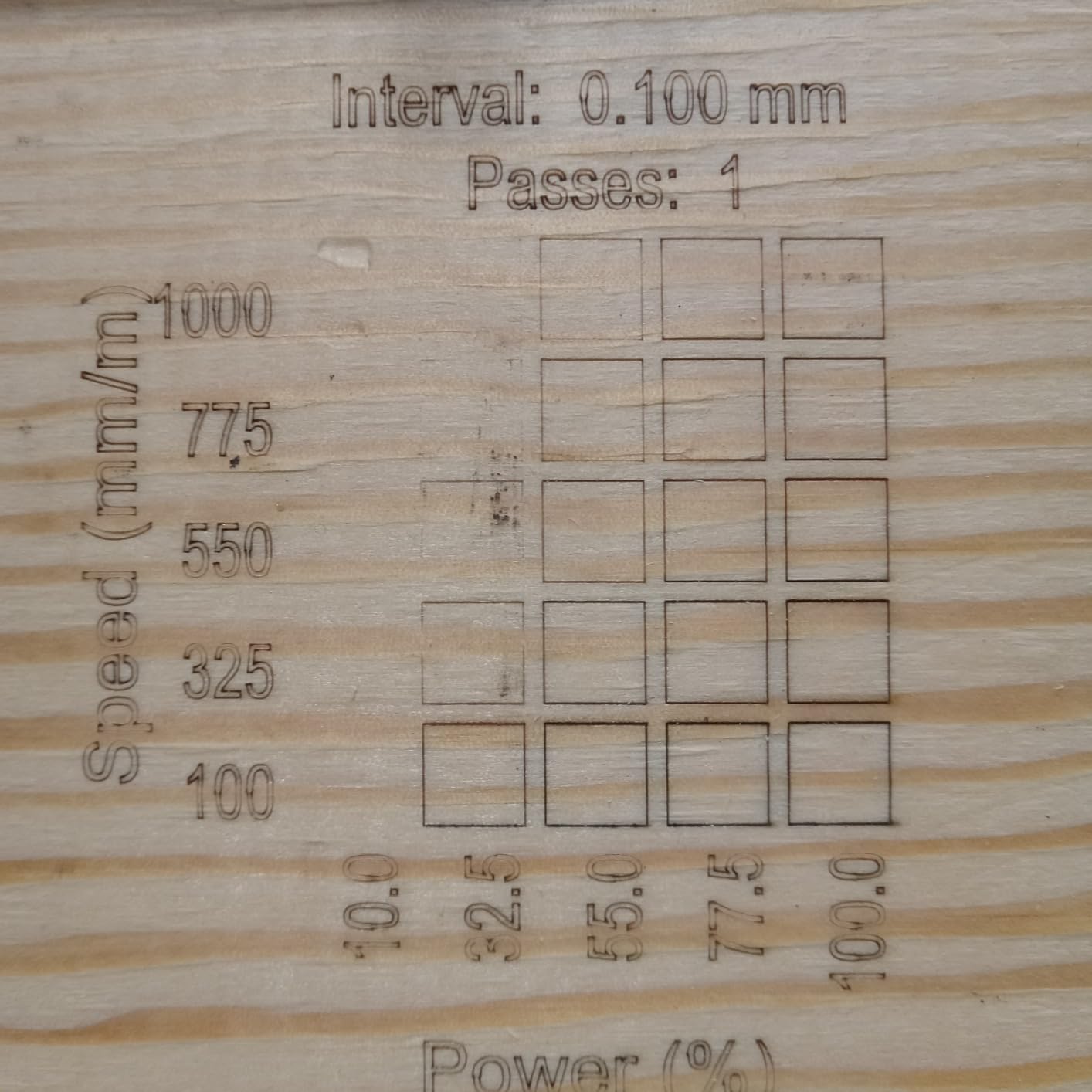
Reviews of this machine average 4.3 with about 69% of ratings at five stars, and the most common theme is that it performs well once settings are dialled in. That is the honest version: the machine is not magic, it rewards an afternoon spent on a material test grid.
The TF card workflow is genuinely useful for batch work. Once a job is dialled in on the computer you can hand the card to the machine and run dozens of identical tags while the laptop does something else.
Where the setup gets difficult
Assembly and the first-run procedure draw the most complaints, and reviewers with no laser experience describe the instructions as the hardest part of the machine. The picture-based steps get you there; the written ones are less clear.
Some owners also report intermittent connection dropouts during a job. If that happens, check the cable and the USB port before you start blaming the board, because loose connections are the usual cause and they cost nothing to rule out.
3. Longer Ray5 – Best Value, Fastest Engraving Head-Speed Here
Longer New Upgrade RAY5 Laser Engraver Cutter,Working Area 15.75″×15.76″
10W class diode
400 x 400mm work area
24000 mm/min dual beam
3.5-inch touch screen
Pros
- Highest average rating in this group at 4.4 across 383 ratings
- Dual-beam design reaches 24000 mm/min
- 3.5-inch touch screen makes standalone operation straightforward
- Expansion kit grows the workspace to 850 x 400mm
- Wi-Fi USB app and TF card transfer
- Abnormal shake and suspension auto-stop program
Cons
- Written assembly instructions are thin and video guides work better
- Laser head can try to move out of bounds until homing is set correctly
- Firmware updater is Windows-only so Mac users cannot update
- Roller attachment documentation is minimal
The Ray5 earns its place here on a simple arithmetic: 400 x 400mm of work area, a touch screen for running jobs without a computer, and the highest average rating of any machine in this roundup at 4.4 from 383 ratings. For a hobbyist who wants to grow rather than tinker, the expansion path is the differentiator.
Longer states a cutting capacity of 20mm wood board and 30mm acrylic sheet, and describes dual-beam technology reaching up to 24000 mm/min. The extension kit expands the envelope to 850 x 400mm, which turns a craft machine into something closer to a small production bed for signage runs.
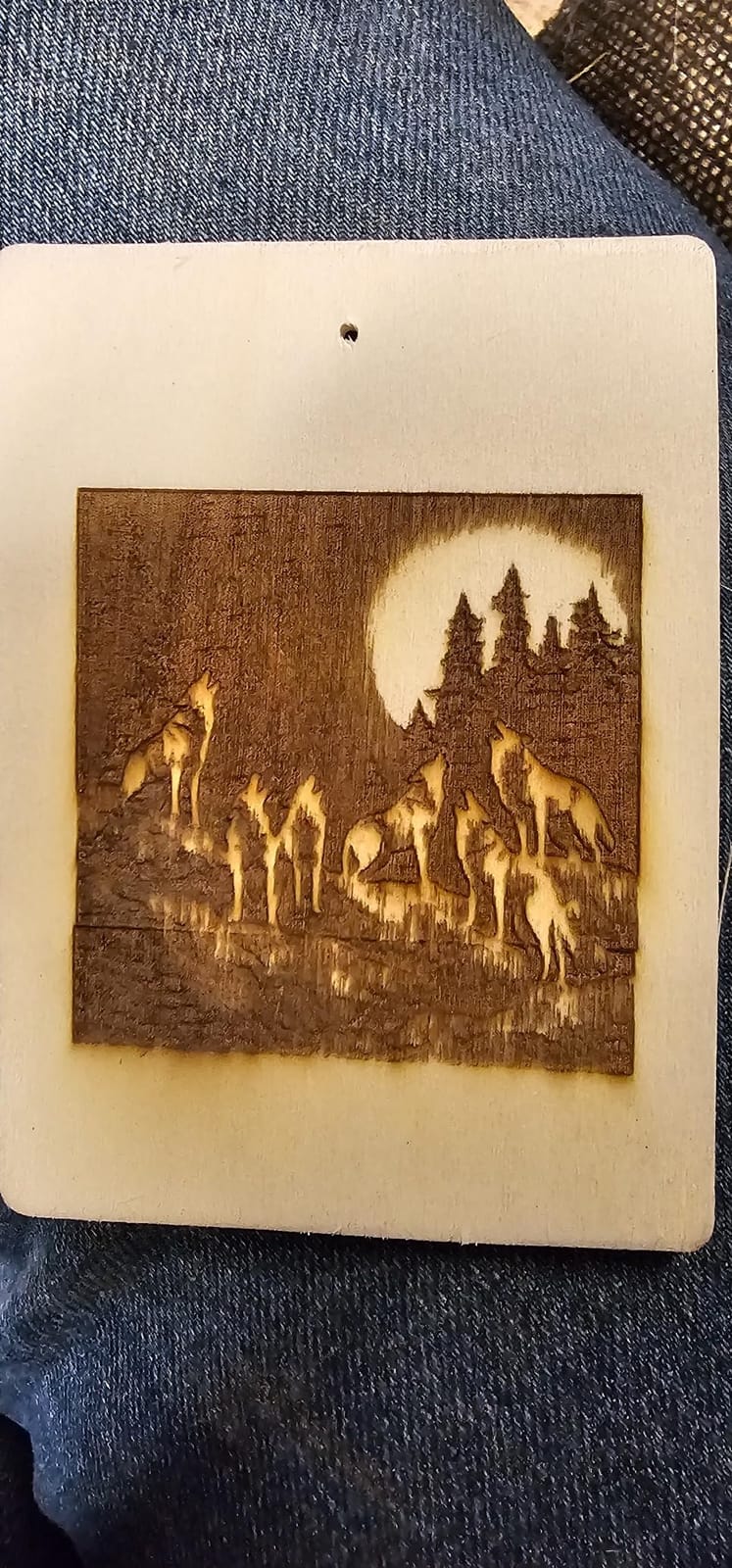
The 32-bit core board handles Wi-Fi, USB cable, app and TF card transfer, plus offline operation. That 3.5-inch touch screen is not a gimmick: it lets you load a file and start it without dragging a laptop to the bench every time.
Safety hardware includes a protective cover, included glasses, and an abnormal shake or suspension auto-stop program that kills the beam if the machine is knocked. That is a modest list compared with the fully enclosed units further down, but it is more than most open frames offer.
What the touch screen and expansion kit change
Owner reports consistently mention the speed, the screen and cut quality on wood and acrylic. Roughly 73% of ratings sit at five stars, which is the strongest five-star share of the machines we measured here.
The expansion kit is the quiet advantage. If you start with keychains and end up making personalised cutting boards, you are extending the machine you already own rather than replacing it, and the belt and rail length is designed for it.
Where the software side frustrates people
The written assembly instructions are weak and reviewers regularly point you at the video guides instead. Expect to spend the first hour with a phone in your hand rather than a manual.
Two more frictions: the firmware updater is Windows-only, so Mac users cannot update through that tool, and the laser head can attempt to travel out of bounds on first power-up until the frame and home position are set correctly.
4. ATOMSTACK A20 Pro V2 – Best for Cutting Power on an Open Frame
ATOMSTACK 20W Laser Engraver, A20 PRO V2 Laser Cutter, High Accuracy Laser Engraving Machine for Personalized Gifts, Business Cards, Wood, Metal, Acrylic, Leather
20000mW Class 4 output
Integrated linear guides
Up to 400mm/s
0.08 x 0.1mm dot
Pros
- 20000mW output cuts and engraves harder than any other open frame here
- Integrated linear guide rails give solid feel and good repeatability
- Engraving speeds up to 400mm/s
- 0.01mm accuracy with cross-line light and built-in limit switches
- Assembly is fast with picture-based instructions
- Works with LightBurn
- LaserGRBL and the ATOMSTACK app
Cons
- Almost no user documentation and no specs for the air pump or controller setup
- Bundled ATOMSTACK software is basic compared with LightBurn
- Gantry wiring is not held in drag chains and can snag on the workpiece
- Belt-driven drive is less accurate on large pieces
The A20 Pro V2 is where you go when you are done decorating coasters and want to cut through plywood. Its 20000mW output is double most of this list, and the integrated linear guide structure moves the gantry differently from the belt-only frames above it.
ATOMSTACK states an engraving speed up to 400mm/s, a compressed dot of 0.08 x 0.1mm from its own dot compression mainboard, and a module lifespan rated up to 10,000 hours. It weighs 13.42 pounds, which is heavier than the 10W units but still a two-person lift at most.
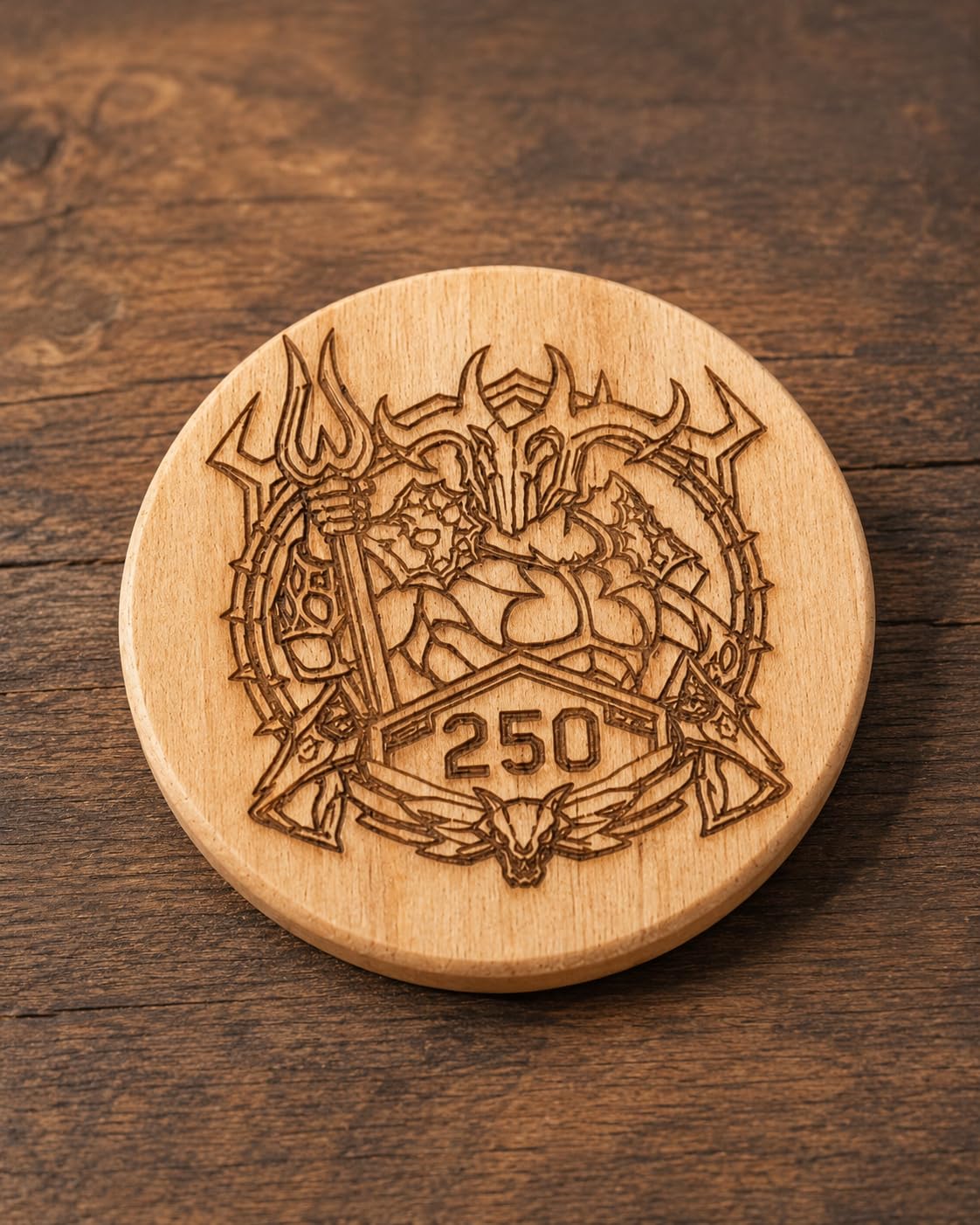
The safety package is unusually thorough for an open frame. You get a removable magnetic protective cover, safety glasses, and a tilt-angle safety beep that triggers past 15 degrees, which catches the most common accidental firing scenario on a bench.
Connectivity is Type-C or a USB stick, and the software list covers the ATOMSTACK app and PC software plus LightBurn and LaserGRBL. Owners with previous laser experience rate the build quality highly and like the engraved detail.
Where the extra power actually pays off
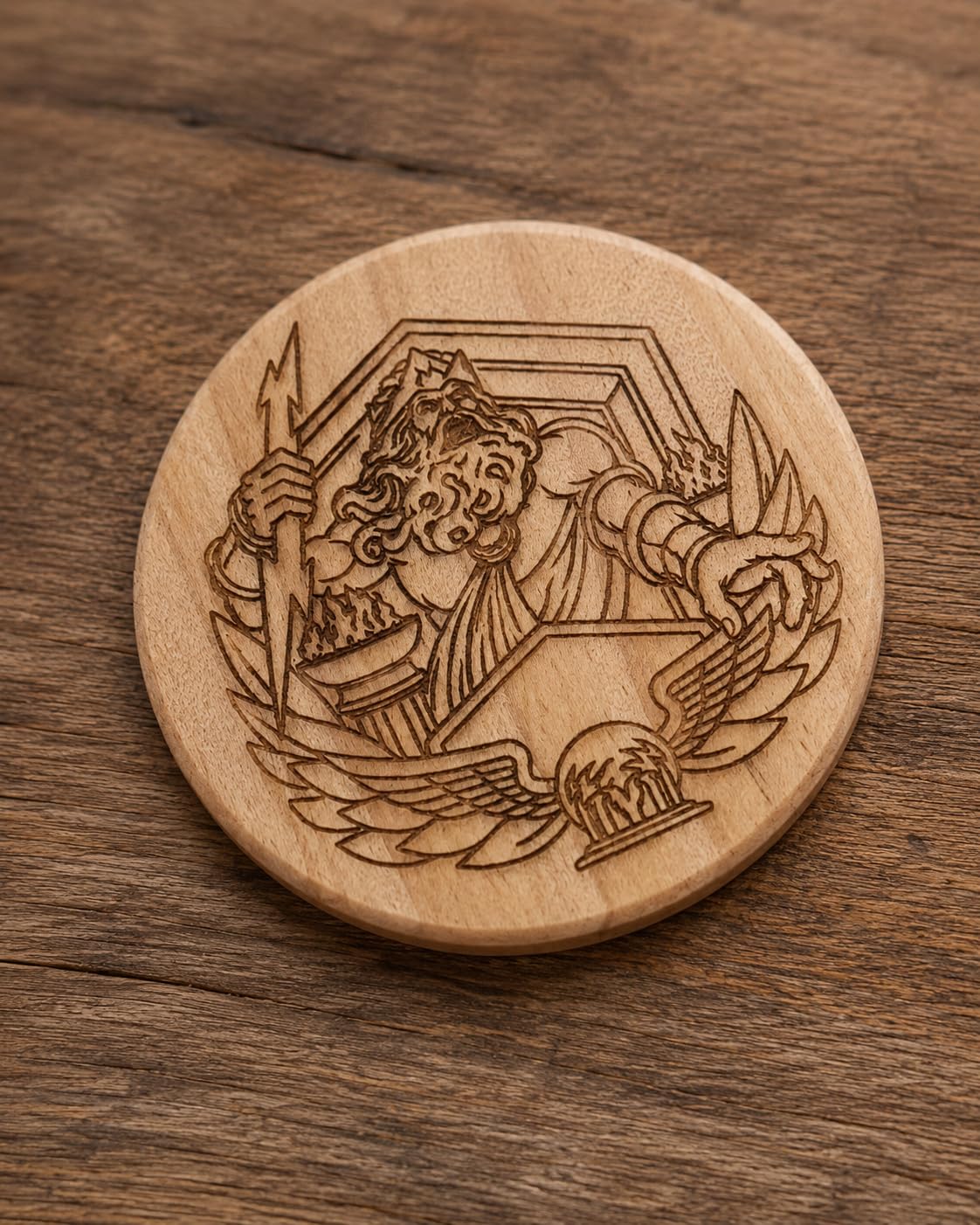
Doubling the optical output shortens the number of passes you need on thicker stock, which is the difference between a ten-minute job and a forty-minute job on 3mm plywood. The linear guides keep repeatability steady across a long cut, so you are not re-zeroing between passes.
The cross-line light and built-in limit switches supporting 0.01mm accuracy are genuinely useful for setting up, because you can see where the origin is instead of hunting for it by eye.
Where it falls short for beginners
Documentation is the biggest gap. Reviewers report almost nothing in the box about air pump setup, limit switch behaviour, Wi-Fi or controller configuration, so you will be relying on forum threads and your own troubleshooting.
The bundled ATOMSTACK software is basic compared with LightBurn, and the gantry wiring is not held in drag chains, so cables can catch on the edge of a workpiece as the head passes. Route them before a long job.
5. ACMER S1 – Budget Pick for a Tiny Desk and Travel-Friendly Work
ACMER S1 Laser Engraver Machine, 6000mW Lazer Cutter for Wood and Acrylic
6000mW diode
130 x 130mm work area
2kg body
99 percent preassembled
Pros
- Lowest entry point in this group
- Arrives 99% preassembled with only the laser head to fit
- Free ACMER Studio software with AI design tools avoids a required LightBurn purchase
- Weighs 2kg and runs on macOS Windows and Linux
- Class 4 certified to IEC 60825-1 with a 12-month warranty
Cons
- 130 x 130mm work area is too small for signage pieces
- 6W module is slow for etching and larger cuts
- Machine can lose its home position and raise false out-of-bounds alarms
- Some owners report inaccurate positioning and heavy cut-through
The S1 is the machine to buy if your question is whether laser engraving is something you enjoy, and you want to find out without spending an evening assembling a frame. It arrives 99% assembled and the only fitting is the laser head, which takes about a minute.
Its 6W diode runs at 455 plus or minus 5nm with a 2mm focal length, a maximum speed of 10000mm/min and 0.01mm repeatable positioning accuracy. The whole body is 250 x 250 x 162mm and 2kg, so it lives on a shelf between projects instead of owning a permanent bench.
The software situation is the sleeper advantage. ACMER Studio is free and includes AI design generation, and the machine also runs LightBurn and LaserGRBL, so you can move to pro software later without changing hardware or buying a licence to start.
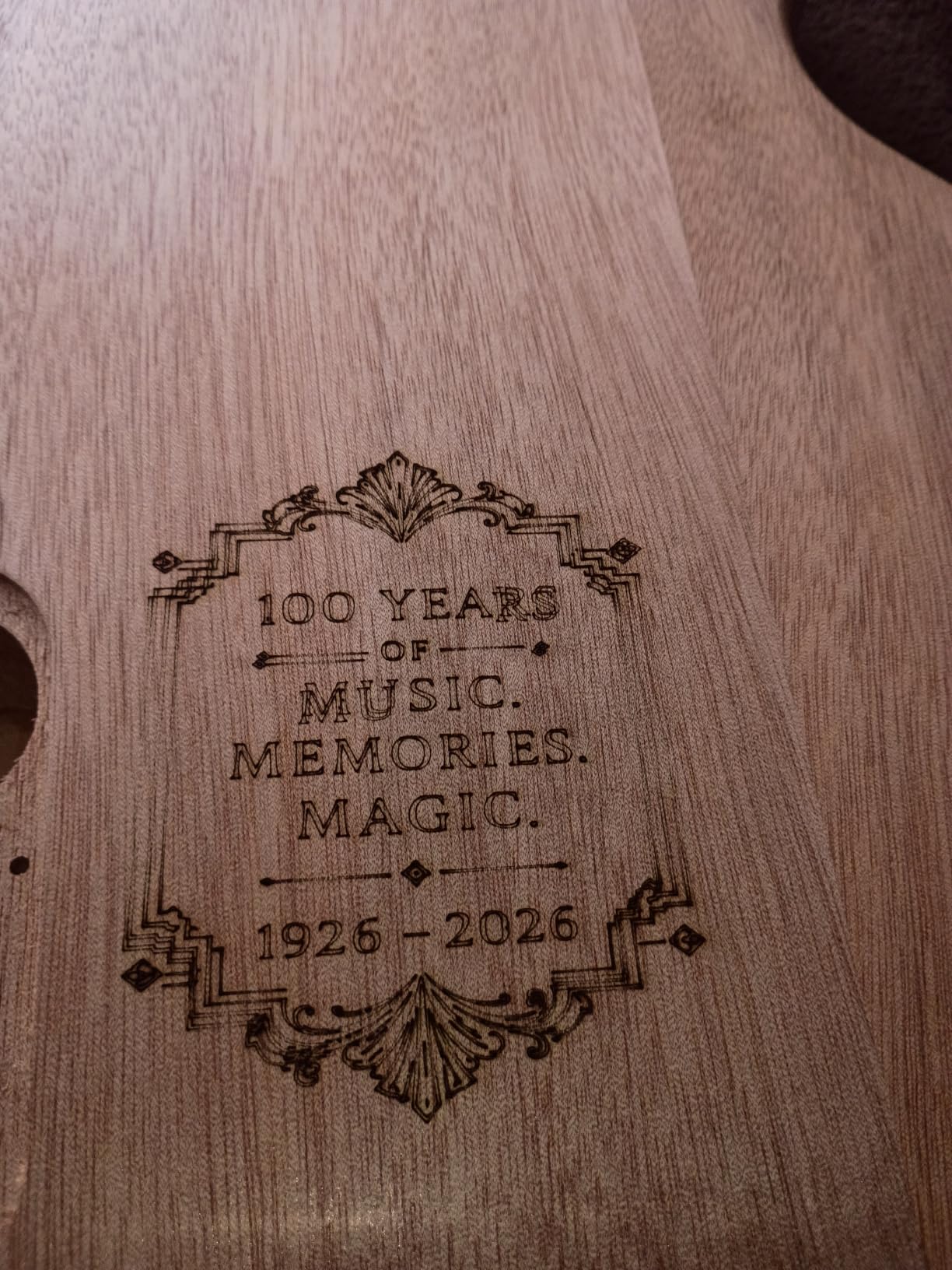
Materials listed are wood, bamboo, leather, plastic, PCB, aluminium oxide and ceramics, and it cuts thin plywood, MDF and acrylic. At 130 x 130mm you are working at jewellery and coaster scale, which is exactly where a beginner’s first dozen projects sit.
Where a compact machine genuinely wins
Owners rate it 4.3 across 205 ratings and repeatedly mention the price, the portability and the free software. For someone who already owns a 3D printer and understands the idea of a gantry, the S1 is a natural companion rather than a compromise.
Consistent results on wood, plywood and leather appear once focus and power are set, and the four-week life of a learning curve is much shorter when assembly took a minute rather than an afternoon.
Where the small size becomes a real limit
The work area is the honest constraint. At 130 x 130mm there is no signage, no cutting board, and no full sheet of anything, so plan jewellery, tags, coasters and small art pieces.
Speed is the second limit. A 6W module is noticeably slower for etching and larger cuts than the 10W and 20W machines here, and owners report the machine losing its home position and throwing false out-of-bounds alarms as the third frustration.
6. ATOMSTACK Swift 12W – Best for Fine Detail on a Compact Footprint
ATOMSTACK Swift 12W Laser Engraver Cutter for Wood & Metal
12W module
0.06 x 0.08mm compressed spot
300 x 300mm area
Up to 400mm/s
Pros
- 0.06 x 0.08mm compressed spot produces fine clean detail
- 400 mm/s engraving speed shortens project time
- Compact 300 x 300mm area with quick assembly
- Removable magnetic safety cover and included glasses
- Works with LightBurn LaserGRBL and ATOMSTACK software
- 365-day warranty with 24/7 support
Cons
- Listings show a 16% one-star share
- the highest in this group
- Screw-rod Z-axis design limits material thickness flexibility
- Reported listing dimensions are inconsistent with a full desktop machine
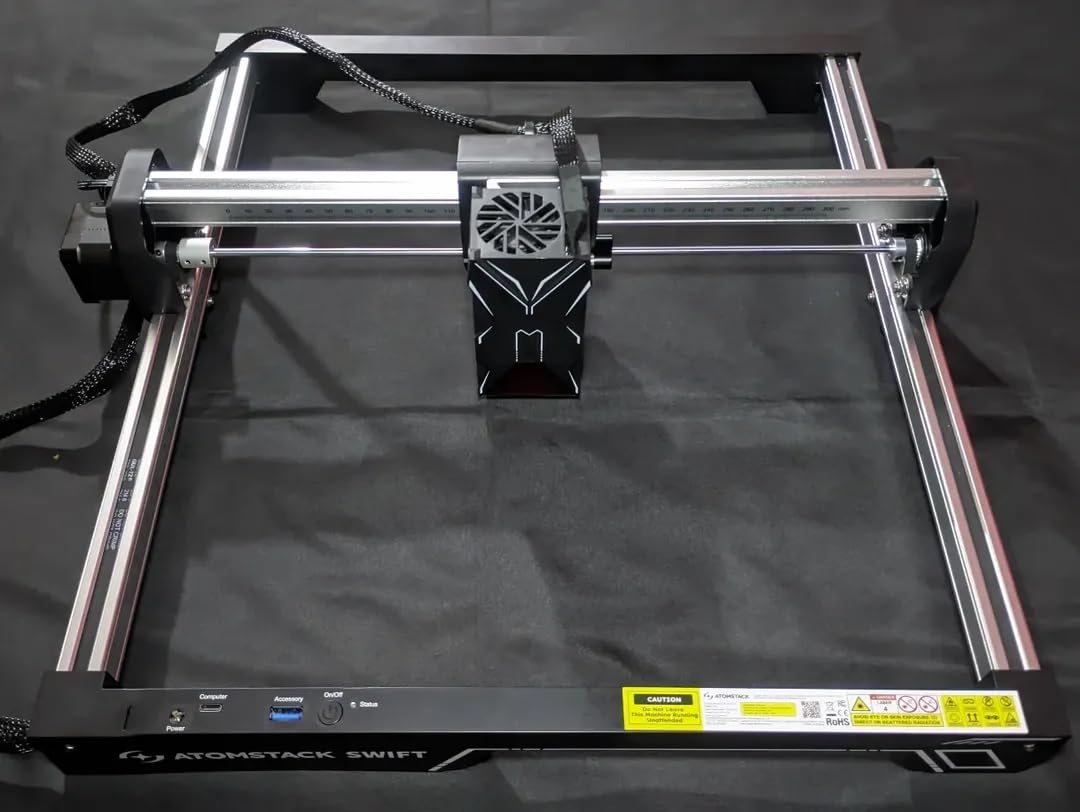
The Swift 12W sits between the 10W craft class and the 20W cutting class, and the reason to choose it over either is the compressed spot. At 0.06 x 0.08mm from double pressure point coupling, it holds detail on engraved text that coarser 10W modules start to blur at speed.
It engraves at up to 400mm/s across a 300 x 300mm area, and the built-in screw rod with a long focal length handles repeated thickness changes without you re-focusing every layer of plywood.
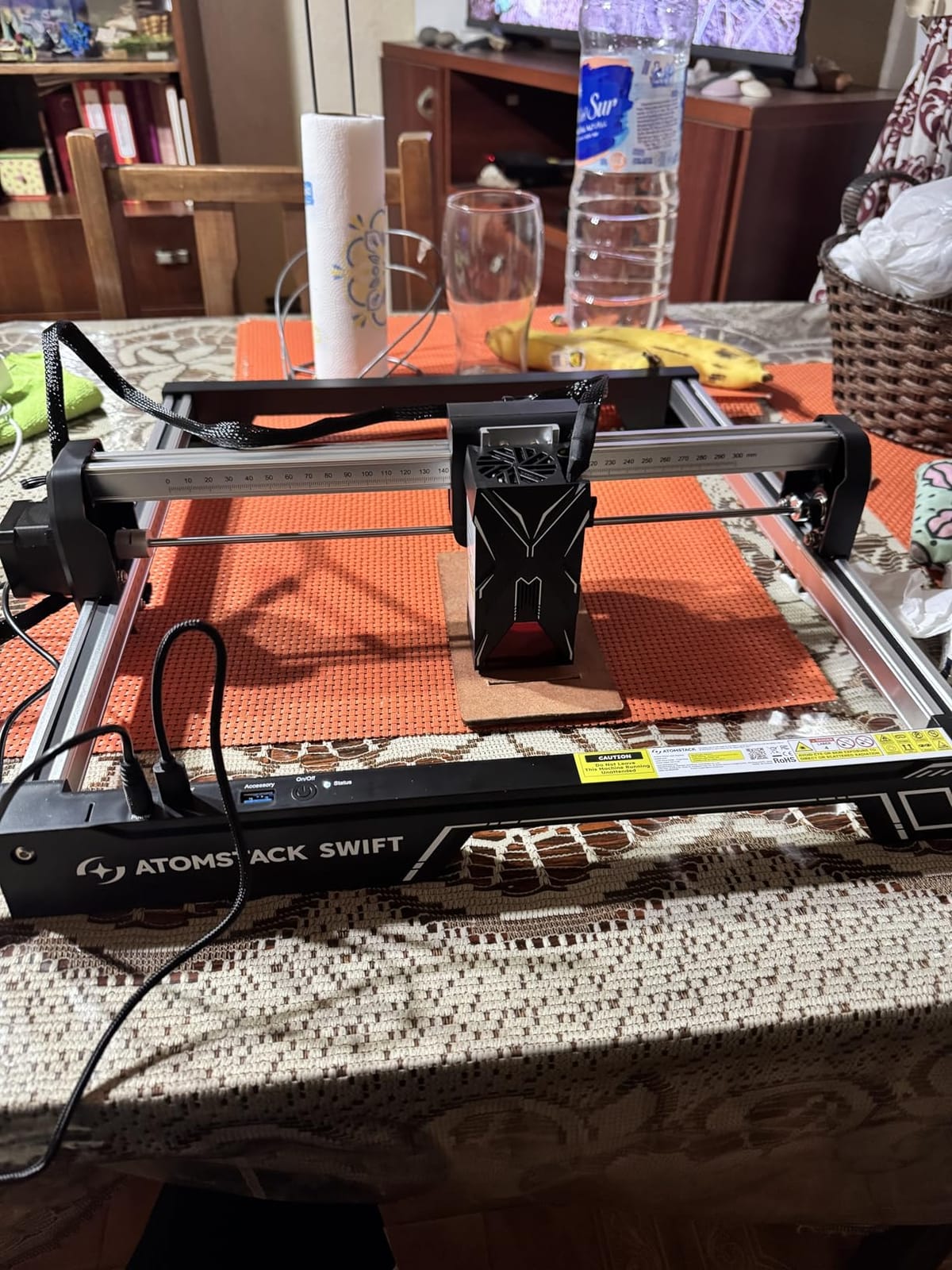
The removable magnetic protective cover is a nice touch because it stays attached to the head when you remove it, so it cannot end up on the bench under a workpiece. Safety glasses are included and the warranty runs 365 days with 24/7 support.
Connectivity is Type-C and USB, with ATOMSTACK app and PC software plus full LightBurn and LaserGRBL support. Assembly is described as quick, which matters on a machine this small.
What the tighter spot buys you
Fine serial numbers, small text on a tag, and detailed logos are where a 0.06mm-class spot separates itself from a wider module. If you are producing repeat items with legible text rather than decorative burns, that difference shows on the finished piece.
The long focal length from the screw-rod design is the underrated feature. Most gantry lasers need refocusing whenever material thickness changes, and this one tolerates a stack without the routine stop.
Where reliability reports are mixed
This model carries a 4.1 average from 124 ratings, the lowest in the group after the Genmitsu, with a 16% one-star share. Early reliability and consistency draw more complaints here than on the larger A20 Pro V2 from the same brand.
Two data warnings: the screw-rod Z-axis limits how flexible you are with very thick material, and the published Amazon dimensions for this listing do not match a full desktop machine, so check the actual footprint before you plan your bench.
7. Creality Falcon 10W – Best Open-Frame Work Area for Large Panels
Creality Falcon 10W Laser Engraver Machine, 0.06mm High Precision Laser Engraving Machine 72W Laser Cutter and Engraver Machine for Wood Metal Acrylic Leather, 15.7″×16.3″ Workspace
10W diode
400 x 415mm work area
0.06 x 0.06mm spot
10000mm/min
Pros
- 400 x 415mm work area is large for a 10W open-frame machine
- 0.06 x 0.06mm compressed spot
- Free Falcon Design Space software covers macOS and Windows including Apple Silicon
- Cuts 12mm wood board and 5mm black acrylic in one pass
- Anti-UV filter acrylic reduces ultraviolet exposure by 97 percent
- Offline SD card operation works away from a computer
Cons
- No Bluetooth despite expectations from other Creality devices
- Framing and framing-out errors are common during setup
- Printed manual has few illustrations and poor English
- Included safety glasses may not be rated for blue diode lasers
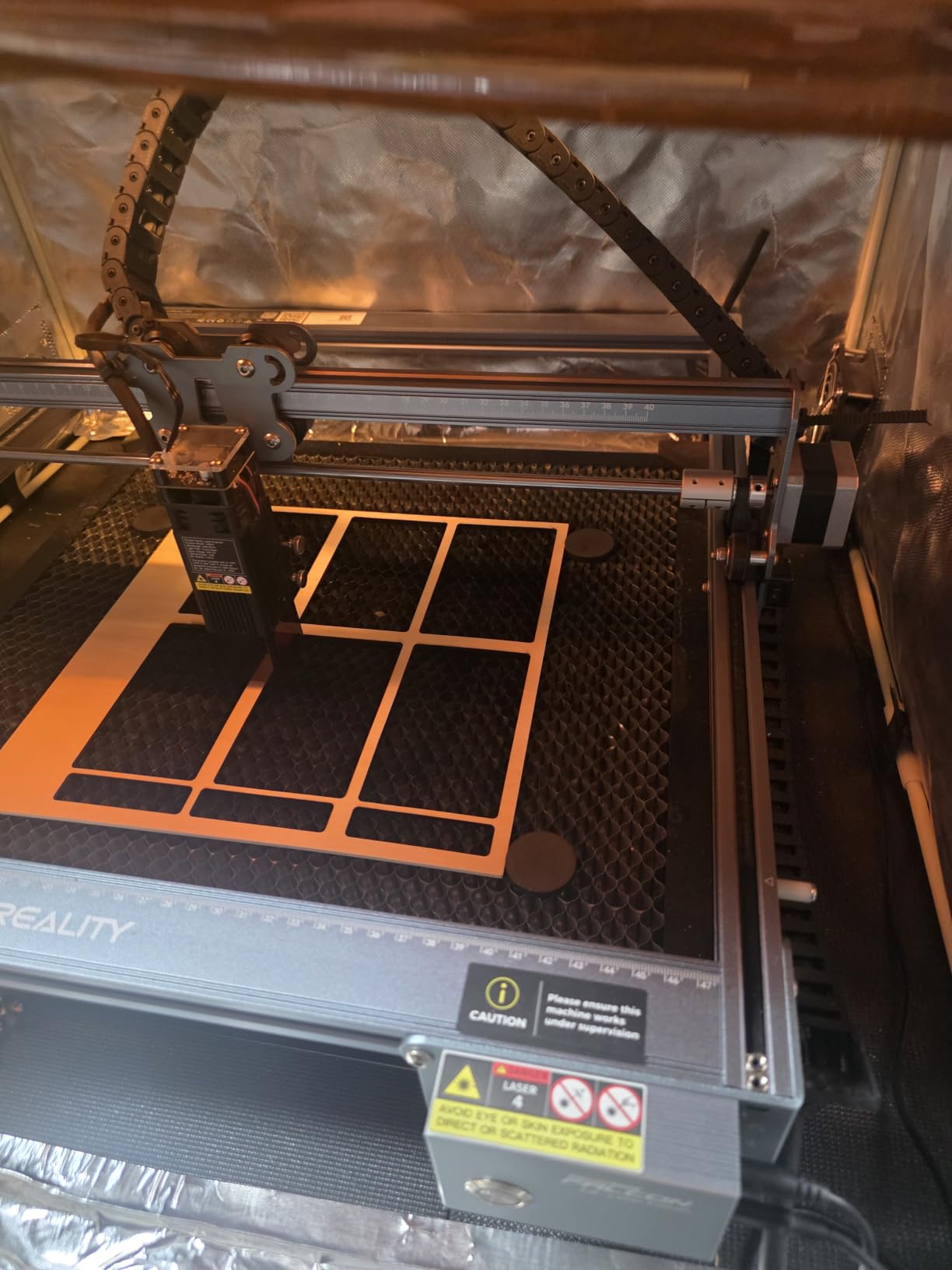
The plain Falcon gives you a 400 x 415mm bed, which at 15.7 by 16.3 inches is larger than the Ortur frame and larger than anything else in this price bracket. If your projects are panels rather than jewellery, that is the whole argument.
Creality quotes 72W effective power against a 10W diode, with a 0.06 x 0.06mm compressed spot and a 32-bit control chip. Stated accuracy is within 0.004 inches with repositioning under 0.007 inches, and it runs at up to 10000mm/min.
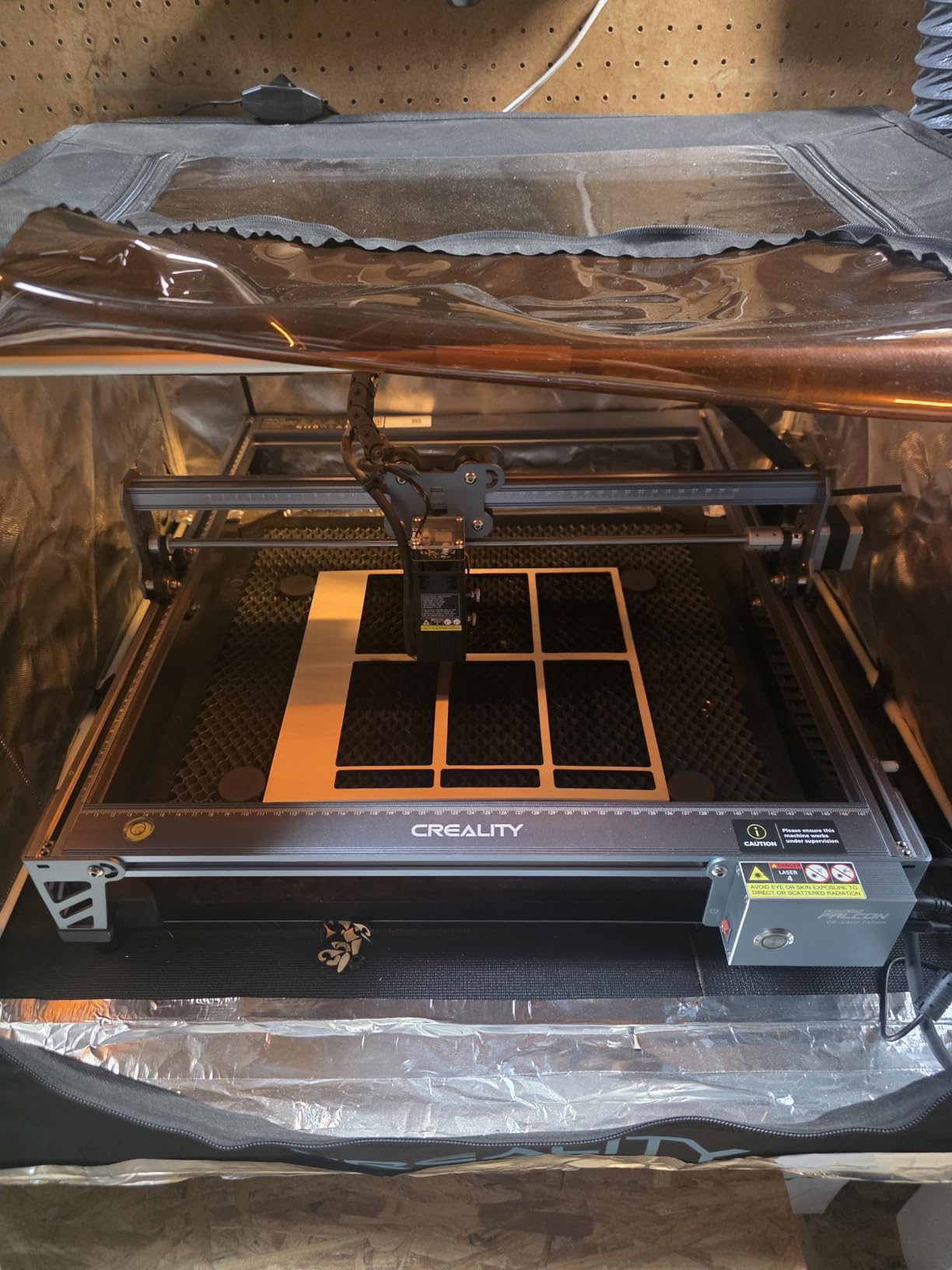
The anti-UV filter acrylic on the laser module end reduces ultraviolet exposure by 97%, and goggles are included. The software situation is good: free Falcon Design Space covers macOS and Windows including Apple Silicon, and LightBurn and LaserGRBL are both supported for when you outgrow it.
Creality states it handles more than 200 material types including leather, fabric, wood, acrylic and metal, and that it cuts 12mm wood board and 5mm black acrylic in a single pass. Owners report assembly at around 15 minutes.
Why the extra bed size changes what you can make
A 400 x 415mm area fits a full sheet of common craft plywood offcut, which means you can lay out a whole batch of identical tags in one setup instead of re-framing between each one. For anyone selling small quantities, that is the difference between a five-minute job and an evening.
The tight 0.06mm-class spot is unusual at this size. Larger beds usually mean a heavier, looser frame, and this one holds detail on small text anyway.
Where setup and documentation cause trouble
Framing and framing-out errors are the most common setup complaint, which matches the wider pattern hobbyists report across brands. It is a configuration fix rather than a fault, but it does need a careful first session.
Two other things to know: there is no Bluetooth despite what you might expect from other Creality hardware, and reviewers raise doubts about whether the included glasses are rated for blue diode output. Buy your own OD-rated pair rather than trusting the box contents.
8. Creality Falcon A1 – Best for Enclosed Indoor Work
CREALITY FALCON A1 10W Laser Engraver, 80W Enclosed Laser Cutter and Engraver Machine with Air Assist, Smart Camera Positioning, 600mm/s Speed, Smart Material Recognition, Ideal for Wood & Metal
Enclosed Class 1 design
381 x 305mm work area
600mm/s CoreXY
Built-in air assist
Pros
- Dual-door enclosure filters 99% of laser radiation and contains smoke and noise
- Integrated pre-calibrated HD camera removes positioning guesswork
- CoreXY motion reaches 600mm/s
- Built-in air assist pump
- Pre-set material parameters cut down trial and error for beginners
- Free Falcon software plus LightBurn LaserGRBL and Cutlabx support
Cons
- Work area is smaller than many cheaper open-frame 10W machines
- Weighs 43.6 pounds so it is a fixed desktop unit
- Does not accept the 500 x 500mm honeycomb bed
- Acrylic cutting not supported and mirror-finished metals prohibited
This is the machine to buy if you share a house with anyone who does not understand what a Class 4 laser is. The dual-door enclosure filters 99% of laser radiation and blocks both noise and smoke, with an interlock, auto-lock, emergency stop and smoke control as standard.
It is rated Class 1 as a complete system, which is the reason you can work next to it without goggles. The 600mm/s CoreXY motion with dual motor power is the fastest movement figure of any open or enclosed machine on this list.
The pre-calibrated HD camera gives a full-frame view of the work area for positioning, which removes the single most common beginner frustration in this hobby: getting the design centred without cutting a sacrificial test. Graphic outline extraction converts artwork patterns into engraving paths automatically.
Software support is broad, with free Falcon software plus LightBurn, LaserGRBL and Cutlabx. Pre-set optimal parameters per material mean a beginner can pick wood and get a usable result before understanding a single LightBurn setting.
What the enclosure actually changes for daily use
Owners rate it 4.2 across 157 ratings with 68% at five stars, and the enclosure, camera positioning and speed draw the consistent praise. Containing smoke and noise is the part you feel every session, especially in a shared space.
The camera is not a gimmick for batch work. Combined with the outline extraction feature it turns photographed artwork into ready-to-run paths, which is the fastest route from an idea to a finished piece.
Where the enclosure costs you flexibility
The work area is 381 x 305mm, which is smaller than several much cheaper open-frame machines despite the higher price. You are paying for containment and speed, and paying for it in bed size.
Two hard limits: acrylic cutting is not supported, and mirror-finished or highly reflective metals are prohibited. At 43.6 pounds it is a fixed desktop unit, and it will not accept the 500 x 500mm honeycomb bed used with other Creality machines.
9. Genmitsu L8 – Best All-in-One Power, and You Still Need External Venting
Genmitsu L8 Laser Engraver, 20W 20000mW Laser Cutter with Acrylic Enclosure
20W optical output
40000mm/min speed
Class 1 enclosed
30L/min air pump included
Pros
- 40000mm/min is the highest engraving speed listed in this group
- 20W class output cuts 12mm pinewood and 8mm black acrylic in one pass
- Arrives fully assembled and running in about ten minutes
- Enclosed Class 1 design means no goggles needed while working
- Includes air assist pump honeycomb bed and LightBurn-compatible camera
- Support responds quickly and sends parts or documentation
Cons
- Wood engraving can look less crisp than metal or plastic results
- Internal light cannot be dimmed when using the camera overlay
- 3-inch exhaust fan is weak and needs external venting in a basement or closed room
- Some units arrived with an unreadable USB drive loose screws or sensor faults
- Supplied documentation can be out of date
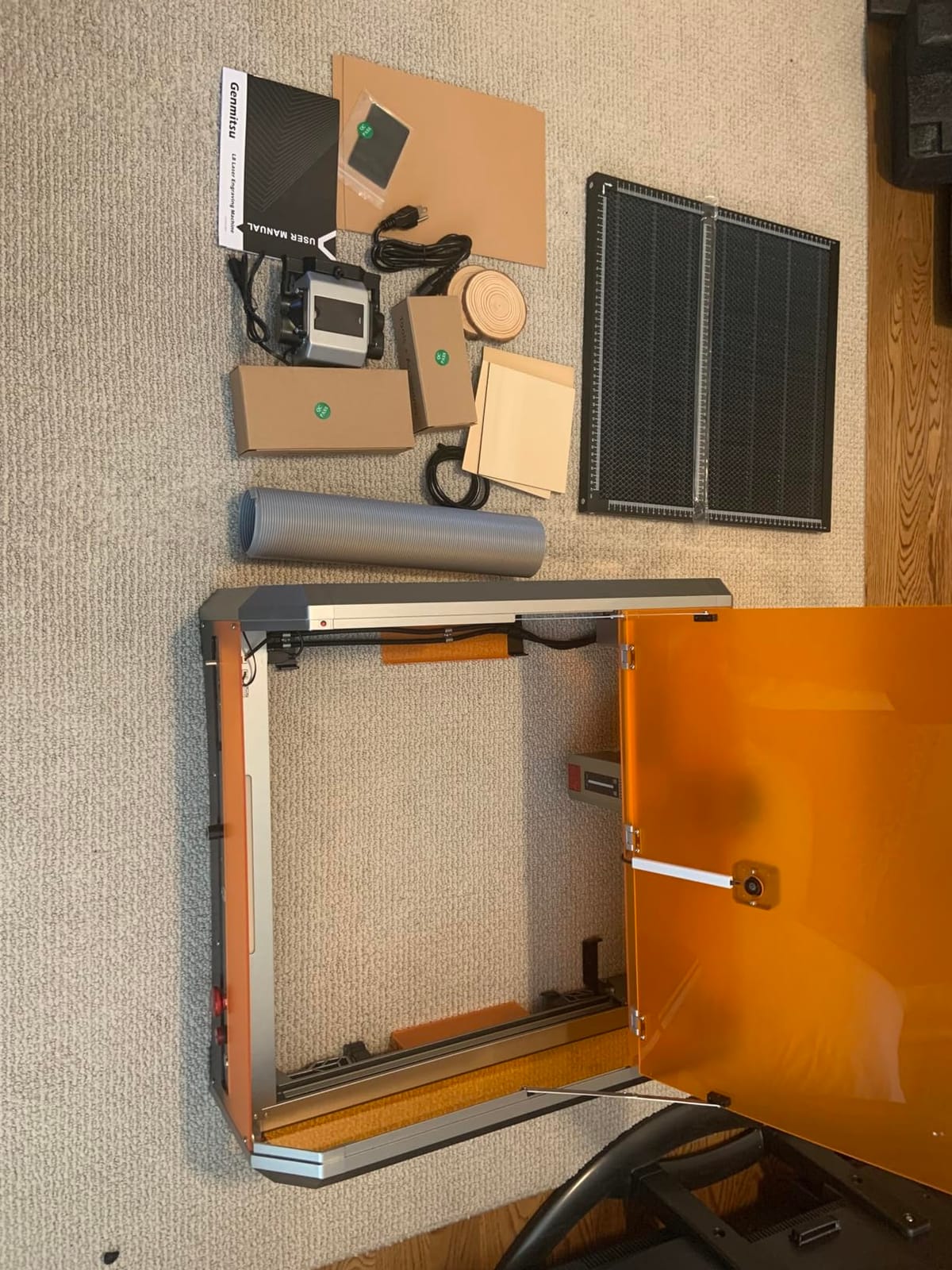
The Genmitsu L8 is the most complete box in this roundup. It arrives fully assembled with a 30L/min smart air assist pump, a honeycomb bed, a LightBurn-compatible camera and a 360-degree acrylic laser shield with an exhaust vent, which is why owners get it running in about ten minutes.
Optical output is more than 20W at 20000mW with a maximum engraving speed of 40000mm/min, matching the compact galvo machines in speed terms. Stated cutting capacity is 12mm pinewood, 8mm black acrylic and 0.05mm stainless steel in one pass.
The safety list is the deepest here: Class 1 certification, door sensor, tilted automatic stop, active flame monitor buzzer, position protection limit switches, emergency stop and a child safety lock. There is also a power indicator bar, a fault reporting light and airflow detection.
A one-year warranty covers the machine, and owners report support responding quickly and sending parts or documentation when needed, which matters when you are depending on a single unit for a project deadline.
Where the bundled kit earns its keep
Having the air pump, honeycomb bed and camera in the box means the machine works properly on day one rather than after three accessory orders. For a buyer who has never run a laser, removing that friction is worth more than any single headline spec.
At 40000mm/min the movement speed is genuinely class-leading, so long text jobs and engraving passes finish quickly. Support responsiveness is a real advantage over the import brands.
Where quality control bites
This machine carries a 4.0 average from 107 ratings with a 19% one-star share, and the negative tail is about delivery condition. Reports include an unreadable USB drive, loose screws and sensor faults on arrival, so inspect the machine before your first job.
The 3-inch exhaust fan is weak and needs external venting in a basement or closed room. Owners also note wood engraving can look less crisp than metal and plastic results, and the internal light cannot be dimmed when using the camera overlay.
10. Carverall K15 Pro – Best Near-A4 Bed With an Optional Metal Upgrade Path
Carverall K15 Pro Laser Engraver 10W-Laser Engraving Machine for Coated Metal Wood Acrylic Glass Stone, Near A4 Work Area Offline Engraving CNC DIY Lazer Cutter for Home & Crafting 10000mW Class 1
Verified 10.36-10.58W output
Near-A4 11.8 x 7.9 inch bed
0.01mm precision
One-touch smart focus
Pros
- Verified 10.36-10.58W measured output rather than a rated claim
- Near-A4 workbed is large for the bracket
- Assembles in about 3 minutes with 6 screws
- Free CutLabX software with AI design works on computers tablets and phones
- 0.01mm precision at 15000mm/min
- Optional 1W IR head upgrade for stainless steel and tumblers
Cons
- Bundled CutLabX software can be unstable on some devices
- User manual is poorly written with incorrect page references
- Air pump enclosure camera and honeycomb bed all need separate purchases
- Needs external ventilation to handle smoke safely
The K15 Pro is the rare listing that publishes its measured output instead of its rating. It states verified 10.36-10.58W, and that single decision tells you more about the seller than any wattage figure elsewhere on this page.
The workbed is near-A4 at 11.8 x 7.9 inches, which is far larger than most machines in this bracket, and it reaches 0.01mm precision at 15000mm/min. The dual-fan 10W diode module reduces heat buildup by 50% and is rated to 15,000 hours.
Four heightening columns let you work on taller items without tilting the material, and one-touch smart focus remembers the last file, so returning to a repeat job does not mean re-dialing the focal plane.
CutLabX is free and includes AI design generation, working on computers, tablets and phones, and the machine also runs LightBurn and LaserGRBL plus TF card offline batch jobs. Assembly is stated at about 3 minutes with 6 screws.
Why published measured output matters to you
Verified output is the entire reason this machine ranks. The gap between rated electrical wattage and real optical power is the top source of hobbyist disappointment, and a seller who measures and publishes it is telling you the marketing has been checked.
The near-A4 bed is the second reason. It handles most daily project sizes while staying small enough to slide under a desk, which means the machine is not permanently occupying a room the way a 43.6-pound enclosed unit does.
Where the accessory budget catches up with you
The air pump, enclosure, camera and honeycomb bed are all separate purchases, so the total you end up with is larger than the machine alone. Plan ventilation into the budget on day one rather than discovering it during your first cut.
Two more cautions: CutLabX can be unstable on some devices, so test your own laptop or tablet before committing to a batch job, and the user manual is poorly written with incorrect page references.
Honest Problems Owners Report and How to Fix Them
Almost every complaint we found while reading owner posts falls into one of five patterns, and none of them mean the machine is faulty. They are configuration and maintenance issues that resolve the first time you know to look for them.
Framing starting too far to the right is the most common. This is almost never a hardware fault; it is the home position and origin offset not being set correctly, and it resolves on the first proper calibration pass in your software rather than the fifth.
Engraving that will not get deep enough is the second. In practice this is usually one of three things: focus is set with a spacer of the wrong thickness, air assist is running but too weak to clear debris, or you are on a multi-pass job where the passes are too fast for the depth requested.
Shallow, uneven fills while vector lines look fine is the third pattern. Solid or hatch fill engines on a long job leave time for the frame to settle, which shows up as inconsistent fill density on a large panel and not at all on a short vector line. Add a pause between fill layers and slow the speed slightly.
Loose pulley set screws on motor wheels cause shifted or inconsistent work over time. This one is genuinely a hardware fix: check the set screws on the motor pulleys and the wheel assembly during your first month, and re-torque them if the pattern drifts. Belts also need tensioning, and belt tension is what keeps the pattern aligned over a long cut.
Noisy fans and open frames in a home workspace is a comfort issue rather than a fault, and the answer is an enclosure or a dedicated room. If you cannot get that, choose one of the Class 1 enclosed machines below product 8 and accept the smaller bed.
How to Choose a Diode Laser Engraver
Start with your biggest project, not with the wattage. Measure the largest panel you want to produce and buy the bed that fits it with a margin, because a machine that is 90% utilised will not leave room for the mounting tabs you always add later.
Rated wattage is not optical power
Rated wattage describes the electrical draw or the diode’s rated class, not the beam that leaves the lens. Optical power is what does the work, and it is always lower. Listings that quote a single number for both are the source of the “this machine is weaker than advertised” posts you will find on every laser forum, and the Carverall K15 Pro stands out by publishing its verified measurement instead.
Treat the wattage figure as a class indicator and use it for comparing machines only when the listing says optical output. Cut capability scales with optical power, focus quality and air assist together, not with any one number.
Which power class you actually need
A 5W to 6W class is a learning machine. It engraves wood, bamboo, leather, cardboard and thin plywood and cuts thin material, and the ACMER S1 is the clearest example. Choose it if your projects are small and you want the lowest barrier to entry.
A 10W class is the hobbyist default and the right answer for most people. It engraves fine detail, cuts 10 to 12mm wood and around 5 to 8mm acrylic in a single pass with air assist, and six of the ten machines here sit in this band.
A 20W class halves your pass count on thicker stock and is what you want if plywood, thicker acrylic or repeated production batches are the goal. The ATOMSTACK A20 Pro V2 and the Genmitsu L8 are the two examples we tested in this band.
A 40W class is a different purchase. It changes your ventilation requirements, your fire risk and your budget in a way that puts it outside hobbyist territory, and it is only worth considering if you are cutting thick plywood for money rather than for yourself.
Work area and what fits on it
Measure your typical project and add margin. A 130 x 130mm bed handles jewellery and tags, a 300 x 300mm bed handles coasters and small signage, and 400 x 400mm plus is where panel work becomes possible. The Creality Falcon A1 shows the trade-off clearly: an enclosure at 381 x 305mm is smaller than a cheap open frame.
Some beds can grow. The Longer Ray5 expands to 850 x 400mm with an extension kit, which is a cheaper path to a bigger bed than buying a larger machine later.
Enclosed or open frame
Open frames are cheaper, lighter, larger and easier to expand. They are also Class 4 machines that need OD-rated goggles, an air line and a ventilated room. Enclosed machines are rated Class 1 as a complete system, contain smoke and noise, and are the only honest choice for a shared home.
Choose open frame if you have a dedicated workshop with extraction and nobody else in it. Choose enclosed if the machine lives in a garage corner, a spare room or a small-business unit with customers nearby.
Air assist and fume extraction are not optional
Air assist blows debris and char out of the kerf, which cuts faster, reduces flame risk and dramatically improves edge quality. Without it every cut is harder and every engrave is dirtier. Some machines include the pump, and several notably do not.
Fume extraction is separate and arguably more important. PVC and vinyl release chloride fumes that no machine should be run on, and plywood edges and leather produce their own smoke. Look for a two-stage or filtered extractor rather than a single-filter unit, and if your machine is enclosed but the exhaust fan is weak, plan an external vent.
Software decides how much you will enjoy it
LightBurn is the reference point for hobby and small-business diode work, and it handles vectors, raster, fill optimisation, camera alignment and multi-layer jobs. LaserGRBL is free, simple and adequate for sending jobs, but it will not teach you to optimise fills or match kerf compensation.
The bundled apps matter less than the spec sheets suggest. CutLabX, ACMER Studio, Falcon Design Space and the ATOMSTACK app are all workable starting points, and the Carverall, ACMER and Creality machines all support LightBurn and LaserGRBL as well. Check which third-party software your model supports before you buy, not after.
Safety glasses and what to look for
For a 445nm blue diode you want OD4 or OD6 eyewear rated for that wavelength, with the optical density printed on the frame rather than implied. Do not rely on the glasses in the box; several owners of the Creality Falcon 10W specifically raise doubts about whether the included pair is rated for blue diode output.
Enclosed Class 1 machines remove the need for eyewear during normal operation, which is a meaningful safety upgrade, not a marketing line.
Diode vs CO2 vs Fiber: Which Laser Type Do You Actually Need?
For a hobbyist working in wood, leather, cardboard and painted metal, a diode is the right answer. It is the least expensive to run, needs no chiller or gas, fits on a desk and needs no exhaust beyond a filtered extractor.
A CO2 laser cuts far more material faster, and produces a thinner kerf with a visibly cleaner edge on wood and acrylic, but it needs forced air, a chiller in most cases, and often a dedicated circuit. It also cannot touch metal at all, so the comparison is not simply better versus worse.
A fiber laser is a small-business and industrial machine. It marks bare metal, which is the one thing a diode cannot do, and it is priced and sized accordingly. If bare metal marking is your actual goal, the honest advice is to budget for a fiber machine rather than trying to engineer around a diode’s limitations.
The upgrade path inside diodes, from 5W to 10W to 20W to 40W, is the realistic middle ground for most hobbyists, and all four bands appear in this roundup.
Laser Safety and Ventilation for a Home Workshop
The health risk that matters is not the beam striking skin; it is eye exposure to a reflection, and to the smoke and gases produced by the material. Treat both seriously and a hobby laser is a safe tool to own.
Eye protection: every open-frame Class 4 machine on this list requires OD-rated eyewear for 445nm. Reflections off polished metal, glossy acrylic and even a shiny phone case can redirect the beam unpredictably, which is why mirror-finished and highly reflective materials are prohibited outright on the Creality Falcon A1.
Ventilation: run the machine with air assist pointed at the kerf and an extractor at the source. Never cut PVC or vinyl, and check what your material actually is, because the fumes from chlorinated plastics are the genuinely dangerous case in this hobby rather than the wood smoke.
Fire: an unattended laser on an open frame in a workshop with wood and cardboard nearby is the scenario that burns a building down. Keep an extinguisher within reach, never leave a cut running unattended, and use flame detection or a tilt alarm where the machine offers it, as the ATOMSTACK A20 Pro V2 and Genmitsu L8 do.
Enclosed units change the picture. The dual-door enclosure on the Creality Falcon A1 and the acrylic shield on the Genmitsu L8 filter or contain the radiation so the machine can be used around other people. If your household includes anyone who will ignore instructions, that is the deciding factor, and no amount of caution signage substitutes for a door interlock.
Noise and smoke are the two complaints that push hobbyists towards enclosures, because a diode laser in a shared room is unpleasant even when it is perfectly safe. Vent before you buy, not after.
Frequently Asked Questions
What is the best laser engraver for hobbyists?
The Ortur Laser Master 2 S2 is the best overall choice for hobbyists because its full-metal frame holds alignment over long jobs, its 390 x 410mm bed handles most craft projects, and its 1474 ratings make its strengths and weaknesses well documented. The Longer Ray5 is the better value pick with a 400 x 400mm bed, a touch screen and the fastest rated engraving speed in this group.
Which diode laser cutter is the best?
For a first diode laser, the best balance of price, documentation and power is a 10W class machine. The Twotrees TTS-10 Pro suits beginners who want to learn LightBurn, the Creality Falcon 10W suits panel work with its 400 x 415mm bed, and the ATOMSTACK A20 Pro V2 suits anyone who needs to cut thicker plywood at 20000mW.
Can I engrave metal with a diode laser engraver?
Only coated metal. A 445nm diode marks painted, powder-coated, anodised and oxide-finished surfaces but leaves bare and stainless steel untouched, because the coating is what absorbs the energy. Marking bare stainless requires a fiber laser, or an optional 1W infrared head such as the one offered for the Carverall K15 Pro, which marks rather than cuts.
What’s better, CO2 or diode laser?
For a hobbyist in wood, leather, cardboard and painted metal, a diode is better: it is cheaper, needs no chiller or gas and fits on a desk. A CO2 laser cuts more materials faster with a thinner kerf and cleaner edge, but needs forced air and cooling and still cannot mark metal. A fiber laser is the only option that marks bare metal, at small-business prices.
What are the health risks associated with laser engraving?
The main risk is eye injury from a stray or reflected beam, so open-frame Class 4 machines require OD4 or OD6 glasses rated for 445nm, and mirror-finished materials are prohibited. The second risk is inhalation of fumes, which is why air assist and filtered extraction are essential and why PVC and vinyl must never be cut. Fire risk from unattended cuts is the third.
Is laser engraving worth it as a hobby?
Yes, if you already enjoy 3D printing, woodworking, leatherwork or jewellery making, because the learning curve is short and a single machine covers engraving and light cutting. Budget for the extras on day one: laser-rated glasses, an air assist pump where the machine does not include one, and a fume extractor. Those three items decide whether the hobby feels safe and satisfying.
The Verdict on the Best Diode Laser Engravers in 2026
The Ortur Laser Master 2 S2 is our pick for the best diode laser engraver for hobbyists, because a rigid full-metal frame and a 390 x 410mm bed solve the two problems that actually derail new owners: drifting alignment and a workspace that is too small for real projects.
If you want more speed and a larger bed for the same tier of money, the Longer Ray5 is the value choice, and the Twotrees TTS-10 Pro is the least painful introduction to LightBurn. Go to the ATOMSTACK A20 Pro V2 when cutting thicker plywood matters more than everything else, and to the Creality Falcon A1 or Genmitsu L8 when the machine has to live indoors with other people nearby.
Whichever you choose, budget the glasses, the air assist pump and a filtered extractor on the same day. Those three items, not the wattage on the box, decide whether the hobby stays enjoyable. And if you are still deciding between machines, our roundups of the best stereo microscopes for hobbyists and the best gem faceting machines for hobbyists cover the other precision tools that tend to land in the same hobbyist workshop.