
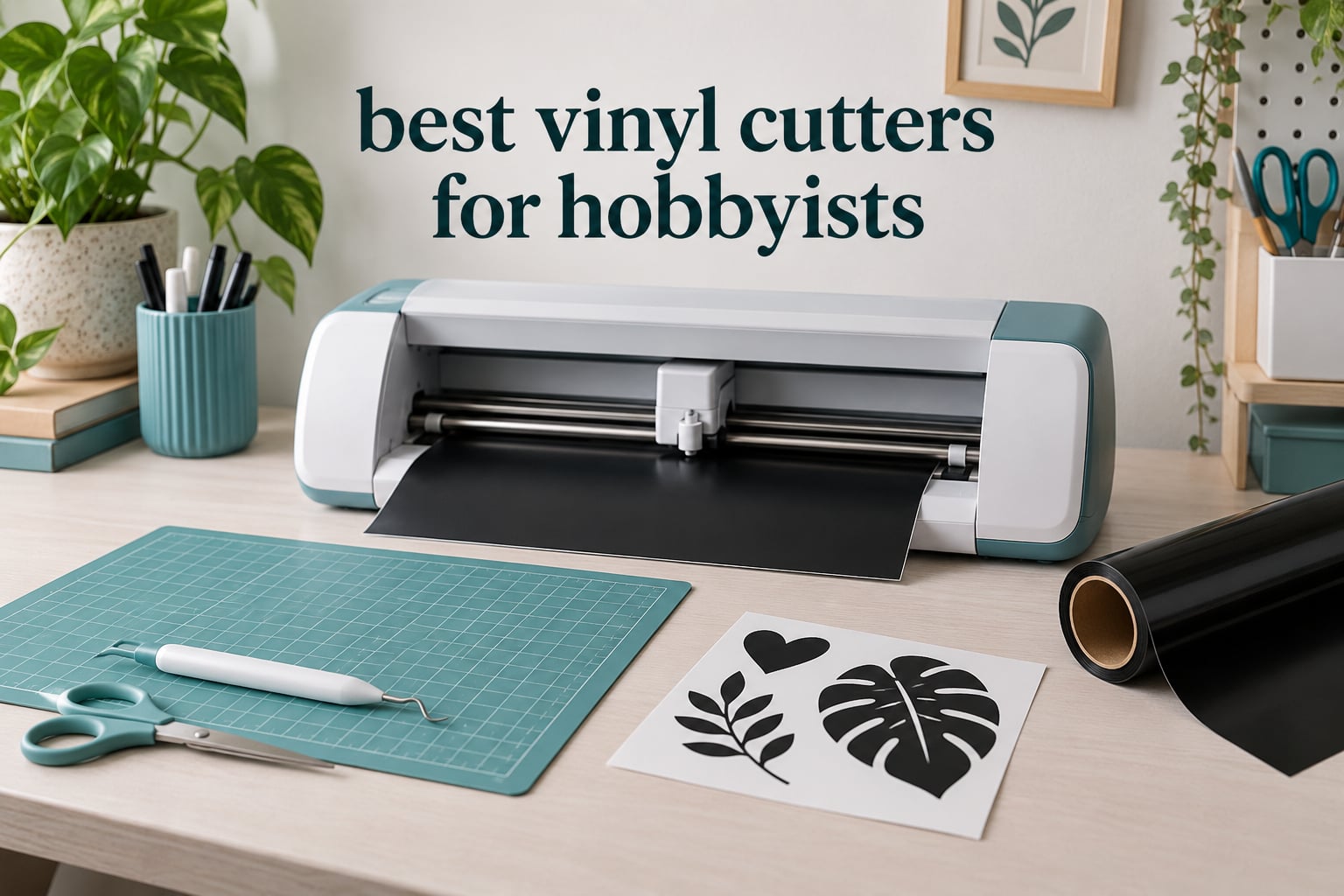
When people type vinyl cutter into a search bar, half the results are record-cutting lathes for audio, which have nothing to do with this article. What we are talking about is the small desktop machine that drags a blade through adhesive vinyl, heat transfer vinyl, or stencil film so you can weed the excess away and end up with a decal, a sticker, or a shirt graphic.
I spent weeks reading owner reviews, manufacturer listings, and community threads to put together the best vinyl cutters for hobbyists in 2026. Ten machines made the cut: two compact hobby cutters at the budget end, four mid-range desktop machines, two premium desktop cutters, and two roll-fed plotters for hobbyists whose hobby has quietly turned into a small business. Every pick carries an explicit reason to skip it, because the wrong machine in this category is a genuinely frustrating way to spend an evening.
One thing to say up front: we did not run these machines in a lab. This is a research-driven roundup built from current listings, published specifications, manual and software documentation, and owner feedback. Where a spec comes from a retailer listing, we treat it as a listing claim rather than a laboratory measurement.
Table of Contents
What Is the Best Vinyl Cutter for Hobbyists?
The Silhouette Portrait 4 is the best vinyl cutter for most hobbyists because it combines a 9-inch cut width with desktop software that costs nothing, uses your own installed fonts, and has the largest pool of owner reviews in this group. If your work is mostly decals, labels, and shirts, that combination is worth more to you than a longer feature list on a pricier machine.
If you need a bigger canvas, the Silhouette Cameo 5 Alpha Plus cuts 15 inches wide with an automatic blade. If you want to cut wide signage at home, the USCutter 34 Inch MH 871 takes 34-inch rolls and comes with no subscription model attached.
Top 3 Vinyl Cutter Picks for 2026

Silhouette Portrait 4
- 9 inch cut width
- Desktop Studio software with no subscription
- Uses your own installed fonts

Silhouette Cameo 5 Alpha Plus
- 15 inch cut width
- AutoBlade sets blade depth automatically
- 4-point registration marks

Cricut Joy
- 12 by 48 inch cut area
- 3.9 pound body for portable use
- Matless Smart Material long cuts
Best Vinyl Cutters at a Glance in 2026
| Product | Specifications | Action |
|---|---|---|
| Silhouette Portrait 4 |
|
Check Latest Price |
 USCutter 34 Inch MH 871 USCutter 34 Inch MH 871 |
|
Check Latest Price |
 Brother SDX125E ScanNCut Brother SDX125E ScanNCut |
|
Check Latest Price |
| Silhouette Cameo 5 Alpha Plus |
|
Check Latest Price |
 Likcut S501 Likcut S501 |
|
Check Latest Price |
 Cricut Joy Xtra Cricut Joy Xtra |
|
Check Latest Price |
 Cricut Maker 4 Cricut Maker 4 |
|
Check Latest Price |
 Silhouette Cameo PRO Silhouette Cameo PRO |
|
Check Latest Price |
| Cricut Joy |
|
Check Latest Price |
 VEVOR 34 Inch Bundle VEVOR 34 Inch Bundle |
|
Check Latest Price |
What Is a Vinyl Cutter, and What Does It Cut?
A vinyl cutter is a desktop plotter that holds a blade instead of a pen. You create a design in software, send the file to the machine, and a motorized carriage drags the blade at a fixed depth through material held on a cutting mat or fed from a roll. A vinyl cutter cuts; it does not print.
That last distinction matters more than it sounds. Many hobbyists buy a cutter expecting a printer. For full-color stickers you need a separate inkjet printer plus a print-then-cut workflow, where the machine reads printed registration marks and cuts around your artwork.
The four vinyl types you will actually use:
Adhesive vinyl is the thin, self-cling cut vinyl for window lettering, wall decals, and vehicle graphics.
Heat transfer vinyl (HTV) is thicker and needs a heat press to bond to fabric. It is the material for shirts, totes, and aprons. If HTV is your main goal, start with our guide to the best vinyl cutters for heat transfer vinyl.
Stencil vinyl is cut in isolated islands so the negative space stays in place when you peel the backing. It is how you make a painted stencil.
Printable vinyl is a blank sheet you print on, then contour cut around the finished artwork.
Two other jobs worth naming. Weeding is pulling away the vinyl you do not want, and transfer tape is the low-tack sheet that carries your finished design onto a window, wall, or shirt. Our picks for sticker production are in the sticker business roundup.
A quick warning about the category itself: commercial sign plotters, craft vinyl cutters, and audio record-cutting lathes all show up under this keyword. Everything below is a craft or hobby plotter that fits on a desk or a garage workbench, not a commercial sign machine.
1. Silhouette Portrait 4 – The Best First Cutter Without a Subscription
Silhouette America Portrait 4 Vinyl Cutting Machine, Deluxe Bundle – 9” Vinyl Cutter with PixScan, Business Edition Software, 12 Sheets of HTV, 24 Sheets of Oracal, and Tool Kit for Crafters
9 inch cut width
Cuts up to 16 feet long
50 dB operation
2mm material clearance
Pros
- Uses fonts and graphics already installed on your own computer
- Large searchable design library with free weekly additions
- Sharp cuts owners compare to 300 DPI resolution
- Print-then-cut and sketching built in
- Quiet at 50 dB
Cons
- Silhouette Studio has a real learning curve for first-time design users
- Blade settings are trial and error and can score the mat
- Very sticky mat needs breaking in and periodic replacement
With 2892 ratings on record, the Portrait 4 has the deepest owner feedback base of anything in this roundup, and the pattern across those reviews is consistent. Owners describe cuts as sharp and precise, and they repeatedly single out the fact that the machine uses fonts already installed on their computer instead of locking everything behind a design app.
This is the machine I keep recommending to someone starting out. The 9-inch cut width handles the majority of decal work, and it cuts materials from 5.5 to 9 inches wide with 2mm of material clearance, so thicker stock is not an automatic problem.
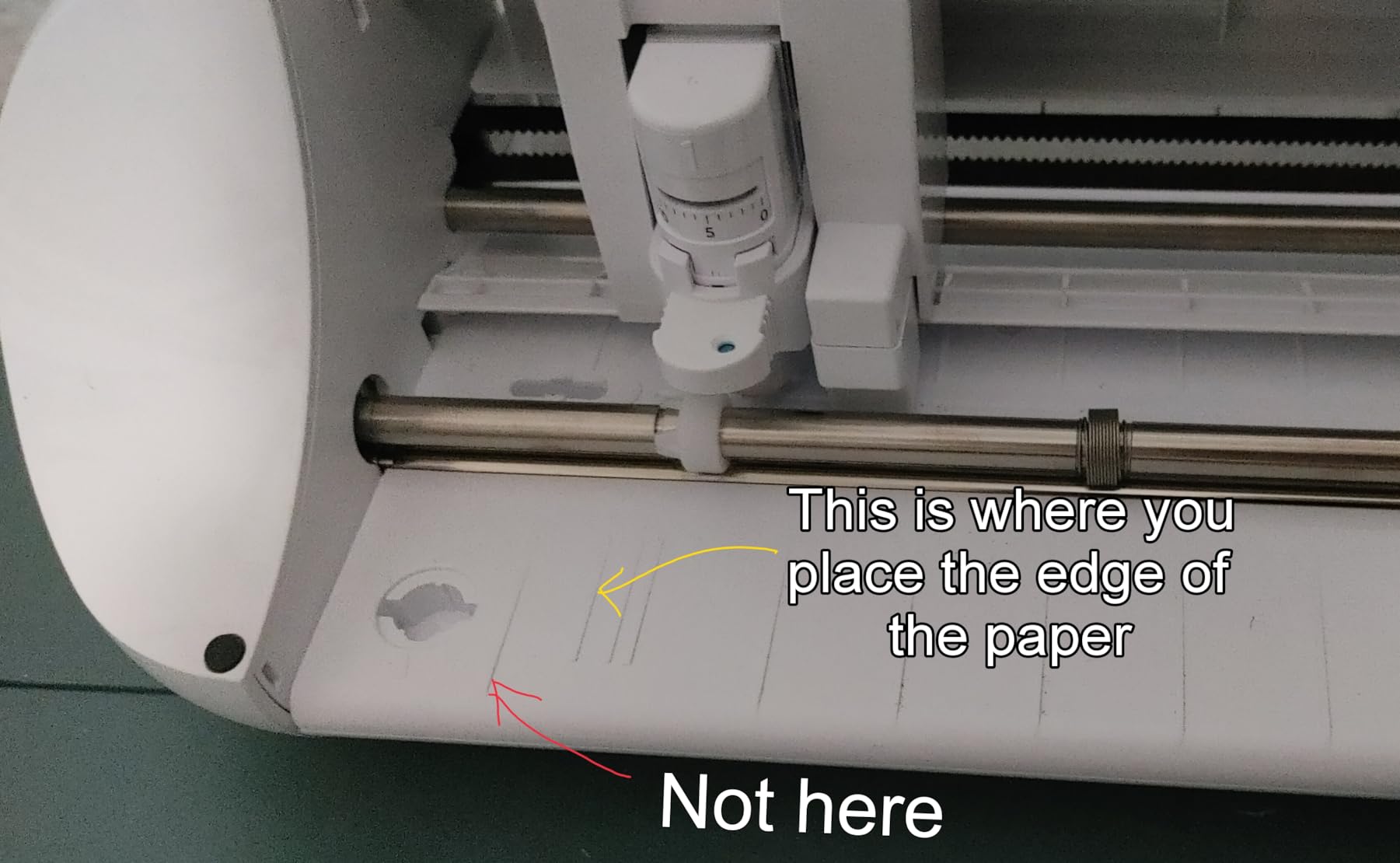
The trade-off is the software. Silhouette Studio does more than a beginner-first app, and new users hit a wall on blade settings and mat adhesion. The suggested blade settings often cut into the mat, and the mat itself is deliberately very sticky, which means it needs cleaning, a break-in routine, and replacement eventually.
At 50 dB this is one of the quieter machines here, though owners do report it as louder than comparable Cricut units. A 9-inch width also means more passes for a large design, so tiling and multi-layer decals take longer.
What you should know before buying
Buyers should confirm the machine lists PC as its compatible device if that matters to their setup, since the product details name PC specifically. The one-year warranty is standard for the category, and this bundle lists Studio Business Edition access alongside 12 sheets of HTV and 24 sheets of Oracal adhesive vinyl.
Anyone who learns design software will find Studio rewarding rather than frustrating. It is the wrong choice for someone who wants to type a prompt and press a button.
Who should skip this one
Skip the Portrait 4 if you regularly cut full-width window lettering or anything wider than 9 inches, because those projects require repeated passes and seam lines. It is also the wrong pick for anyone who refuses to spend an evening calibrating a blade before the first real job.
If you want print-and-cut sticker workflows instead, the sticker-focused roundup will fit you better.
2. USCutter 34 Inch MH 871 – The Best Machine for Wide Signage
USCutter 34 inch MH 871 Vinyl Cutter Kit with Software, Free Video Training Course, Starter Signmaking Kit
34 inch maximum cutting width
48 pound machine with stand
USB interface
Roland compatible blade holder
Pros
- Very wide 34 inch cut area handles signage and vehicle graphics in one pass
- Design and Cut software has no subscription model
- Software includes a test-area perimeter preview and image-to-outline tracing
- Comes with a stand starter vinyl transfer tape and three blades
- Roland compatible blade holder keeps blade costs low
Cons
- Large chassis and stand take up significant floor space
- Software license is tied to one computer and must be deactivated to switch machines
- Unsigned Windows drivers after Windows 7 mean extra setup steps
The USCutter is the machine hobbyists notice when they want real signage and nothing else. At 48 pounds with a full stand and a 34-inch maximum cutting width, it is a garage machine rather than a desk machine, and reviewers with prior plotter experience rate the build quality and cut speed well above what craft cutters deliver.
The decisive advantage is software. Design and Cut is bundled, has no subscription model, and includes a test-area perimeter preview plus image-to-outline tracing. Owners cite the no-subscription model as the deciding factor more than any hardware spec.
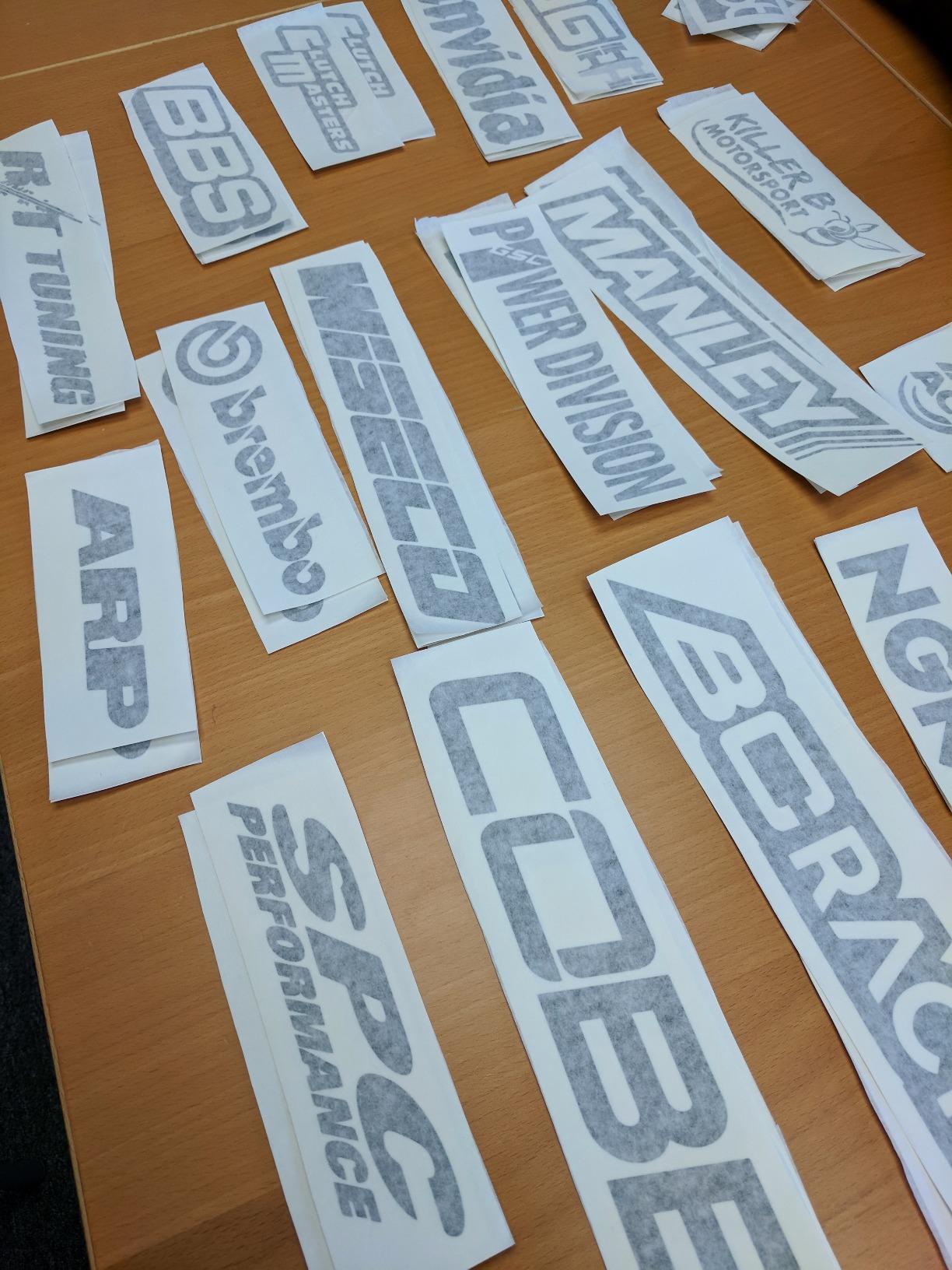
Two fully adjustable pinch rollers and a ball-bearing dual roller media system let you run a flexible range of materials, and the Roland compatible blade holder means standard economical blades work. It arrives assembled and calibrated enough to be cutting within minutes, with vinyl rolls, transfer tape, magnetic blanks, a knife, a squeegee, and lifetime phone support in the box.
The complaints are practical. The software license is tied to a single computer and must be deactivated before you move it, and the drive situation after Windows 7 requires extra installation steps. A minority of long-term owners report pinch roller and carriage part failures that lead to costly repairs.
One long-term owner recommends sizing down instead, because most vinyl is sold in 12- and 24-inch widths. That is honest advice worth taking seriously before you fill a corner of the garage.
What you should know before buying
The warranty terms can be affected if the original shipping box is discarded, so keep it. Reviewers also warn to check that the stand is included, since this configuration lists a stand alongside the machine.
Anyone moving up from a craft cutter should expect a workflow change: media feeds from a roll rather than a mat, and cut depth is set by dial rather than by an auto blade.
Who should skip this one
Skip this machine if your projects rarely exceed 24 inches or if you have no floor space for a 34-inch chassis on a stand. It is also a poor match for someone who wants to learn an app rather than run a desktop tool with a dongle-style license.
If you are producing apparel at volume rather than signage, read our apparel decorator roundup first.
3. Brother SDX125E ScanNCut – The Best Built-In Scanner
Brother SDX125E ScanNCut Electronic Cutting Machine Scanner
Built-in scanner for drawings and print-then-cut
Cuts up to 3mm thick
5 inch touchscreen LCD
682 built-in designs
Pros
- Only mainstream hobby cutter with a built-in scanner
- Automatic blade senses material thickness with no manual adjustment
- Cuts leather balsa wood chipboard foam and felt up to 3mm
- Includes a 12 by 12 inch standard tack mat and a large pattern library
- 5 inch touchscreen keeps the workflow approachable
Cons
- Costs more than entry-level machines from Cricut or Silhouette
- Material sensor still needs periodic trial cuts to confirm settings
- Footprint is larger than the compact portable models
The ScanNCut is the only mainstream hobby machine on this list with a built-in scanner. You place a hand drawing or printed sheet under the lid, scan it, and the machine turns it into a cut file. That single feature drives most of the 1316 ratings on record.
The other headline is the auto blade and auto blade holder, which use a material sensor to detect thickness without you selecting a material or adjusting the blade. Brother still recommends a trial cut to confirm a successful cut, and owners agree that confirmation step is worth doing.
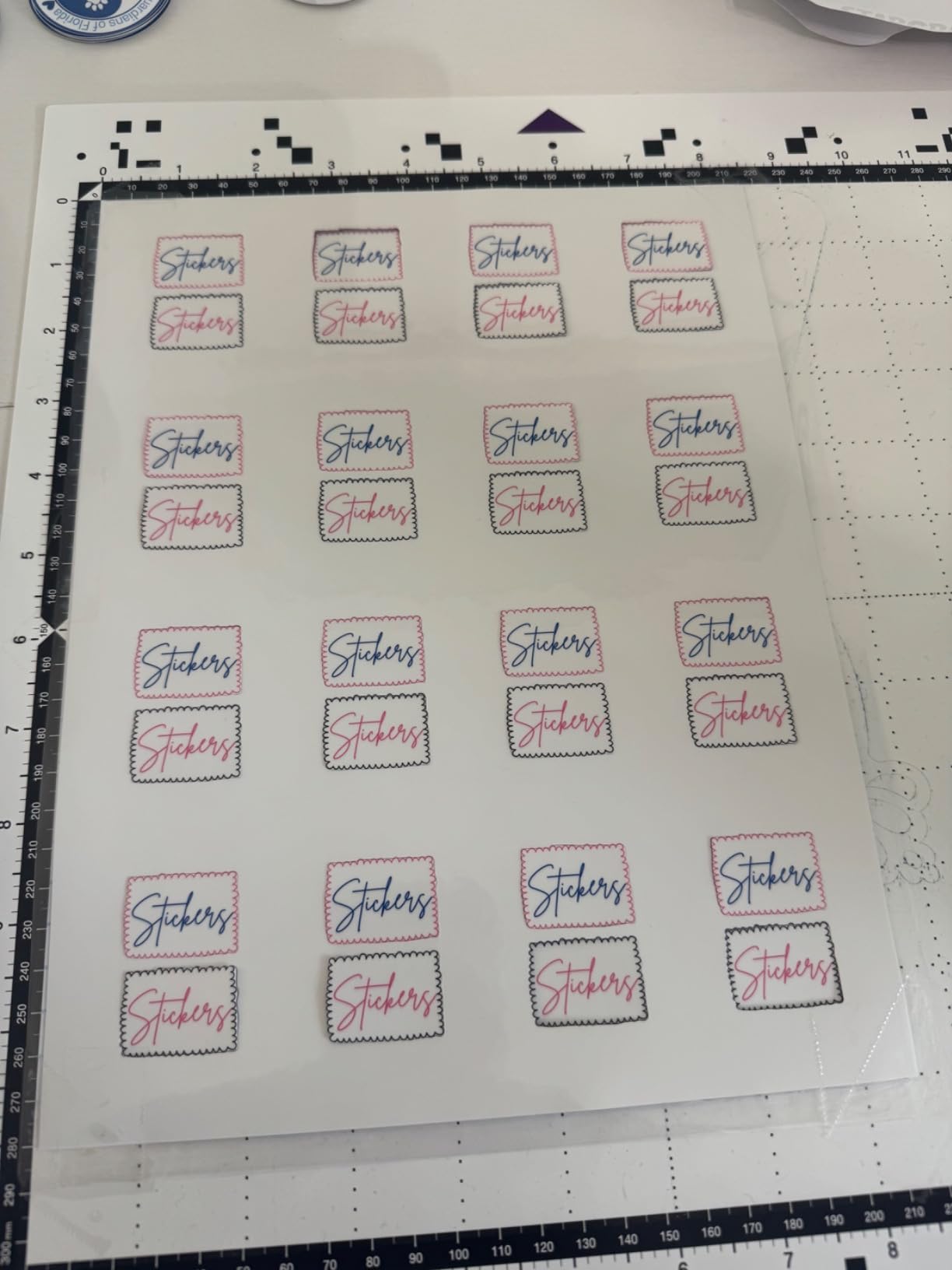
Cutting capacity runs to 3mm, so leather, chipboard, balsa wood, foam, and felt are all in range. That is material territory no other machine in this roundup reaches without a separate tool. The box includes a 12 by 12 inch standard tack mat, black pen, touch pen, spatula, accessory pouch, 76 additional patterns, and a sample cardstock.
The 4.3 average reflects a settled rating rather than excitement. Owners cite a genuine learning curve on the 5-inch touchscreen and a premium price next to Cricut and Silhouette entry machines. The software is also less flexible for advanced third-party design workflows.
What you should know before buying
The scanner is the reason to buy this machine, so verify your workflow actually needs it. If every design arrives as a clean vector file, you are paying for a feature you will never touch, and a desktop-software machine will suit you better.
Note the listed weight of 16 ounces and dimensions of 8.4 by 20.9 by 6.8 inches, which describe a machine considerably larger than the compact models here.
Who should skip this one
Skip the SDX125E if your budget is fixed and you mostly cut flat vinyl, since desktop software machines give you more capability for less. It is also a stretch if you need to move between machines regularly, because Brother’s workflow is built around the touchscreen rather than a desktop app.
4. Silhouette Cameo 5 Alpha Plus – The Best Rated 15 Inch Cutter
Silhouette Cameo 5 Alpha Plus – 15″ Craft & Vinyl Cutter Machine with Automatic Blade, Fast Sketch Mode & 4-Point Registration – Includes Studio Software & 100 Designs, 1-Month Subscription – Black
15 inch cut width by 16 feet
Speeds up to 400mm/s
Electrostatic mat to 0.5mm
4-point registration
Pros
- Highest average rating in this roundup at 4.6
- AutoBlade sets blade depth automatically
- 15 inch width is a real step up from 9 and 12 inch machines
- Electrostatic mat holds material flat without tearing
- Fast Sketch Mode and 4-point registration speed up placement work
Cons
- Advanced Studio software takes time to learn
- Full design library needs a paid subscription after the included one month
- 15 inch body needs more desk space than portable models
The Cameo 5 Alpha Plus carries the highest average rating in this group at 4.6, with roughly 80 percent of ratings at five stars. Its appeal is that it removes guesswork: AutoBlade sets blade depth for you, and the 4-point registration mark system improves placement accuracy on layered work.
At 15 inches of cutting width with a 16-foot cut length, this is the first machine here where a full sheet of iron-on fits without splitting it into panels. Cutting speed runs up to 400mm/s according to the listing.
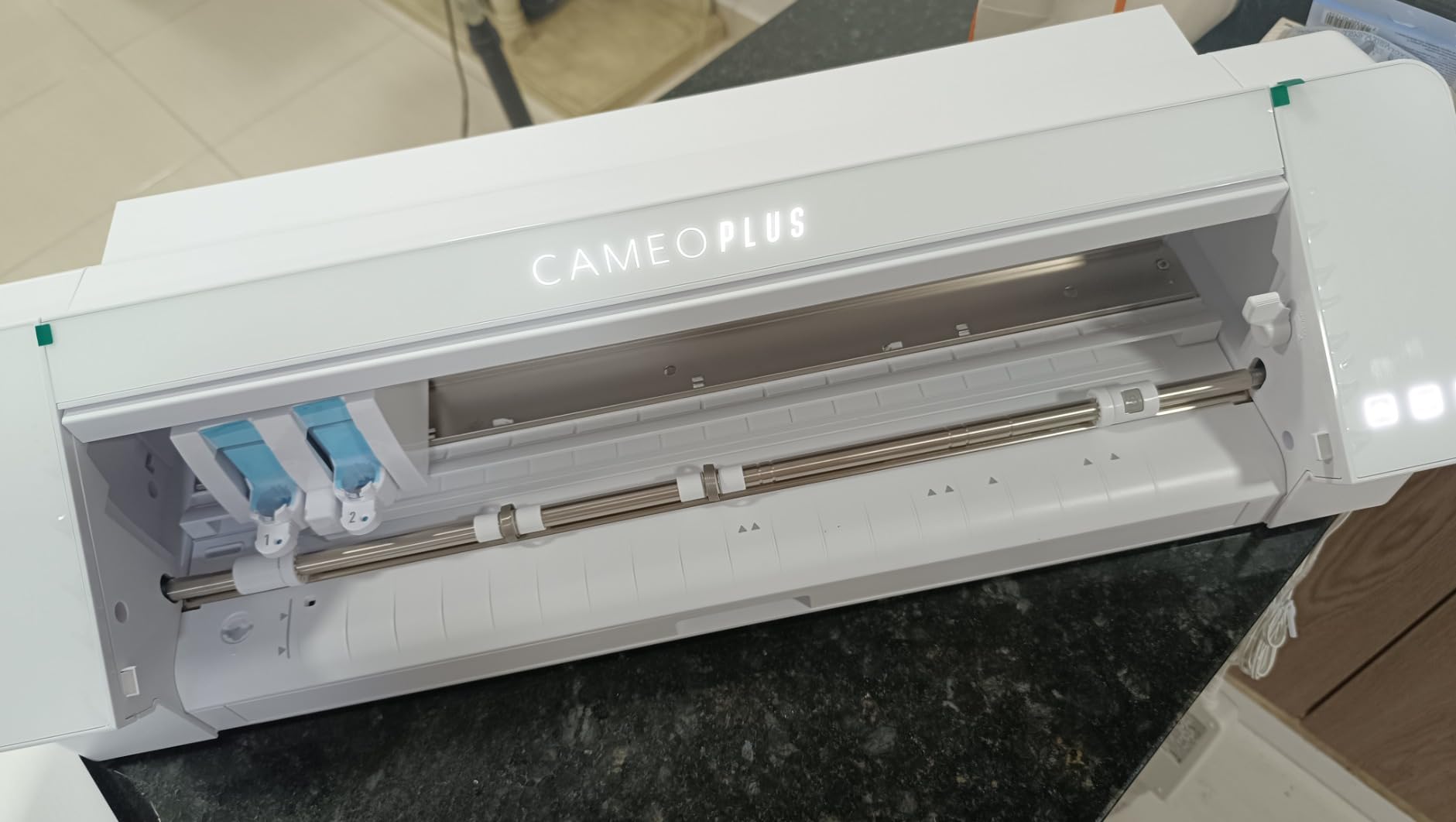
The electrostatic mat supports material up to 0.5mm and holds it flat without the curling or tearing you fight with adhesive mats. A power slide lid opens and closes automatically, and one-touch job repeat saves time on duplicates.
What you give up is straightforward. Studio is advanced software with a real learning curve, and the wider design library is behind a paid subscription once the included one-month trial ends. The 15-inch body also needs more desk space than a portable machine.
What you should know before buying
If your work is multi-layer decals or print-then-cut placement, the 4-point registration system is the reason this machine earns its rating. For single-layer cutting on a mat, the advantage is smaller than the spec sheet implies.
Buyers should budget for Studio’s learning curve rather than treating it as a defect. Users coming from beginner-first apps often describe the first month as frustrating and the second as productive.
Who should skip this one
Skip this machine if you only make small labels, since 15 inches of width will not earn its cost. It is also the wrong choice if you refuse to pay for any subscription and expect the full design library to remain free.
If sticker production is your goal, our sticker business roundup covers the workflow end to end.
5. Likcut S501 – The Best Machine for a First-Time Beginner
Likcut S501 Vinyl Cutter Machine, AI Sticker Cutter, 4.5″ Wide Cutting
4.5 inch cut width
3.2 inches per second cutting speed
Bluetooth 5.0 and USB 2.0
Blade rated for 4610 meters
Pros
- Lowest entry point in this roundup
- AI voice and text-to-design skips the learning curve
- Three-second Bluetooth pairing plus USB
- Cutting and drawing modes with adjustable pressure
- Front cover doubles as built-in tool storage
Cons
- Narrow 4.5 inch cut width limits decal and label size
- Lowest average rating in this group with 12 percent one-star reviews
- Manual operation mode and lighter build feel less precise
The Likcut S501 solves a problem no other machine here addresses directly: not wanting to learn design software. Its voice and text-to-design feature turns a spoken or typed prompt into a cut-ready sticker, which removes the single biggest barrier for a first-time buyer.
On paper the basics are respectable. It cuts at speeds up to 3.2 inches per second, the included blade is rated for over 4610 meters of cutting, and it connects over Bluetooth 5.0 or USB 2.0 with a three-second pairing time. The design store lists over one million designs and more than 1200 fonts.
At 4.1 average with 769 ratings, this is the lowest-rated machine in the group, with 12 percent of ratings at one star and 68 percent at five stars. That split tells you the execution is uneven. The manual operation mode and lighter build feel less precise than desktop hobby machines, and the narrow 4.5-inch width is the most common reservation owners raise.
Community experience suggests budget hardware of this class cuts fine once it is dialed in, and that the dialing in costs an evening of drivers, blade depth, and test squares. Treat that as part of the cost.
What you should know before buying
This machine targets labels, small stickers, party supplies, and batch runs rather than apparel or wall graphics. It also claims compatibility with 50-plus material types, which is worth testing against the vinyl you actually plan to use.
Buyers who want control rather than automation should know the design store is app-based, which means the workflow depends on connectivity and on a design service you do not control.
Who should skip this one
Skip the S501 if your designs need precise placement or custom fonts, or if you plan to grow into decals and shirts quickly. Fine detail work is where the narrow width and manual mode give up first, and owners of cheaper machines report that lettering below roughly half an inch is the failure point.
6. Cricut Joy Xtra – The Best Compact Machine for Print-Then-Cut
Cricut Joy Xtra – Smart Cutting Machine | Digital Content Bundle
95.94 square inch active area
Works with 50 plus materials
Print-Then-Cut with most inkjet printers
Free library of 3000 plus images
Pros
- Most beginner-friendly software in this roundup
- Print-Then-Cut works with most inkjet printers for full-color stickers
- Bundled with fine-point blade penwe eder and USB cable
- Cuts draws and foils across 50 plus materials
- Free content library of 3000 plus images and 100 plus fonts
Cons
- Smallest cutting area in this group at 95.94 square inches
- Full 1.5 million image library requires a paid Cricut Access subscription
- Cloud-based software means the machine depends on app and internet availability
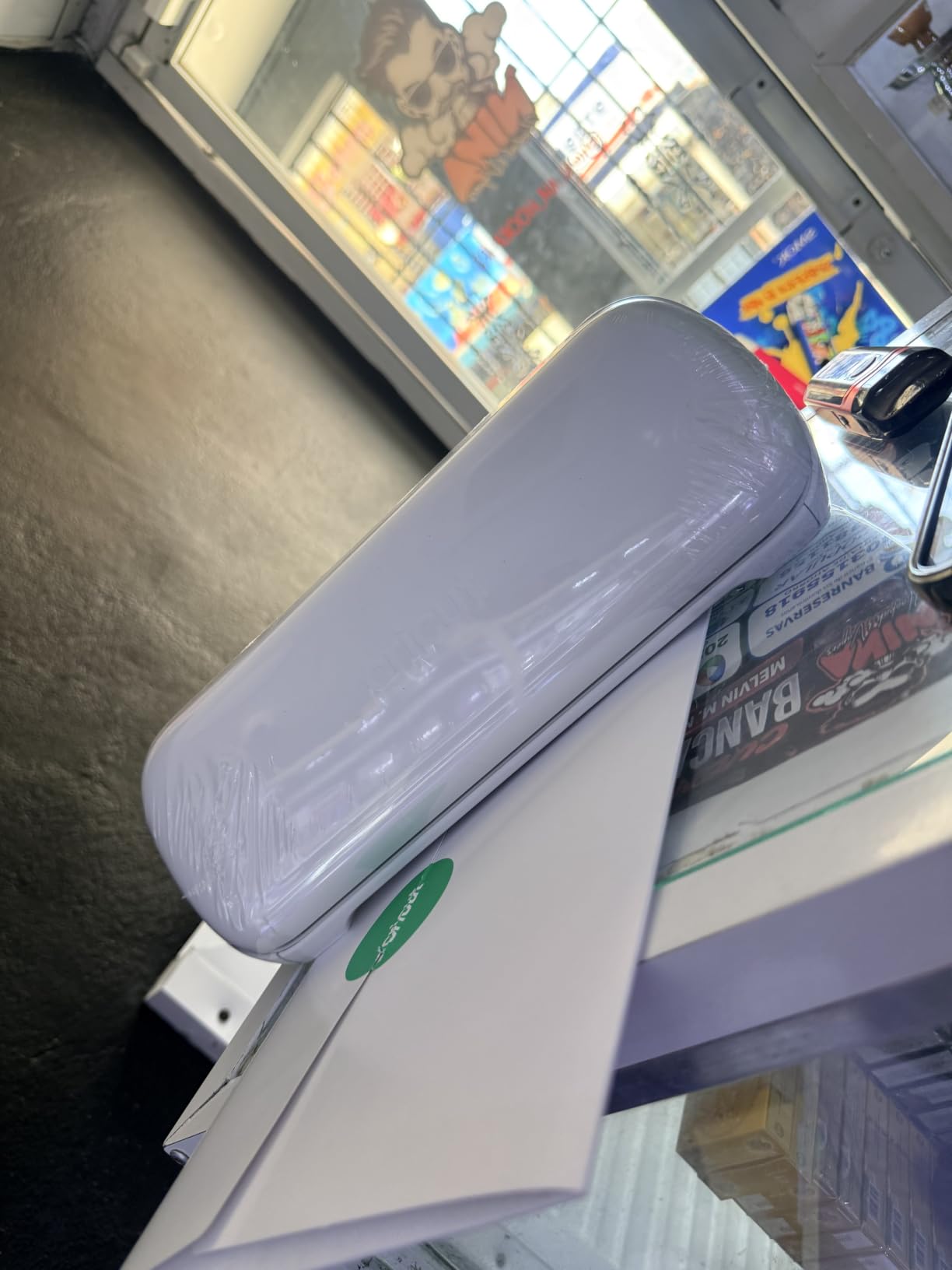
The Joy Xtra is the easiest machine in this roundup to learn. Design Space is a browser and app tool with a first-run walkthrough that gets you from opening the box to a finished cut without a manual, and that approachability is what drives the 4.4 average across 718 ratings.
The reason to choose it over the smaller Joy is Print-Then-Cut. It works with most inkjet printers, so you can print a full-color sheet at home, feed it back in, and the machine reads the registration marks and cuts around each sticker. That is a complete sticker production line on a desk.
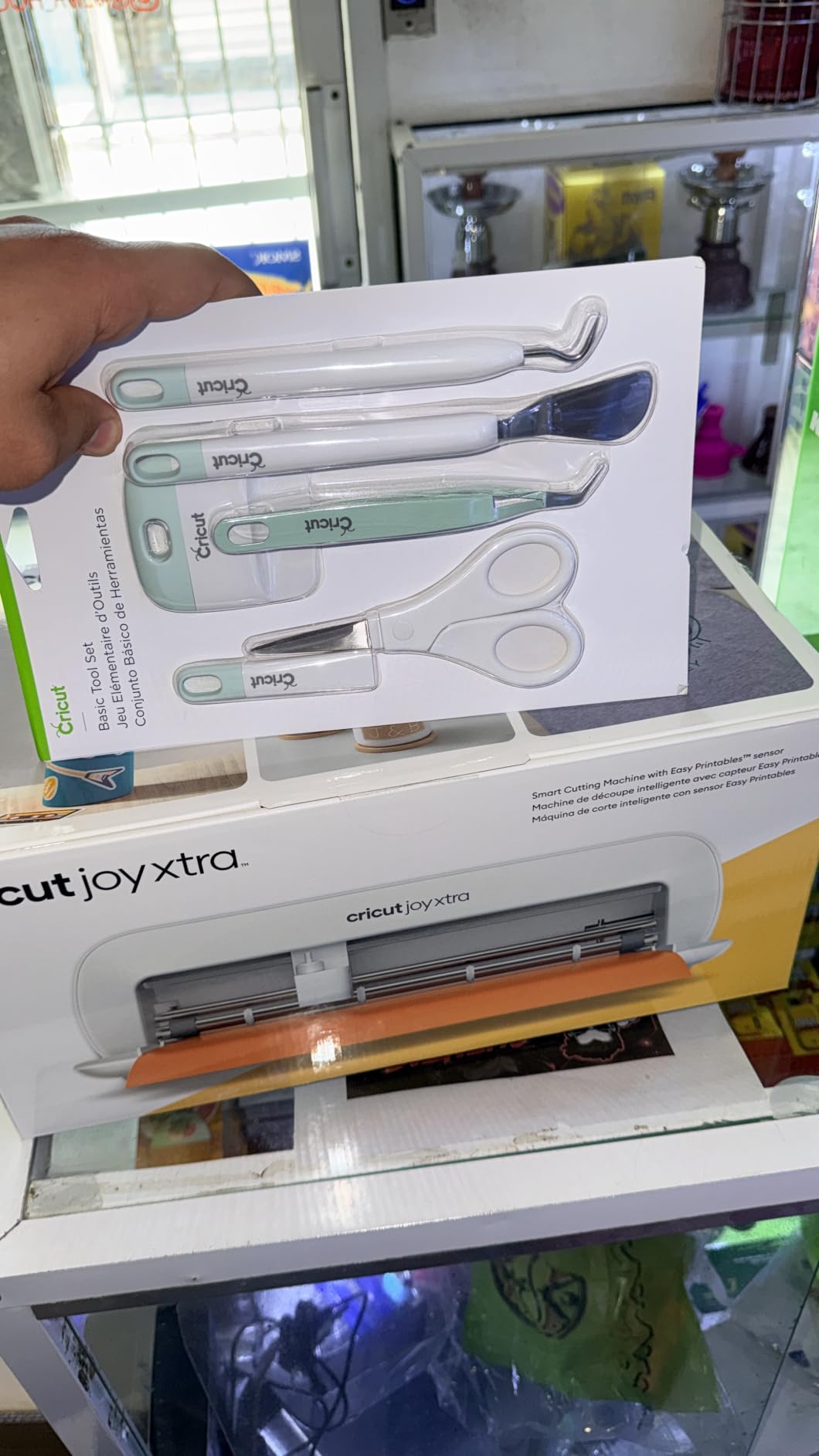
The bundle includes the machine, a fine-point blade, fine point pen, mini weeder, USB cable, power adapter, practice materials, and 30 bonus images. A free trial to Cricut Access is included for new subscribers.
The limits are real. The 95.94 square inch active area is the smallest here, which forces multiple passes for a full-size decal. The larger image library is behind a paid subscription, and because Design Space is cloud-based, the machine depends on the app and your internet connection.
What you should know before buying
Check whether the machine sits on the same network and computer as your inkjet printer. Print-Then-Cut is the reason to buy this, and it only works cleanly when the printer and cutter are calibrated to the same driver.
Anyone who wants offline work should look elsewhere, since a cloud dependency is a structural feature of this machine rather than a settings choice.
Who should skip this one
Skip the Joy Xtra if you plan to cut HTV shirts, because the small area means splitting a standard sheet of iron-on into panels and joining the seams. It is also the wrong choice for wall decals and window lettering of any size.
7. Cricut Maker 4 – The Best Machine for the Widest Material Range
Cricut Maker 4 – Smart Cutting Machine (Seashell) | Digital Content Bundle
270.25 square inch active area
Works with 300 plus materials
Print-Then-Cut compatible
9.59 kg machine weight
Pros
- Widest material compatibility of the Cricut line at 300 plus materials
- Fast cutting speed owners compare to earlier Cricut generations
- Generous 270 square inch mat area for multi-layer projects
- Scores engraves debosses and perforates as well as cutting
- Loads with a materials sampler blade pen mat and weeder
Cons
- Some units arrived with faulty cutting behaviour requiring a return
- Premium price point for a hobbyist machine
- Full content library requires a paid Cricut Access subscription
- Heavier 9.59 kg body is less portable
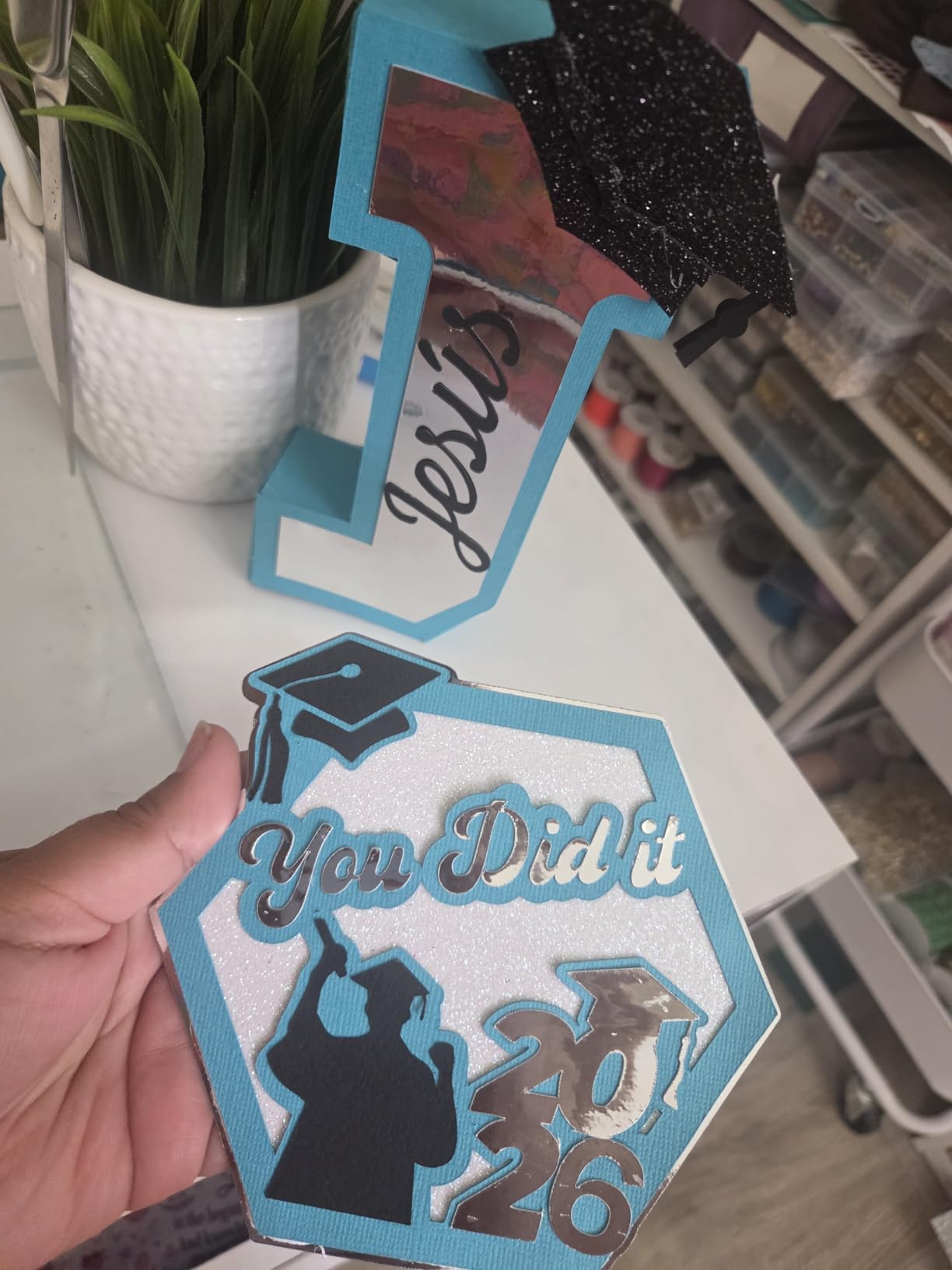
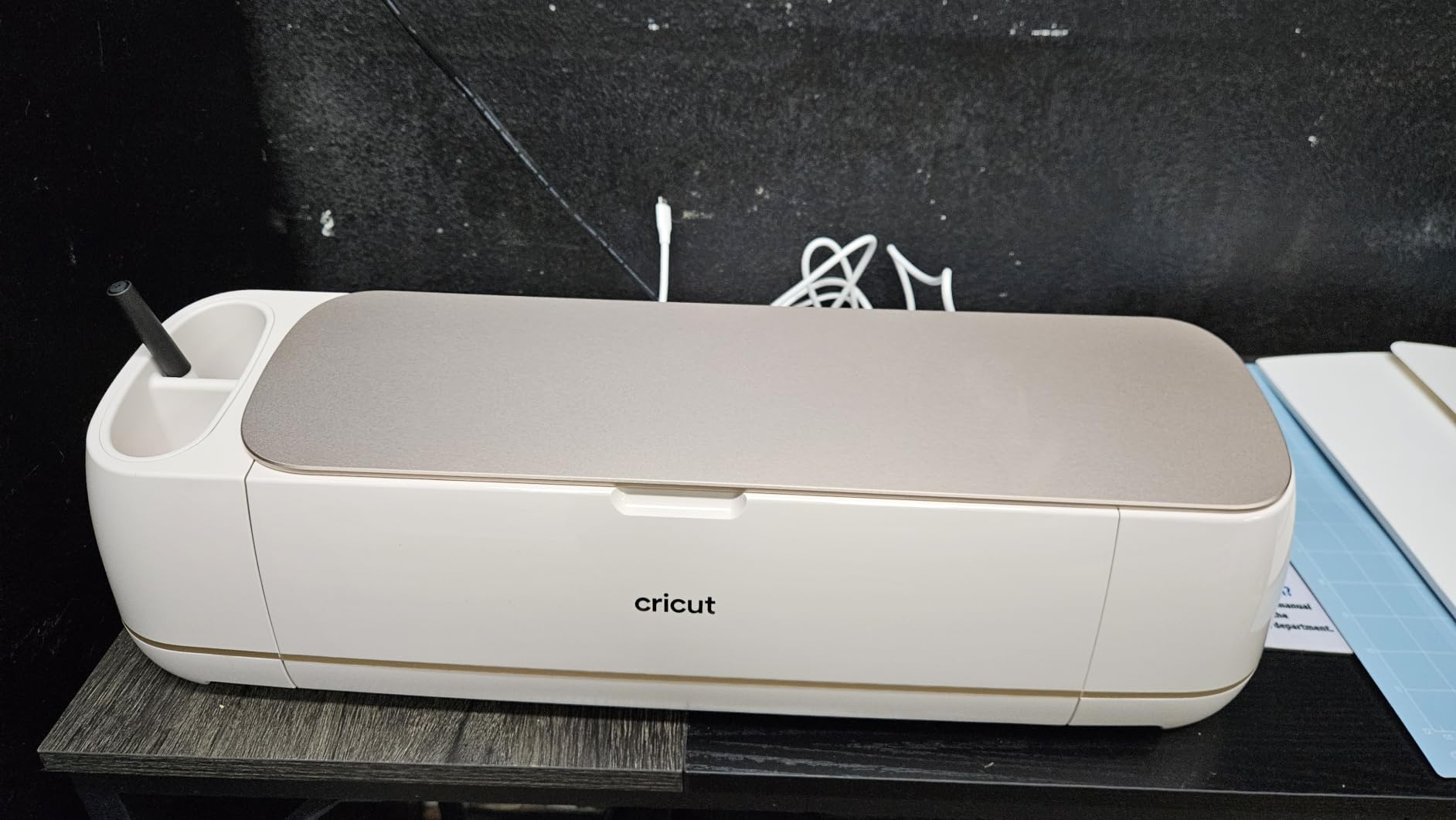
The Maker 4 is the most capable general-purpose machine here. It works with 300-plus materials including leather and wood, and it does more than cut: it scores, engraves, debosses, foils, and perforates, which opens appliques, faux leather, and textured paper work.
The 270.25 square inch active area is large enough for full sheets of iron-on without panel seams, and recent reviews are strongly positive on cutting speed and cut cleanliness. Several owners report the machine paid for itself through product sales within a short period.
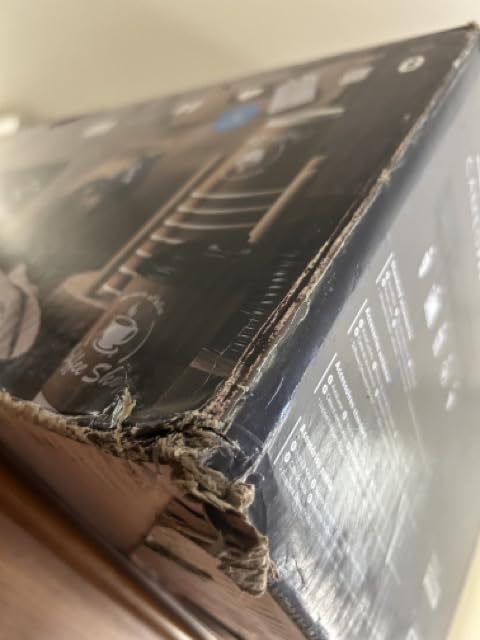
The delivery quality control is the weak thread. Some units arrived with faulty cutting behaviour requiring a return, and the cutting mat in particular sometimes arrives bent or missing. Owners also mention frustration with the return timeline and a lost subscription trial.
At 9.59 kg it is the heaviest Cricut in this roundup, so it lives on a desk rather than in a bag. The bundle includes Smart Vinyl, matless vinyl, smart and matless iron-on, cardstock, transfer tape, a light grip mat, a pen, a blade, a weeder, and 30 bonus images.
What you should know before buying
Inspect the mat on arrival before your first cut, since a bent mat will hold material unevenly. Keeping a spare mat on hand is standard practice for Cricut owners for the same reason.
Buyers who cut heat transfer vinyl should factor in the matless iron-on included here, which removes the mat from the workflow for garment projects.
Who should skip this one
Skip the Maker 4 if your projects stay small, because 270 square inches of mat is wasted capacity on a label. It is also a poor fit if you are price-sensitive, or if you want a machine that works without a cloud connection and a subscription.
8. Silhouette Cameo PRO – The Best 24 Inch Desktop Cutter
Silhouette Cameo PRO
24 inch maximum cutting width
Runs up to 60 feet long
Dual-powered carriage
19.8 pound body
Pros
- 24 inch width is among the widest available to hobbyists
- Dual-powered carriage cuts and sketches at the same time
- Included heat pen and embossing tool add foil and texture
- Built-in roll feeder cross cutter and auxiliary rollers
- Upgraders from a Cameo 4 describe the same workflow at a larger size
Cons
- Loud during operation and reviewers mention it repeatedly
- AutoBlade and homing reliability reported as inconsistent on some units
- Basic Studio does not read SVG files until a paid upgrade
- 19.8 pound body and 34 inch width need a dedicated table
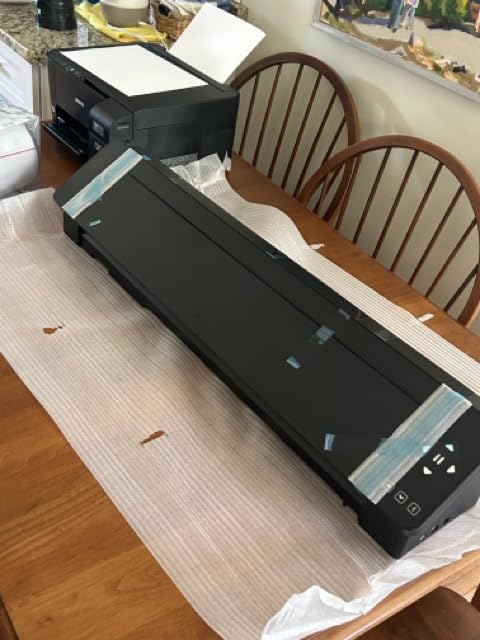
The Cameo PRO bridges the gap between a desktop cutter and a roll-fed plotter. At 24 inches of cutting width it handles signs, banners, and full vehicle graphics on a mat-based machine that still fits on a dedicated table in a garage or spare room.
The dual-powered carriage runs two tools at once, so it can cut and sketch simultaneously or cut with two different blades. That halves the workflow time on multi-step projects, and owners upgrading from a Cameo 4 describe it as the same software experience at a larger size.
The included heat pen and embossing tool add foil stamping and textured effects beyond plain cutting. Auxiliary rollers and the built-in roll feeder support long runs up to 60 feet with fewer tracking problems.
The 4.1 average reflects a split reaction. Reviewers mention loud operation repeatedly, and some units needed service for homing and AutoBlade issues. The machine can also lose cutting position on heavier paper unless it is placed on a large clear surface. Several reviewers argue the negative ratings come from low-quality vinyl or software misuse rather than the machine itself.
What you should know before buying
Measure your table first. The listed dimensions are 7.68 by 34.49 by 6.69 inches and the body weighs 19.8 pounds, so this is a dedicated surface, not a shared craft desk.
Check the SVG question before you commit. Basic Studio does not read SVG files until a paid software upgrade, which matters if your design library is built from downloaded vector art.
Who should skip this one
Skip the Cameo PRO if your projects fit inside 12 inches, because the extra width costs you desk space, noise, and machine weight for no benefit. It is also the wrong choice in an apartment or shared home, and for anyone on a tight budget.
If your signs run wider than 24 inches, the large-format signage roundup covers that tier.
9. Cricut Joy – The Best Value Machine for Labels and Organization
Cricut Joy Machine & Digital Content Library Bundle
12 by 48 inch active area
3.9 pound machine weight
Bluetooth connectivity
Matless Smart Material supported
Pros
- Most compact option here at 3.9 pounds
- Fast to set up with a first project in about 15 minutes
- Cuts 50-plus materials including cardstock vinyl decal and iron-on
- Matless Smart Material enables very long continuous cuts
- Over 2000 reviews with 81 percent five-star ratings
Cons
- Narrow cutting width means multiple passes for larger decals
- Bluetooth only with no USB connection
- Digital bundle is a 30-image library rather than a full subscription
- Not intended for heavy-material or multi-layer cutting
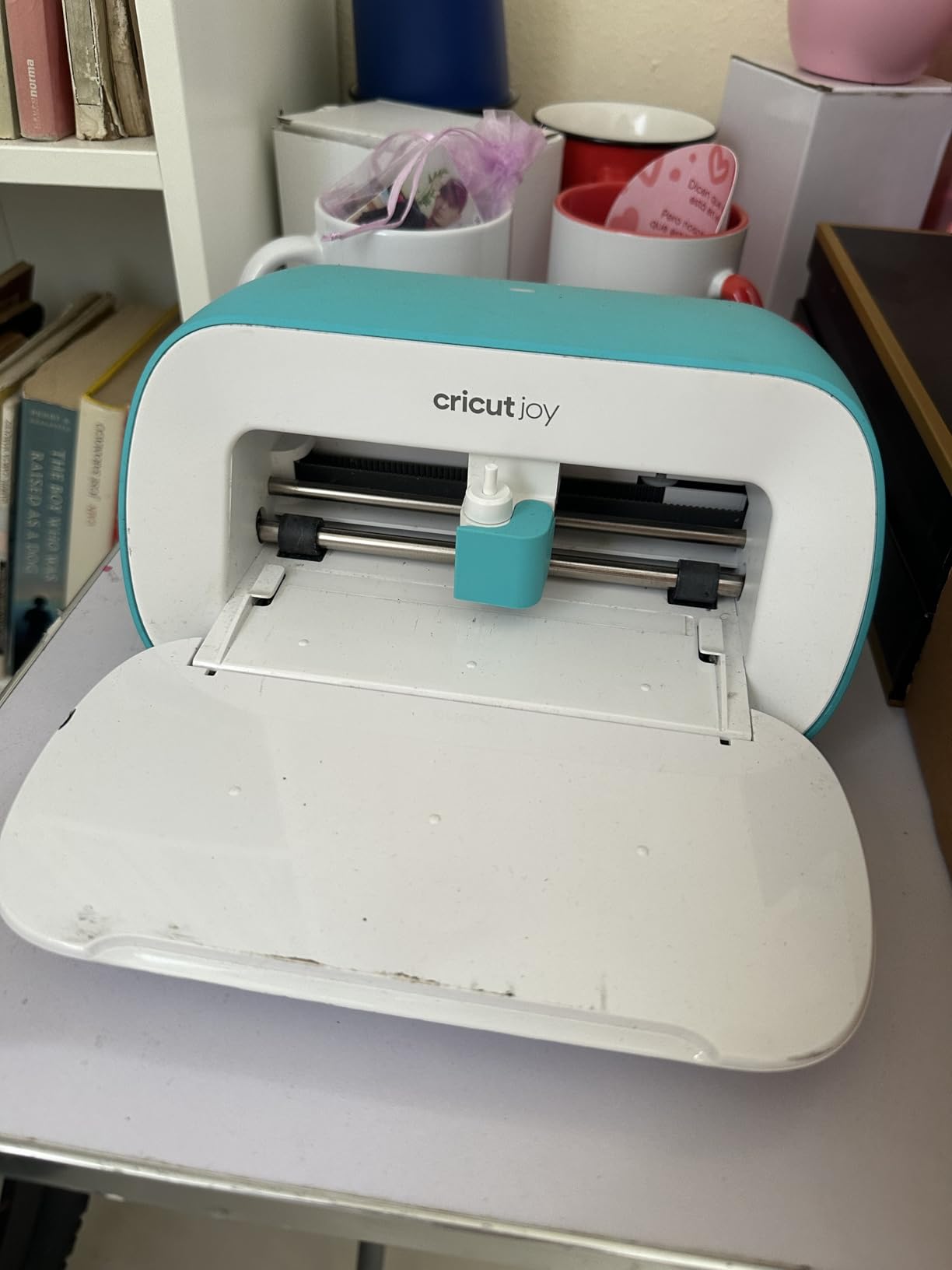
The Cricut Joy is the most validated machine here by review volume, with 2011 ratings and 81 percent at five stars. At 3.9 pounds and 8.5 inches wide it is a genuinely portable cutter, which makes it the machine people take to a friend’s kitchen table or a market stall.
Owners report a first project within roughly 15 minutes of setup. It cuts 50-plus materials using the StandardGrip Mat, and matless Smart Material lets you run very long continuous cuts without reloading, which is the feature that makes it good for labels and organisation jobs.

It also draws as well as it cuts, functioning as a plotter for labels and handwritten notes. The 12 by 48 inch active area is long, so length is rarely the problem. The digital bundle adds 30 images to your account.
The trade-offs are narrow width and connectivity. It is Bluetooth only with no USB connection, so the workflow runs through the cloud-based Design Space app on a phone or laptop. That is a real constraint if you want offline use or a stable wired link.
What you should know before buying
This machine suits a specific job: labels, gift tags, packaging inserts, and organisation projects for a home, classroom, or small stall. For decals and apparel, the next machine up the Cricut range is the better tool.
Confirm your devices are covered before buying. The machine connects to mobile phones and laptops, and the app runs on iOS, Android, Windows, and Mac.
Who should skip this one
Skip the Joy if you plan to cut HTV or wall decals, because the narrow width turns every large project into multiple passes with visible seams. It is also the wrong choice for heavy materials and multi-layer work.
If you need iron-on, read our heat transfer vinyl guide before deciding.
10. VEVOR 34 Inch Bundle – The Best Plotter for Manual Tuning
VEVOR Vinyl Cutter Machine 34 inches Bundle Manual Vinyl Plotter Cutter
30.7 inch maximum cutting width
Pressure adjustable 20 to 500g
Speed adjustable 20 to 800mm per second
Imports SVG and PDF
Pros
- Generous 30.7 inch cutting width for the money
- Stated cutting precision of plus or minus 0.01mm and 1200 dpi resolution
- Wide adjustment ranges for cutting pressure and speed
- Broad file compatibility including SVG
- PDF and installed fonts
- Backlight LCD display and remote hand control
Cons
- Lowest rating in this roundup with 15 percent one-star reviews
- Listed warranty description reads NO so protection is unclear
- Software delivered randomly as a CD or a magnet with an activation code
- Bulky 43-inch-tall chassis with stand
The VEVOR bundle is the specification-sheet winner of this roundup. It lists a 30.7-inch maximum cutting width, plus or minus 0.01mm cutting precision, 1200 dpi resolution, and paper feed precision of 3 metres, with cutting pressure adjustable from 20 to 500g and speed from 20 to 800mm per second.
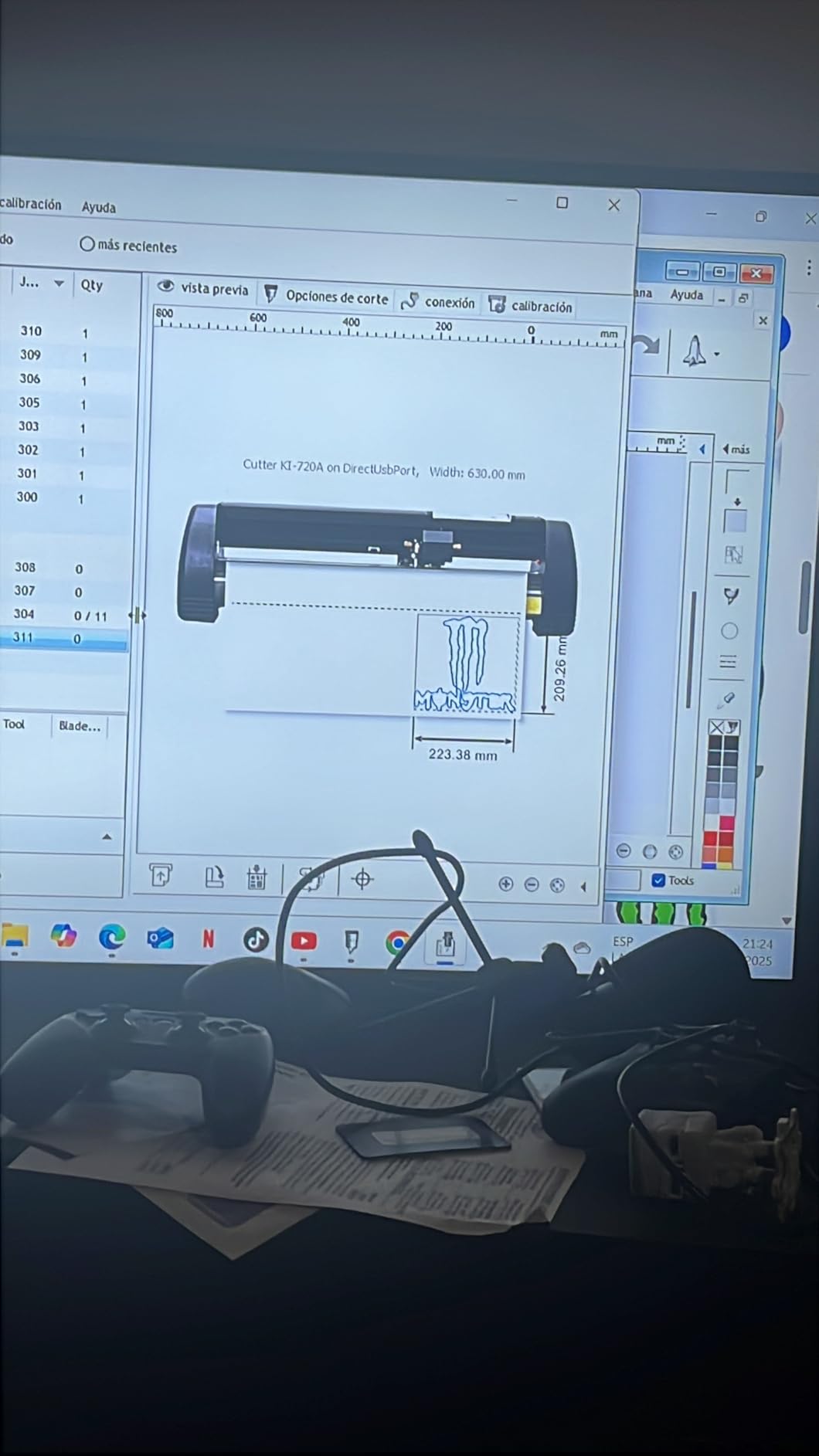
That adjustability is the appeal for someone who wants to tune the machine by hand. It supports COMPIM and USB interfaces, DM/PL and HP/GL languages, works with installed fonts including Wingdings and Dingbats, and imports SVG and PDF files.
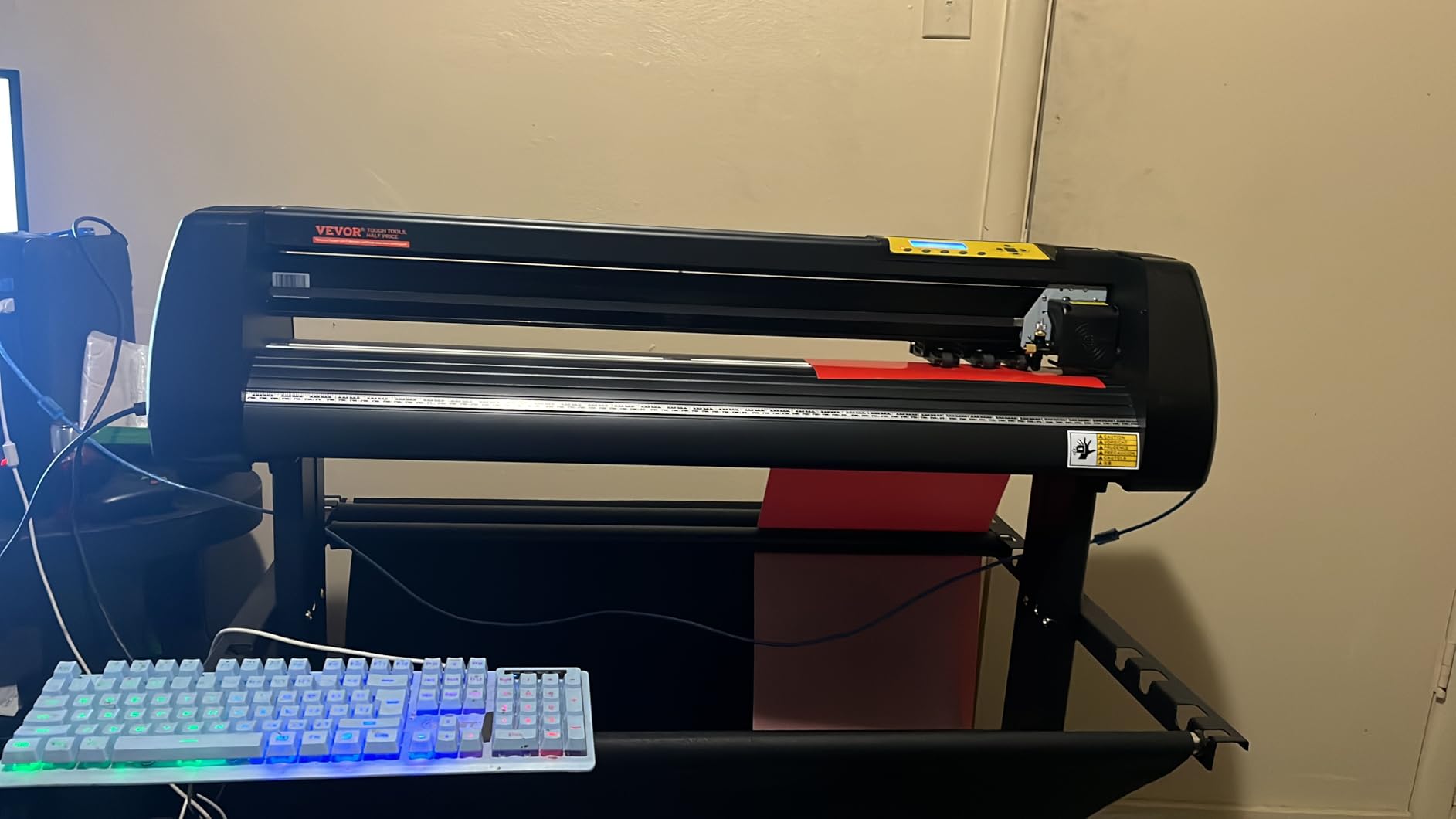
The 4.1 average across 330 ratings carries the highest critical share in this group at 15 percent one-star. Build quality and support are the weak points, and both of these are compounded by a software delivery method where the software arrives randomly as either a CD or a magnet with an activation code.
Two listing details deserve caution. The listed warranty description reads NO, so protection is unclear, and the listed item weight of 1.1 pounds does not match what a 34-inch plotter and stand should weigh. Owners also report a bulky 43-inch-tall chassis.
What you should know before buying
Ask the manufacturer directly what the warranty covers before you buy, and confirm what software your unit will actually receive. Both of these are listing ambiguities, not assumptions.
Double spring pinch rollers and a roughened steel roller are designed to stop the feed drifting over long distances, which matters more than any headline number on a 3-metre cut.
Who should skip this one
Skip the VEVOR bundle if you are not prepared for a machine that needs calibration attention, or if warranty clarity matters to you. The 15 percent one-star share points to consistency and support issues that a first-time hobbyist will not enjoy troubleshooting.
If your work has genuinely become commercial in scale, compare it against the commercial shop cutter roundup instead.
Desktop Cutter vs Roll-Fed Plotter: Which One Do You Need?
A desktop cutter holds vinyl on a cutting mat and cuts designs within a fixed width, usually 9 to 15 inches. A roll-fed plotter grips the media on pinch rollers and cuts from a continuous roll, which means far wider output and no mat to replace. That is the whole difference.
Desktop cutters win on convenience. Matless Smart Materials and electrostatic mats let you load a sheet, cut it, and peel it away in seconds, and the machines are quiet enough for a spare room. Roll-fed plotters win on width: the USCutter MH 871 cuts 34 inches and the VEVOR bundle cuts 30.7 inches in a single pass.
Plotters also win on material handling. Long banners, vehicle graphics, and yard sign runs come off a roll without reloading, and dual pinch rollers resist the feeding drift that ruins a long cut. A desktop cutter doing that same job would need multiple panels and a seam.
The honest rule for hobbyists: stay with a desktop cutter until a specific job will not fit inside its width. Then move up once, not twice.
How We Chose These Vinyl Cutters
Five criteria decided this ranking, applied to every machine on the list.
Cut width against real projects. Most hobby decals and shirt graphics live inside 12 inches, so width is a tiebreaker rather than the headline.
Software model. Desktop software, cloud software, and subscription software change what a machine is worth over five years, not just on day one.
Workflow fit. Print-then-cut, scan-and-cut, and matless cutting each unlock different projects and suit different people.
Force and duty cycle. A hobbyist cutting a few hours a week and someone cutting signage daily need very different machines from the same brand.
Total cost of ownership. Blades, mats, and software subscriptions add up faster than most buyers expect.
We also weighted the volume and consistency of owner feedback. A 4.6 across roughly 940 ratings tells you more than a 4.8 across twenty, which is why the Cameo 5 takes TOP RATED while the Portrait 4 takes EDITOR’S CHOICE on a far larger validated base.
What a Hobby Machine Costs You Beyond the Machine
The machine is the smallest part of what a hobby cutting setup costs. Here is what to budget for after the purchase, based on what owners actually report replacing.
Replacement mats. Adhesive mats need breaking in, cleaning, and eventual replacement. Keep one spare from the start.
Spare blades. Blades dull rather than break. The USCutter’s Roland compatible blade holder means standard economical blades work, which keeps this cost low.
Subscription software. Cricut Access gates the full image library on the Joy Xtra and Maker 4, and Silhouette’s full design library sits behind a paid tier after the included trial. The Portrait 4 and the USCutter run their core software without one.
Weeding and application tools. A weeder, a squeegee, and transfer tape are consumables you will replace often, and several bundles here include them.
A heat press. If you cut HTV at all, the press is not optional. Budget for one early rather than planning around it.
Over three years, a subscription can outweigh the difference between two machines in the middle of this list. That is the calculation that matters most and the one no roundup usually prints.
Mac, PC, and Offline Software: The Filter Most Buyers Forget
Mac support drives more buying decisions in this category than any other technical filter. A long-running thread on r/VinylCutters asked specifically for an entry-level vinyl cutter with OSX support, and the answer that resonated was simply that a Silhouette Cameo works fine on macOS. That is the signal: platform compatibility is a first-class criterion, not a footnote.
There are three software models to understand. Cloud-based tools such as Cricut Design Space run in a browser or app and depend on an internet connection, which is convenient but means the machine is limited when you are offline. Desktop tools such as Silhouette Studio run on your own computer and keep working without a connection. Bundled plotter software such as USCutter’s Design and Cut installs locally with no subscription model.
The second recurring community worry is longevity. Owners fear buying a machine that becomes a paperweight when software support lapses. That risk is real for cloud-only ecosystems and much lower for desktop tools that use your own installed fonts, because your files stay usable even if the vendor changes direction.
Before buying, check two things: which operating systems the machine lists as compatible, and whether the software you need runs offline. The Portrait 4 lists PC as its compatible device, while the Cricut Joy’s app runs on iOS, Android, Windows, and Mac.
When a Hobbyist Should Move Up to a Real Plotter
There is a clear threshold, and it is not about ambition. It is about the widest thing you need to cut this month.
Stay on a desktop cutter while your widest project fits inside 12 inches and your monthly volume stays at hobby scale. Move up when you are regularly joining panels to get a design to fit, or when you are cutting vehicle graphics, banners, or window lettering at full width.
The community framing is blunt about this. On the USCutter forum, owners draw a hard line between hobby craft cutters and real vinyl cutters, and the phrase is real vinyl cutter, not some hobby craft cutter is how enthusiasts talk about the jump. The sentiment is that a Titan-class machine is a different category of tool entirely.
Two things to weigh before the jump. Most vinyl is sold in 12- and 24-inch widths, so a 34-inch machine can leave usable width unused every run. And a 34-inch chassis with a stand takes floor space permanently, which matters in a garage you also use for a car.
A middle path exists. The Silhouette Cameo PRO gives you 24 inches on a desk with mat-based convenience, and it is the sensible upgrade for many hobbyists scaling up before committing to a roll-fed plotter.
Five Mistakes Every First Machine Owner Makes
Almost every avoidable complaint in owner reviews traces to one of these.
Skipping the tiff test cut. A tiny test square tells you in ten seconds whether your blade depth is right. Too deep scores the mat; too shallow means you are weeding half the design away.
Trusting suggested blade settings blindly. Material weight and blade condition both change what a preset should be. Adjust by feel after the first cut.
Ignoring the mat break-in. New adhesive mats need several passes of sticky material before they hold reliably. Sheet backing paper from a supplier works well for this.
Forgetting registration marks. Print-then-cut accuracy depends entirely on your printer, ink, and paper combination. Print a test sheet and measure the offsets before a full run.
Buying for the widest job imaginable. Most hobbyists overbuy width. Measure your actual last ten projects, not your ambition.
Two further community habits are worth copying. Buying open-box equipment is normalised among hobby buyers, and light users report being happy with open-box machines purchased that way. And budget hardware, while not expensive, charges you an evening of driver installation and calibration. That evening is the real price of a cheap machine.
Frequently Asked Questions
What is the best vinyl cutter for hobby use?
The Silhouette Portrait 4 is the best vinyl cutter for most hobbyists. Its 9-inch cut width handles the majority of decal, label, and heat transfer vinyl work, and its desktop Studio software costs nothing and uses fonts already installed on your own computer. It carries the largest pool of owner feedback in this roundup at 2892 ratings.
Is there a better cutter than Cricut?
For a lot of hobbyists, yes. Cricut’s desktop tools are the friendliest in the category, but Silhouette machines run desktop software without a subscription and let you import your own vector files, which appeals to users who already own their artwork. The Silhouette Cameo 5 Alpha Plus also rates higher than any Cricut model in this group at 4.6.
What is the difference between a vinyl cutter and a vinyl plotter?
A vinyl cutter cuts shapes out of adhesive or heat transfer vinyl held on a mat, usually within a 9 to 15 inch width. A vinyl plotter feeds media from a roll using pinch rollers and cuts much wider material in one pass. Desktop cutters are more convenient; plotters handle wider and longer jobs.
What is the best vinyl cutter for beginners?
The Cricut Joy Xtra is the easiest machine to learn because Design Space walks a first-time owner from unboxing to a finished cut without a manual. If you want zero software learning, the Likcut S501 generates designs from voice or text prompts. If you want the least expensive credible start, the Cricut Joy suits labels and organisation work.
Do I need a heat press with a vinyl cutter?
Yes, if you cut heat transfer vinyl. A cutter shapes the HTV but does not bond it to fabric, so a heat press is required to press the design onto a shirt, tote, or apron. Adhesive vinyl decals need no press at all, since transfer tape and a squeegee do the job.
Can a vinyl cutter make stickers?
Yes. Cut vinyl stickers come straight from the machine using adhesive vinyl and transfer tape. Full-colour printable stickers need an extra step: print onto printable vinyl with an inkjet printer, then use the Print-Then-Cut feature so the machine reads the printed registration marks and cuts around each design.
Which Cricut is best for vinyl?
The Cricut Maker 4 is best for vinyl overall, with a 270 square inch mat, 300-plus supported materials, and a materials sampler that includes smart vinyl, matless vinyl, and matless iron-on. For small projects and travel the Cricut Joy is lighter at 3.9 pounds. For full-colour stickers on a small desk the Joy Xtra adds Print-Then-Cut.
Do vinyl cutters cut fabric?
They cut vinyl that goes on fabric, not the fabric itself. Heat transfer vinyl is a plastic film that adheres to cotton or polyester when pressed with heat. Actual fabric cutting belongs to a different tool category, a fabric cutter, and it is a separate purchase from a vinyl cutter.
Which Vinyl Cutter Should You Buy in 2026?
For most hobbyists the answer is the Silhouette Portrait 4, because a 9-inch cut width, no subscription, and your own installed fonts add up to a machine that keeps working in five years without a monthly bill. Go to the Silhouette Cameo 5 Alpha Plus when you want 15 inches of width and an automatic blade, and to the Brother SDX125E when you want to cut your own drawings or thicker materials.
Once your widest project stops fitting inside 12 inches, the Silhouette Cameo PRO gives you 24 inches on a desk, and the USCutter 34 Inch MH 871 takes it to a full roll-fed plotter with no subscription attached. Add a heat press to that list if heat transfer vinyl is on it, because it is not optional.
The best vinyl cutters for hobbyists are still moving fast, with new models landing each season. Check the current specifications before you buy, run a tiff test cut on your actual vinyl, and measure your real projects before choosing a width.