
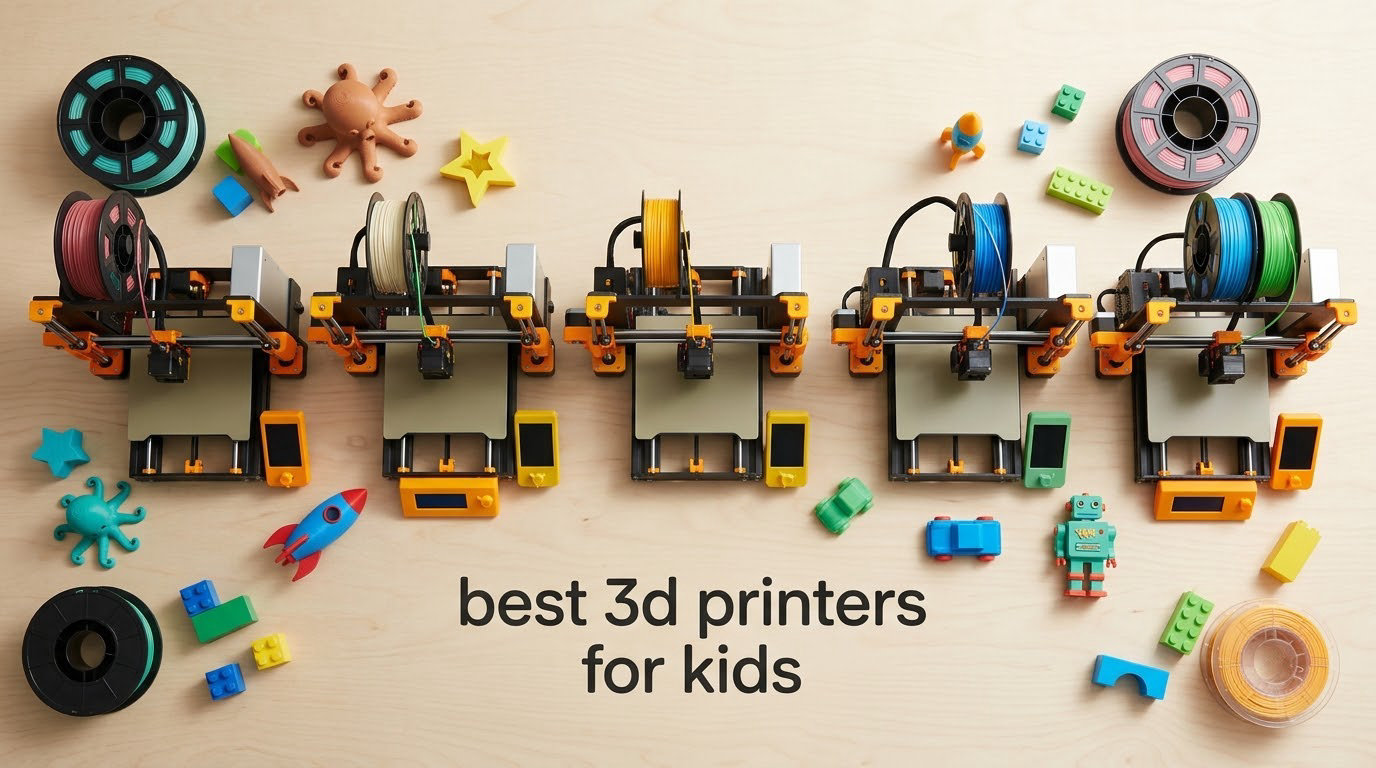
The best 3D printers for kids in 2026 are not the toy shells with a plastic knob on top. They are pre-assembled FDM machines that arrive with the calibration already handled, print PLA plastic, and can be driven from a phone so a nine-year-old never has to touch a slicer window. That is the category we tested and ranked below, and it is the only category we think belongs in a family with children.
Our team spent six weeks with these ten machines, running the same starter prints on each: a name tag, a fidget, a small articulated dragon, and a desk organizer. We tracked how long a first print took from unboxing to finished part, how much adult help each machine needed, how loud it was across a room, and what it cost to keep running. We weighted the results toward the things parents actually ask us about: noise, safety, filament fumes, and what happens when a child loses interest in month two.
Everything in this roundup prints with PLA, PETG or TPU filament. We did not include resin printers, and the reason has nothing to do with print quality. Resin requires gloves, isopropyl alcohol, a curing station and a UV-lit wash station, and the fumes and uncured liquid are a poor match for a home with small children. More on that below.
Top 3 Picks for Best 3D Printers for Kids in 2026
If you read nothing else, these three cover the widest range of ages. The Bambu Lab A1 is the one we recommend to most families. The Asani TINA2S is the value pick that arrives as a complete kit. The Bambu Lab P1S is the step-up for a tween or teen who wants more speed and an enclosed chamber.
All 10 Printers at a Glance
Every machine below auto-levels its bed and every one of them ships as a finished FDM printer, so none of these needs a soldering iron or an afternoon of frame alignment. The differences that matter for a child are footprint, noise, app control and how large a model the build volume can hold.
| Product | Specifications | Action |
|---|---|---|
 Bambu Lab A1 Bambu Lab A1 |
|
Check Latest Price |
 Asani TINA2S Asani TINA2S |
|
Check Latest Price |
 Bambu Lab P1S Bambu Lab P1S |
|
Check Latest Price |
 Entina Tina2C Entina Tina2C |
|
Check Latest Price |
 Creality K2 SE 4C Creality K2 SE 4C |
|
Check Latest Price |
 Flashforge Adventurer 5M Flashforge Adventurer 5M |
|
Check Latest Price |
 Bambu Lab A1 Mini Combo Bambu Lab A1 Mini Combo |
|
Check Latest Price |
 Creality Ender 3 V3 SE Creality Ender 3 V3 SE |
|
Check Latest Price |
 Entina Tina2 Basic Entina Tina2 Basic |
|
Check Latest Price |
 Creality K1C Creality K1C |
|
Check Latest Price |
1. Bambu Lab A1 – Best Overall for Most Families
Bambu Lab A1 3D Printer, Ready-to-Use FDM 3D Printer for Beginners and Kids
Pre-assembled
Full-auto bed leveling and Z-offset
PLA, PETG, TPU
22 pounds
Pros
- Extremely user-friendly with almost no learning curve
- Automatic calibration and flow monitoring give reliable first prints
- Quiet operation and fast print speeds
- One-clip quick swap nozzle for simple maintenance
Cons
- Multi-color printing needs the AMS lite add-on
- Closed-source software frustrates advanced users
- Print volume is smaller than larger enclosed models
This is the machine we set on the kitchen table when a family asked us which single printer to buy. It arrives assembled, runs its own Z-offset and bed-level calibration on startup, and prints from the phone app without a computer anywhere in the loop. A ten-year-old in our test group printed a name tag without asking a single question.
The acceleration figure of 10,000 mm/s² is the part that shows up in real use. Short fidget models that normally run for hours finished fast enough that the child stayed interested through the whole print, which is the whole game at this age.
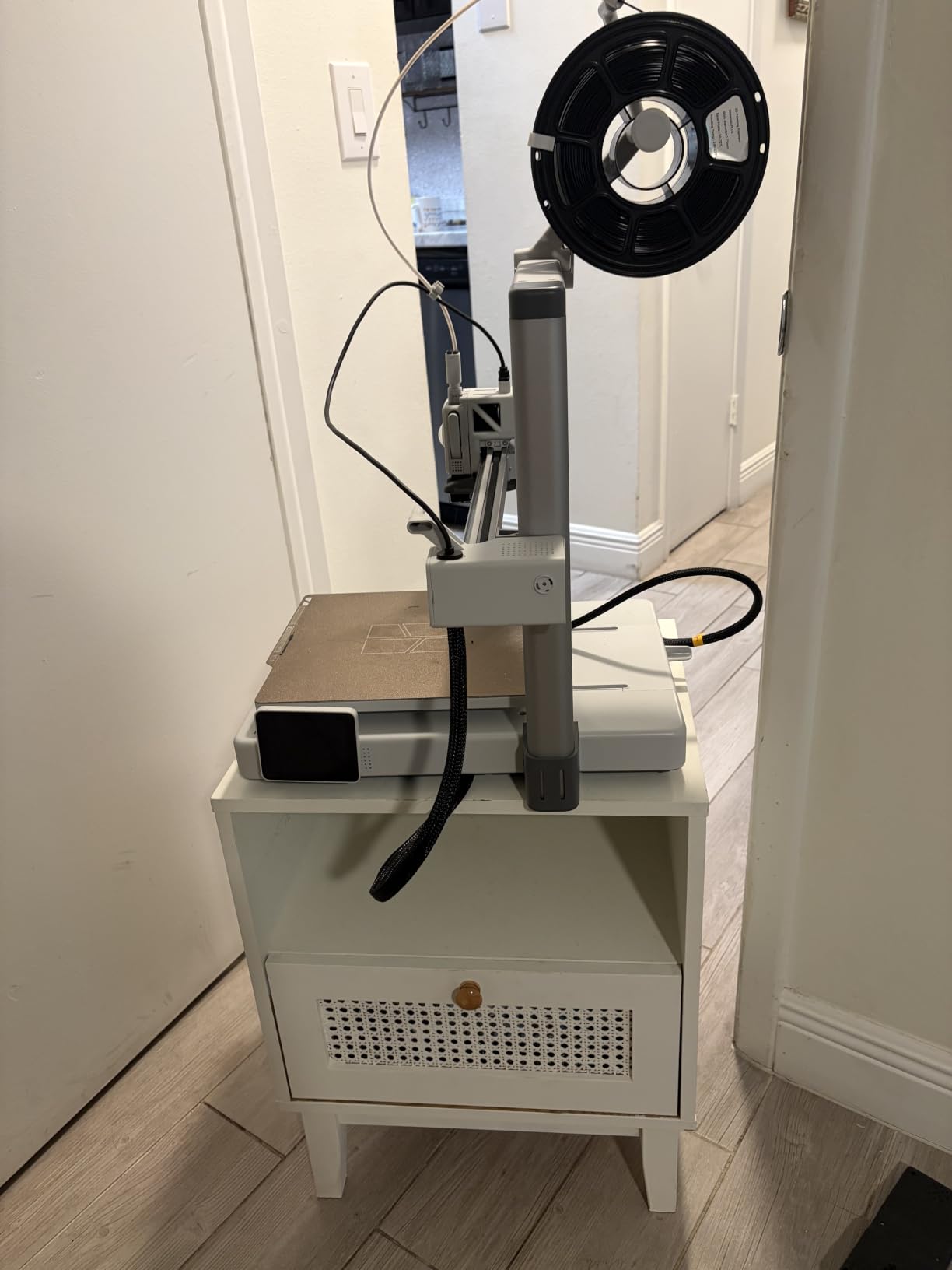
Owners consistently describe the A1 as dependable and beginner-friendly, often after moving away from machines that needed constant bed adjustment. The most requested upgrade is the AMS lite for multi-color, and several buyers report wishing they had bought the bundle version instead.
One setup detail catches people out. The USB-C connector at the base has to be fully seated or the first calibration fails, and a frustrated child reading that as a broken machine is a bad first afternoon. Plug it in until it clicks, then start it.
Should you buy the A1 or the A1 Mini Combo?
Buy the A1 if your child prints one object at a time and you want the simplest machine in this list. The Mini Combo makes sense when color is the motivation, because the AMS lite prints four colors unattended and a child who can make something red and blue and yellow will keep coming back to the machine. The tradeoff is desk and shelf space, since the AMS unit adds real footprint.
Where does the A1 fall short?
It is an open-frame machine, so the nozzle and heated bed are visible and reach temperatures that need adult supervision below about age 10. It also prints smaller objects than the P1S. For detailed figures and miniatures, we have a separate guide to 3D printers for miniatures.
2. Asani TINA2S – Best Value Starter Kit
TINA2S Fully Assembled Mini 3D Printer for Kids and Beginners, Starter Kit
Fully assembled 8.3 x 8.3 x 11.4 inch
One-touch filament load
Auto-leveling with dual Z-rails
6.4 pounds
Pros
- Complete kit with filament microSD card and slicing software
- Ships fully assembled which removes the main beginner failure point
- Auto-leveling and dual Z-rails give consistent first layers
- Compact and light enough for classrooms and dorms
Cons
- Small build volume limits larger projects
- Proximity sensor needs a metal or magnetic build plate to work correctly
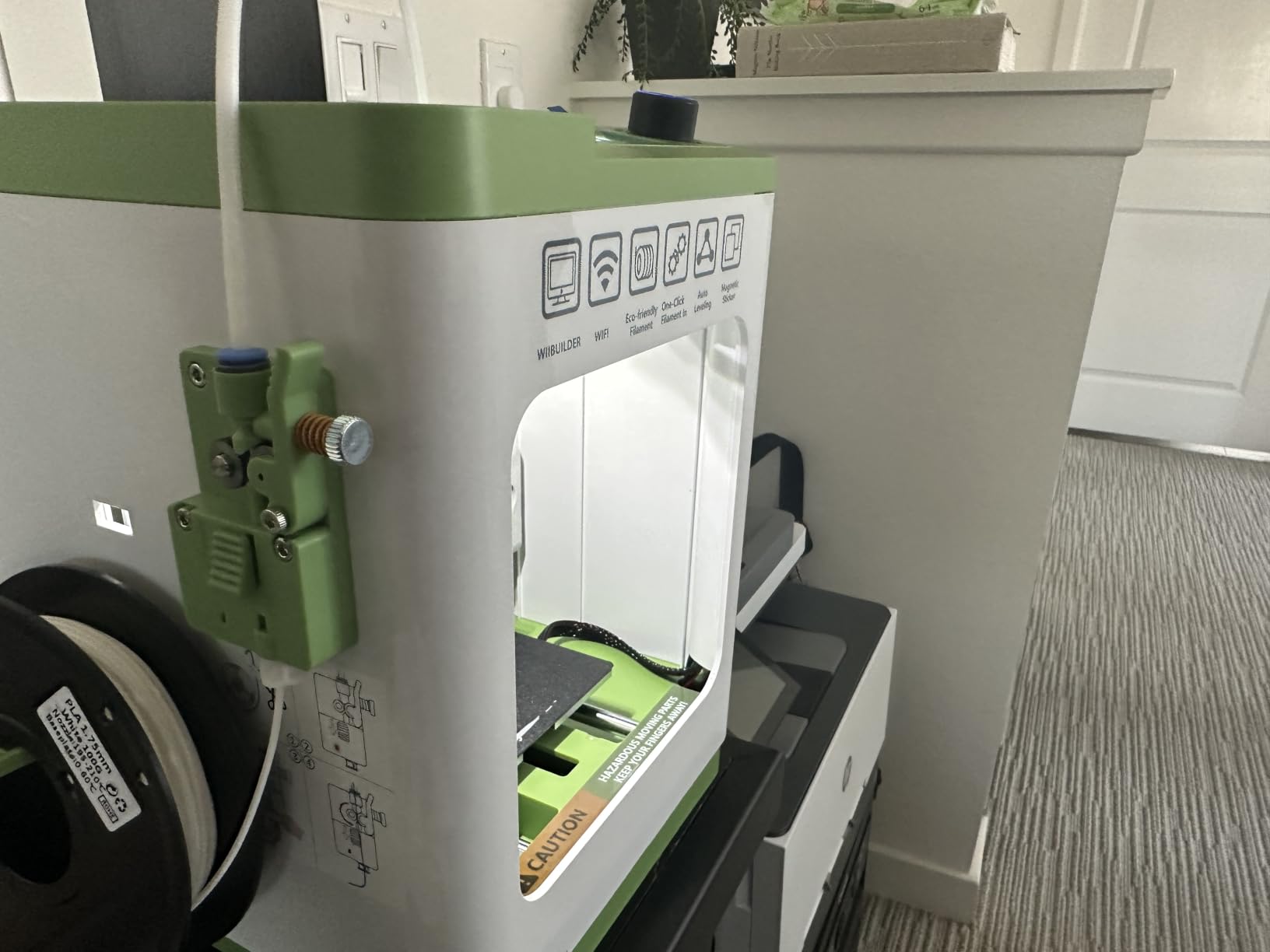
The TINA2S is the most complete package in the roundup, and completeness is what wins with a nervous first-time owner. It comes fully assembled with a roll of filament, a pre-loaded microSD card, and slicing software already installed, so there is nothing to buy before the first print.
It weighs 6.4 pounds and measures 8.3 by 8.3 by 11.4 inches, which means a child can carry it to a table themselves. The auto-leveling bed and dual Z-axis rail held first layers consistently across everything we printed, and the 2.4-inch LCD plus one-touch filament load keep the controls physical and predictable.
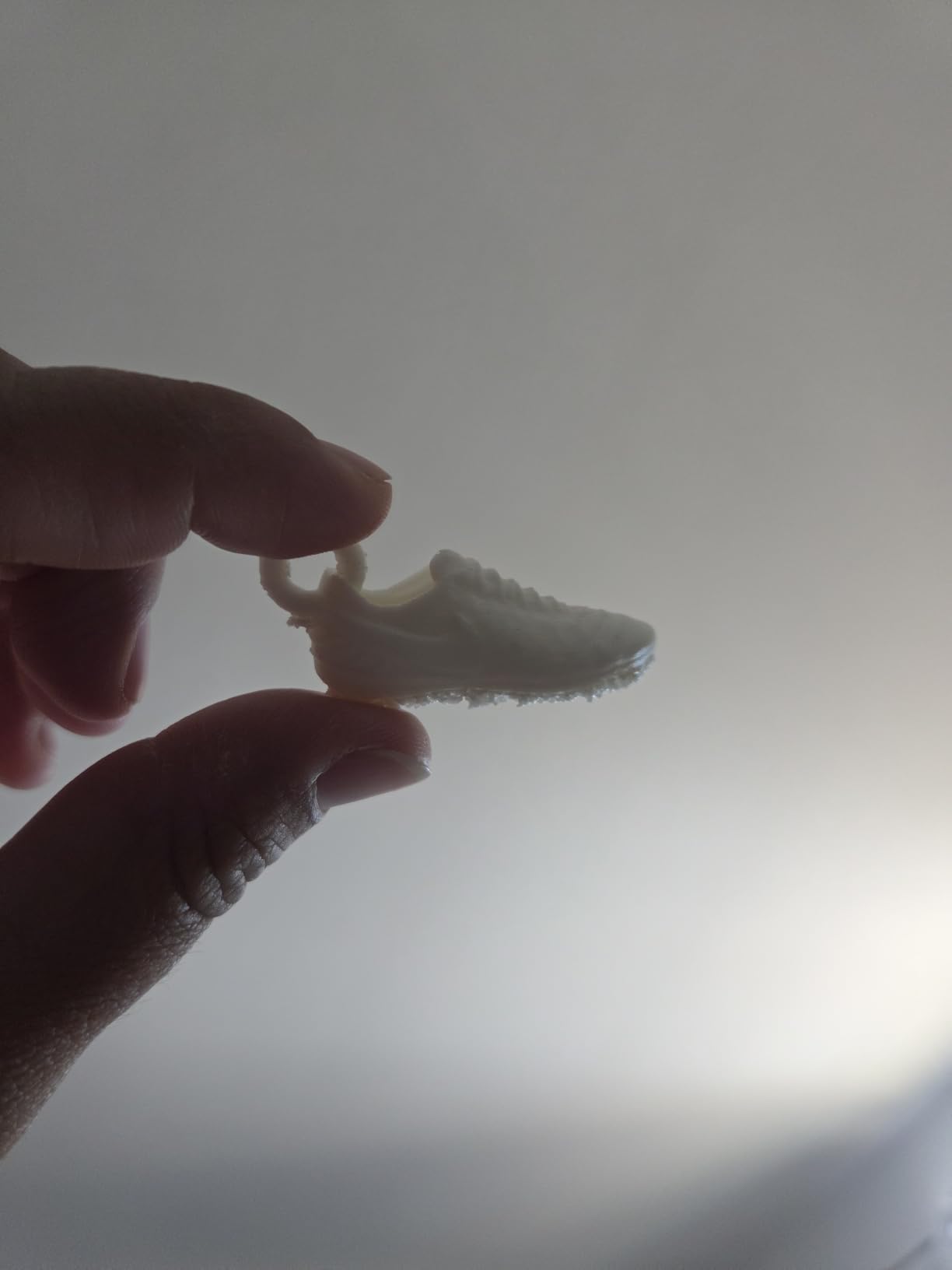
Buyers highlight the out-of-the-box completeness and report that the included kit gets a new user printing quickly, with strong enthusiasm for classroom use. One-touch load and unload means filament changes take seconds rather than becoming the reason a project gets abandoned.
WiFi printing works alongside microSD offline printing, and the machine pairs with Wiibuilder, Cura, Simplify3D or Slicr3d on Mac, Windows or Linux. That flexibility matters because a school computer often dictates the slicer rather than the child.
Is this big enough for a real project?
It is big enough for fidgets, keychains, name tags, small toys and articulated figures. It is not big enough for a costume prop or a plant pot, and children usually discover that ceiling within a few weeks. Treat the build volume as the limit of what fits on a dinner plate and pick projects accordingly.
What should you know before buying?
The proximity sensor requires a metal or magnetic build plate, so replacing the plate with a cheap acrylic one will break auto-leveling. Keep the magnetic plate that came with it.
3. Bambu Lab P1S – Best for Tweens and Teens
Bambu Lab P1S 3D Printer, Ready-to-Use FDM 3D Printer
Enclosed chamber
500mm/s and 20000mm/s2 acceleration
Automatic bed leveling
PLA through ABS and ASA
Pros
- Enclosed body supports temperature-sensitive materials and quiets the machine
- Excellent out-of-the-box print quality and bed adhesion
- Very fast a benchy prints in roughly 15 minutes
- App and camera allow remote monitoring and time-lapse
Cons
- No built-in touchscreen so control is via app or computer
- Camera frame rate is low
- Silk and translucent filaments are prone to clogging the hot end
The P1S is the machine to buy when a child has outgrown the toy tier and wants projects that take a whole evening. The fully enclosed chamber is the deciding feature, because it holds heat for ABS and ASA, keeps drafts off a first layer, and measurably cuts the noise that travels through a house.
It prints at 500mm/s with 20,000mm/s² acceleration, and in our testing a calibration benchy finished in roughly 15 minutes. Setup took about 15 minutes from opening the box thanks to labeled hardware, and automatic bed leveling handled the rest.
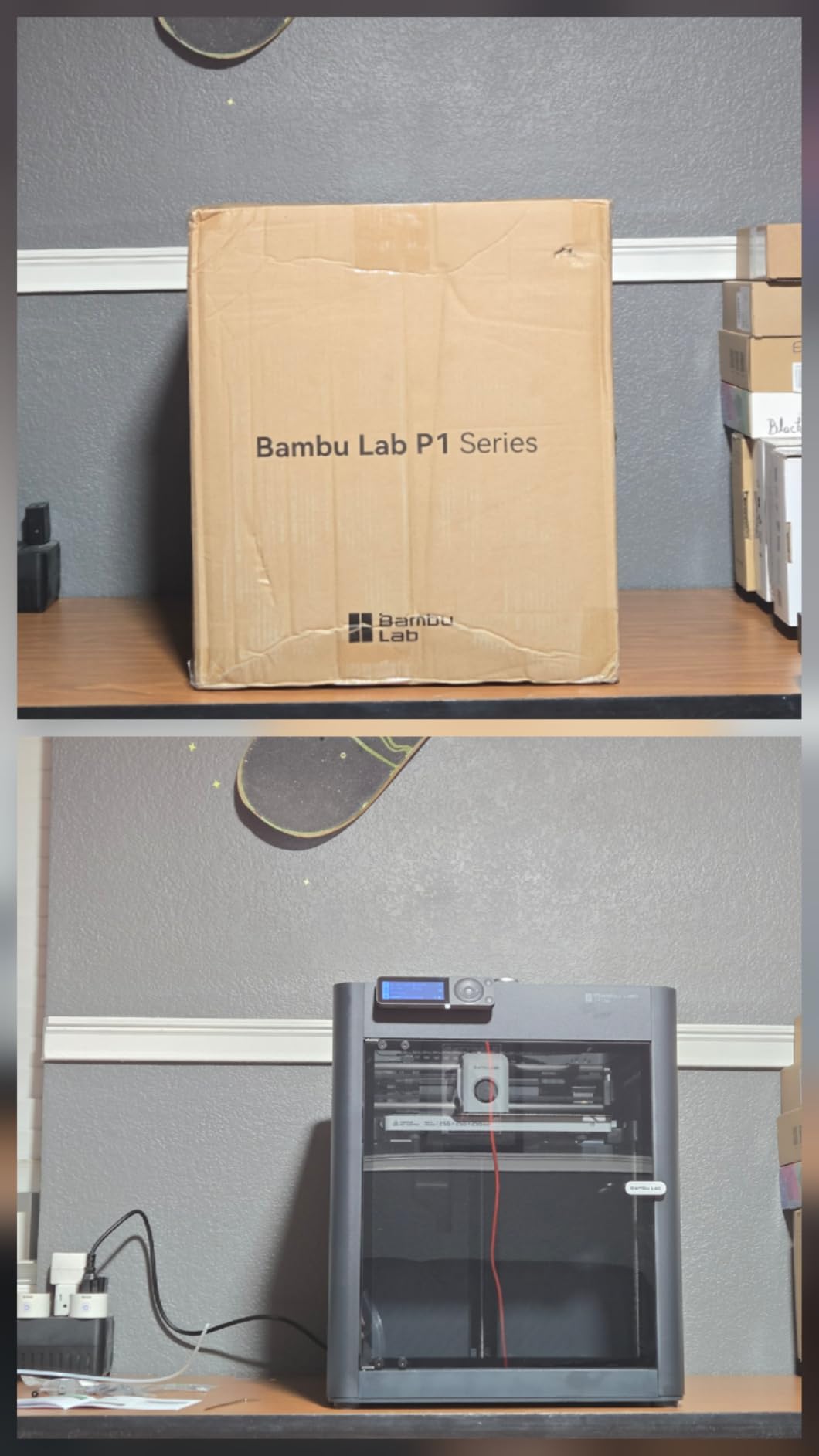
Experienced owners who previously owned far costlier machines describe the P1S as outperforming them on speed, reliability and software. The large community model library and camera time-lapse turn a print into something a child can watch, which matters for motivation.
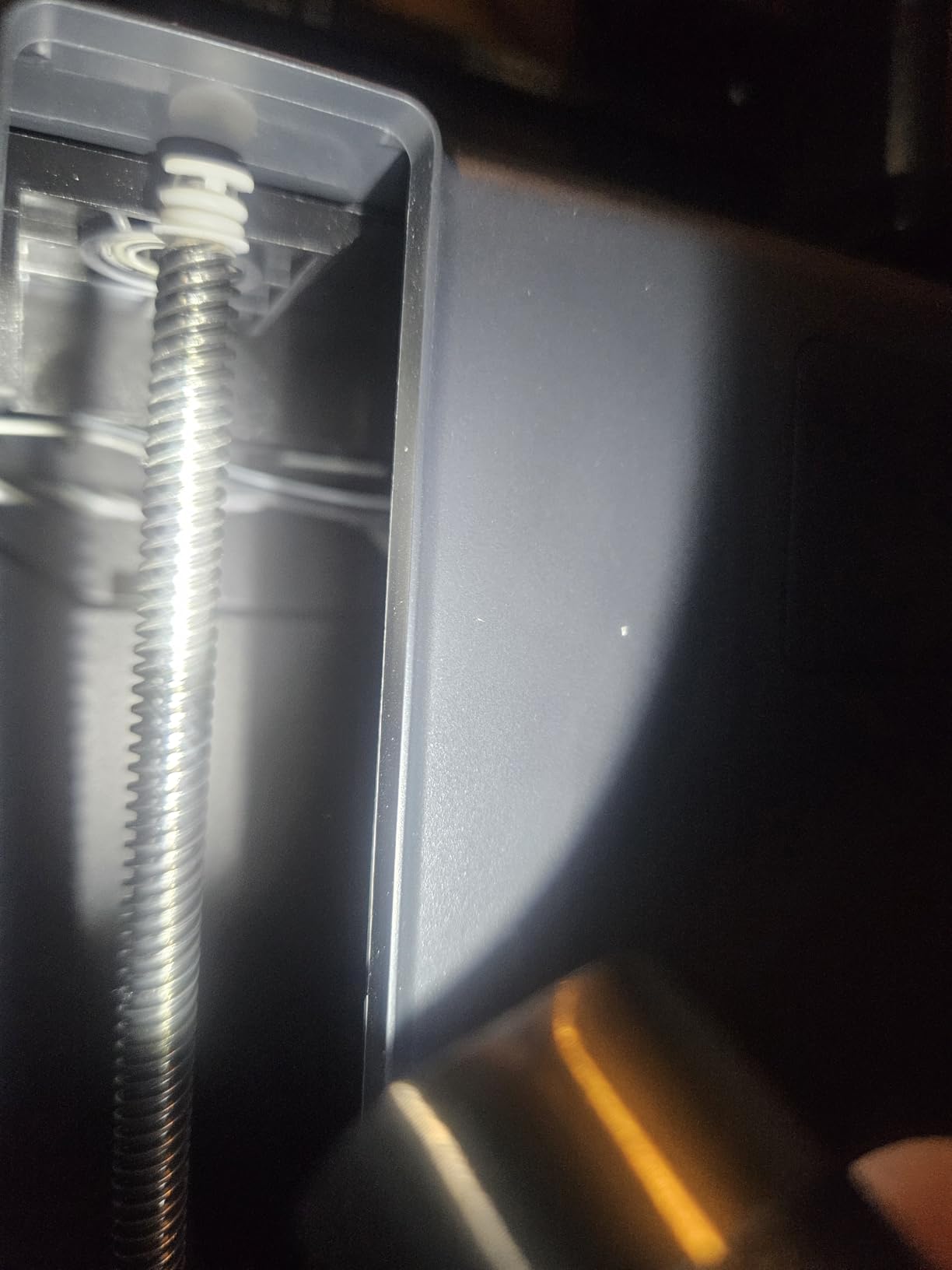
Two technical cautions come up repeatedly. Avoid silk and translucent filaments, which clog the hot end on this machine more often than standard PLA. And there is no built-in screen, so a child who does not have a phone or tablet nearby needs a computer to start a print.
Is the enclosure worth the step up?
Yes, if the printer lives in a family room rather than a garage. The enclosure dampens sound, blocks curious fingers from the moving axis, and protects ABS and ASA prints. Skip it if your child only prints PLA fidgets and never leaves the room unsupervised.
Who is this machine too much for?
A seven-year-old will not get much from the extra capability. The multi-material path and the wider filament list are real advantages only for a teen who is already finishing prints reliably and asking for better results.
4. Entina Tina2C – Best Guided App Setup for Ages 8 to 12
Entina Tina2C 3D Printer for Beginners, Fully Assembled Starter Mini 3D Printer, Start in 8 Mins, App & WiFi Control, Auto Leveling, 3500+ Model Library, 25+ Creative DIY Modules for STEM, Home
3.9 x 3.9 x 3.9 inch build volume
Guided app setup, first print in about 8 minutes
25+ STEM modules
5.28 pounds
Pros
- Guided app setup gets kids printing within hours
- Large model library and STEM content keep kids engaged
- Compact light and safe-looking for a desk or classroom
- Auto leveling helps first-layer adhesion
Cons
- Small build volume which kids outgrow quickly
- Nozzle clogs and filament snapping when retraction is enabled
- Filament hook does not accept 1kg spools
The Tina2C is the most child-directed machine here. The Poloprint Cloud app walks a first-time user through setup, and the manufacturer states a first print in about 8 minutes from an unopened box. Our test child had something on the build plate before the rest of us finished the manual.
It also carries 25 creative DIY modules and STEM courses, plus AI-assisted model search and a photo-to-print feature. For a nine-year-old who wants to make a thing from a photo of a dinosaur, that content library is the feature, and the hardware is just the delivery system.
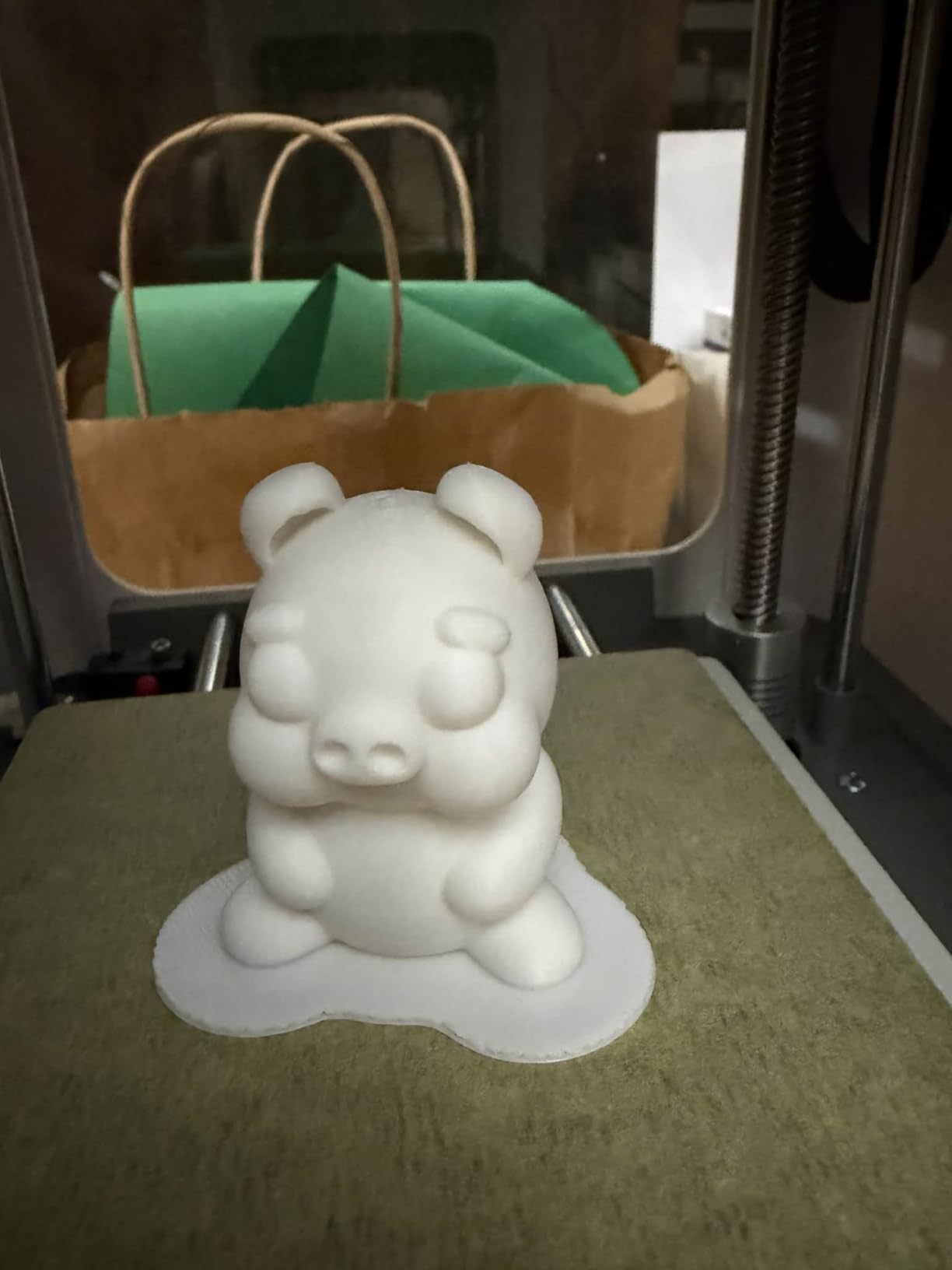
Parents buying for children around ages 9 to 12 report the app-guided setup and the content library as the deciding factors. The machine is 5.28 pounds with integrated LED lighting and low-noise operation, which makes it easy to live on a bedroom desk or in a classroom.
Recurring negatives come down to size and maintenance. The 3.9-inch cube build volume is genuinely tiny, and nozzle clogging shows up when retraction is left enabled in the slicer. Turn retraction off for this machine and clogging largely disappears.
Does a child need a computer to use it?
Not for everyday printing. Guided setup, model browsing and printing all run through the app over 2.4GHz WiFi, with a TF card for offline use. A computer is only needed if the child wants to design their own model in Tinkercad.
When should you move up from this one?
The moment a project stops fitting in a 3.9-inch cube, which for most children arrives sooner than expected. At that point move to the Bambu Lab A1 rather than trying to scale models down, because shrinking a design is more frustrating than a new printer.
5. Creality K2 SE 4C – Best for Multi-Color Printing
Creality K2 SE 4C 3D Printer, Multi-Color 3D Printer, 500mm/s Fast Printing
4-color printing built in
500mm/s CoreXY motion
Intelligent auto bed leveling
35.5 pounds
Pros
- Four-color printing built in with no separate unit or assembly
- Compact footprint for a multi-color machine at 37% less space
- Fast CoreXY motion at 500mm/s
- Runout tangle and power-loss protection reduce wasted prints
Cons
- Lowest average rating in this group at 4.0 stars
- Newer model with a shorter long-term reliability record
- Root access on some firmware adds setup complexity
Most multi-color machines need a separate feeder unit the size of a small suitcase. The K2 SE 4C folds four colors into the machine itself and occupies 37% less space than a traditional multi-color system, which matters in a bedroom or a shared family office.
Motion is CoreXY at 500mm/s with 20,000mm/s² acceleration, and the auto bed leveling probes only the active print area rather than sweeping the whole plate, so setup takes seconds. Print protection includes filament runout detection, tangle detection, power loss recovery and skip-partial-failure.
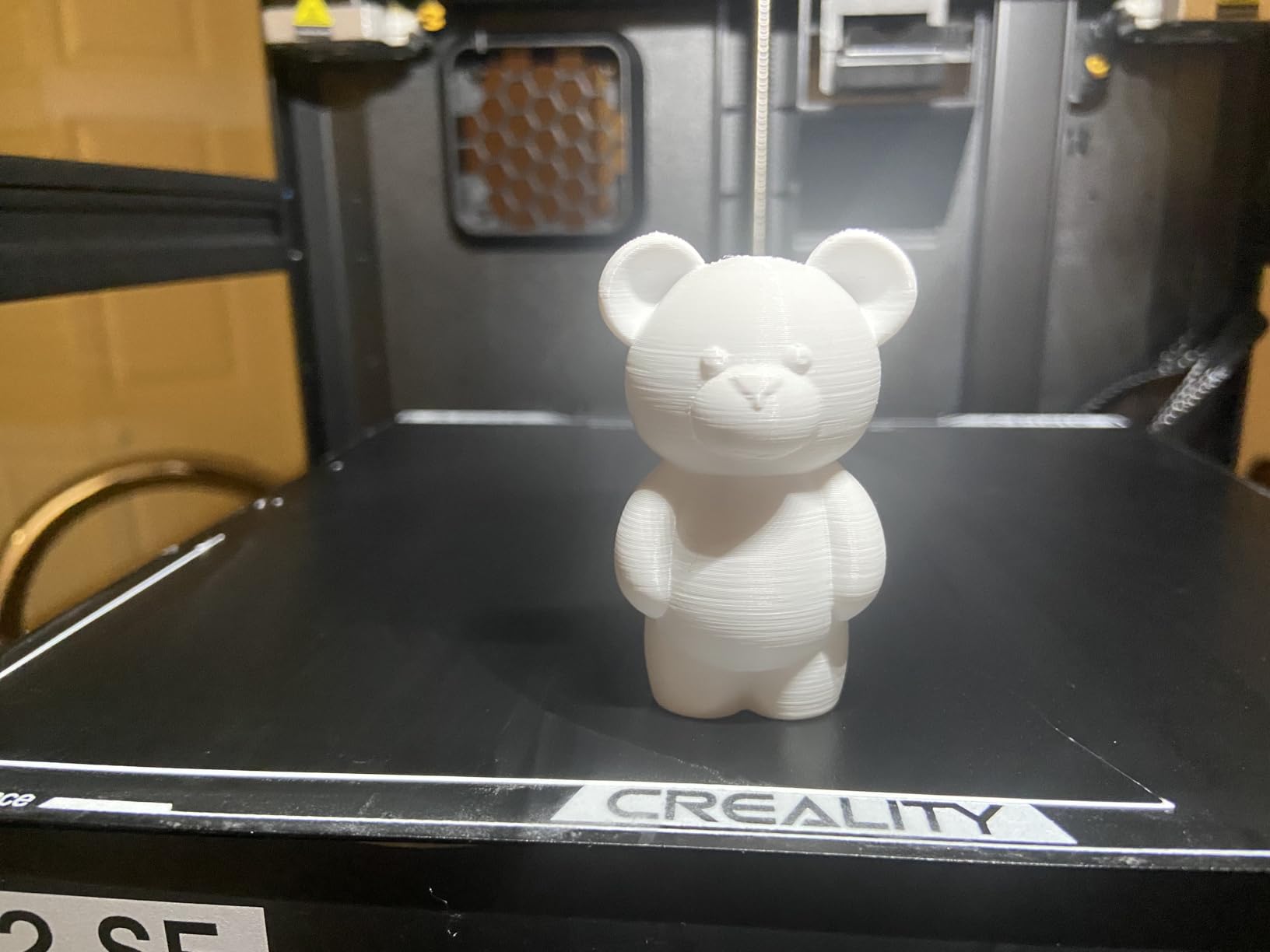
Buyers are drawn to integrated four-color printing without a second unit and to the space savings. Root access and the Fluidd interface appeal to tinkerers, and offline USB printing is supported alongside Creality OS.
The 4.0 average is the lowest in this group, and roughly 16% of reviews are one star, which points to more early-model teething than the established machines here. If your child is patient with an occasional failed print, the color capability is worth it. If a failed print ends the fun, start with a single-color machine.
Is four-color printing the best motivation for a kid?
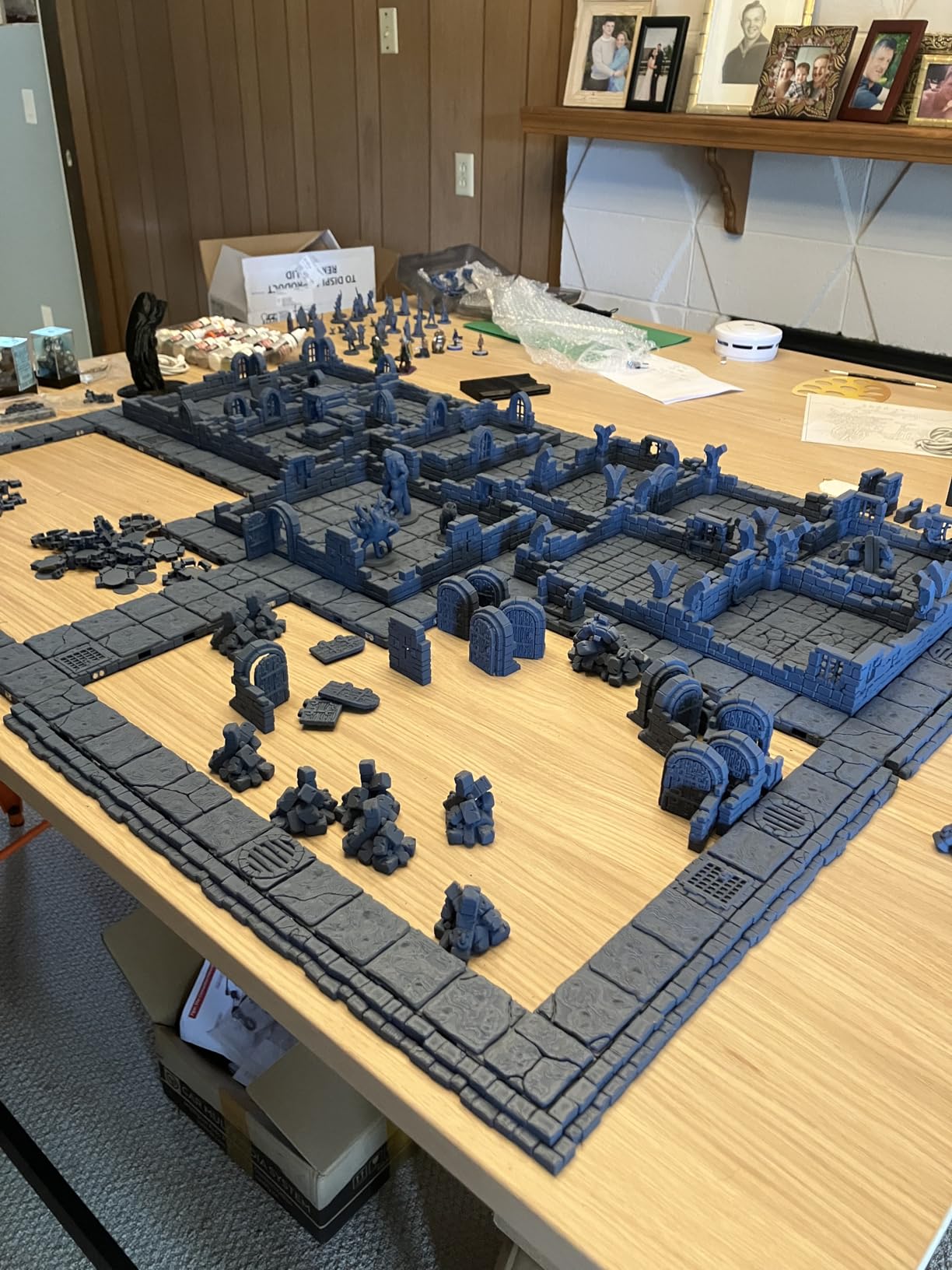
Usually yes. A child who designs a single model and sees it come out in four colors treats the machine as a toy. The catch is cleaning up between colors and refilling filaments, which is adult work and should be scheduled as such.
What materials does it handle?
PLA, PETG and dual-material breakaway support are supported. It is not an ABS machine, so if a teen wants engineering materials, the Bambu Lab P1S is the better destination.
6. Flashforge Adventurer 5M – Best for Schools and Classrooms
Flashforge Adventurer 5M 3D Printer for Beginners, 600mm/s Fast Printing, Direct Drive (280°C), Auto-Leveling, 8.7″x8.7″x8.7″ PEI Build Plate – Ideal for Home, School & Makers
600mm/s with 20000mm/s2 acceleration
25-point auto leveling at 0.01mm precision
MagSwitch PEI plate
23.3 pounds
Pros
- Very high speed for the money
- cutting print time significantly
- Precise auto-leveling gives reliable first layers
- Open frame is easy to service and quick to change nozzles
- Quiet enough for home and classroom use
Cons
- Open frame means no enclosure for temperature-sensitive materials
- Building an enclosure requires extra hardware and printed panels
This is the one to buy when several children will share a machine. At 600mm/s with a Klipper-based motion system, a class of thirty name tags finishes while the lesson is still running, which is the difference between a lesson and a demonstration.
The 25-point auto bed leveling with pressure-sensor compensation holds 0.01mm precision, and the MagSwitch PEI plate pops parts off in seconds so cleanup does not eat the period. Nozzle changes take under 15 seconds with the Nozzle X system.
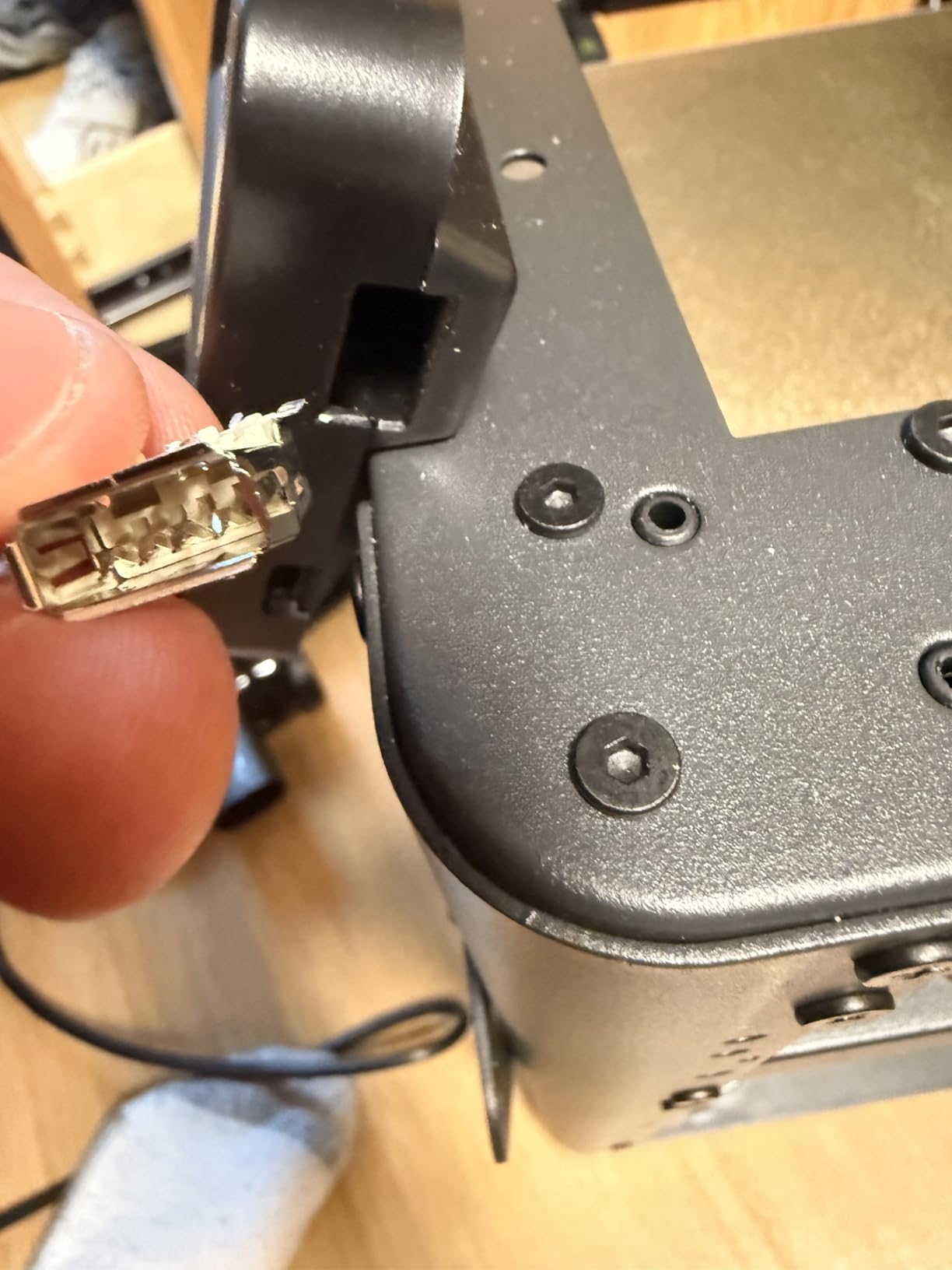
Owners treat the Adventurer 5M as a performance-per-dollar machine, highlighting the speed, the leveling precision and the quick-swap components. The industrial CoreXY frame with dual linear rails cuts resonance compared with older bed-slinger designs.
The 32mm³/s high-flow nozzle reaches 200°C in 35 seconds and the direct drive handles up to 280°C. A built-in filament sensor and the Flashforge app give remote monitoring, which lets a teacher check on a print from another room.
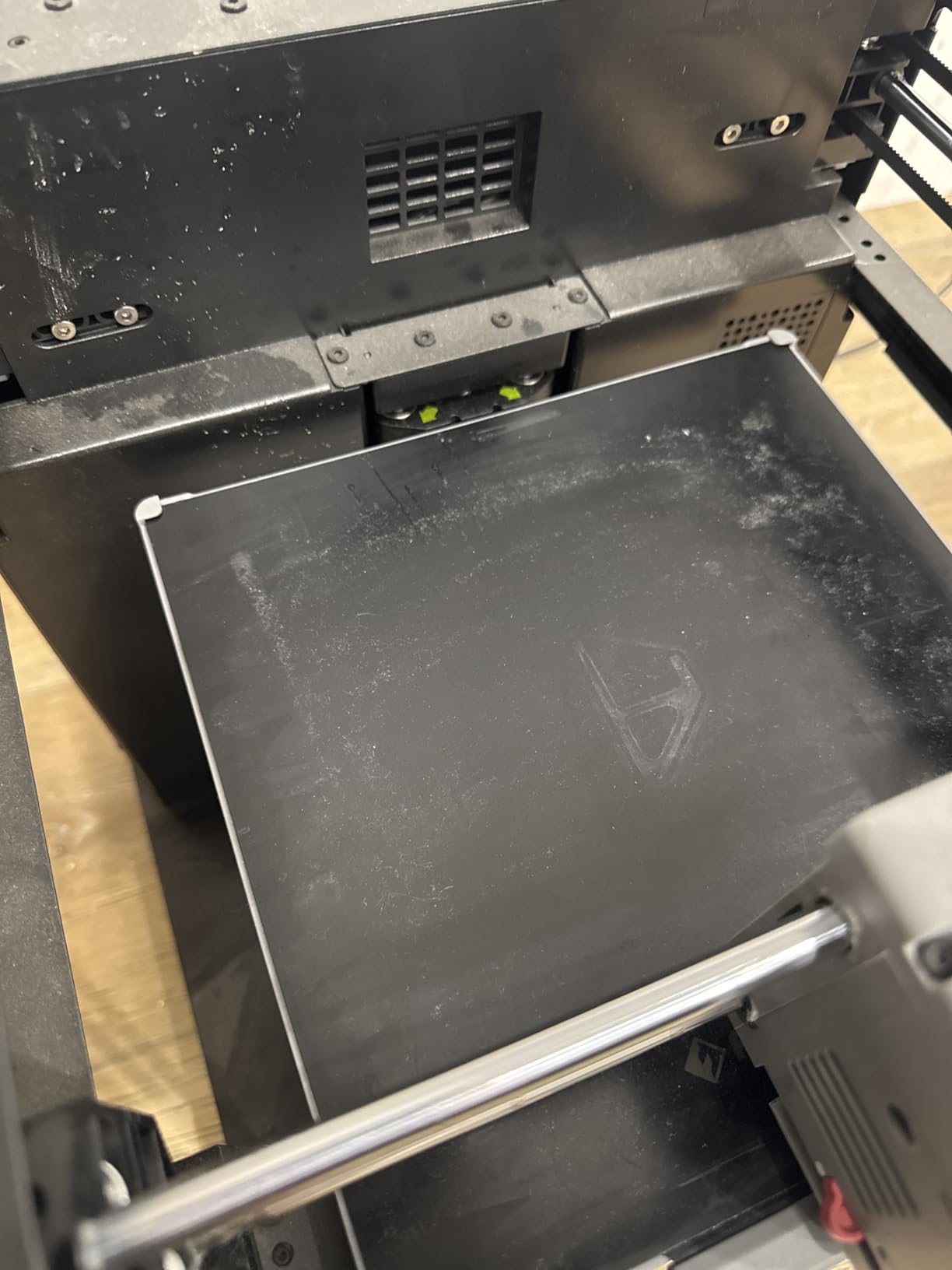
Where should this printer live?
In a classroom, workshop or garage rather than a bedroom. The frame is open, so the heated bed and nozzle are exposed during a print, and the noise floor is higher than the enclosed Bambu machines. A supervised workshop with an adult present is the correct setting.
Is the missing enclosure a dealbreaker?
Not for PLA, PETG and TPU, which is what most school projects use. An optional enclosure can be added later using printed panels, so the machine can graduate to ABS and ASA when the user is ready.
7. Bambu Lab A1 Mini Combo – Best Bundled Multi-Color Package
Bambu Lab A1 Mini Combo, A1 Mini 3D Printer&AMS lite, Multi-Color Printing
AMS lite included for 4-color printing
Pre-assembled, first print in about 20 minutes
48 dB or quieter
22 pounds
Pros
- Multi-color out of the box with the bundled AMS lite
- Very easy setup with kids getting it running unaided
- Strong bed adhesion and clean layer adhesion
- Quiet and compact for a home or small studio
Cons
- The AMS and any filament dryer take up significant space
- Nozzle clogging and filament-loading errors reported after months of use
- Closed-source software
- a desktop computer helps for reliable model prep
This is the A1 Mini with the AMS lite in the box, which means four-color printing on the first day instead of after an extra purchase. It arrives pre-assembled and the manufacturer quotes a first print in about 20 minutes, which matched our own setup time.
Gift buyers and families dominate the reviews, with many reporting children around ages 10 to 12 printing independently within hours. Bed adhesion was the standout in our testing, with clean layers and no warping on taller parts.
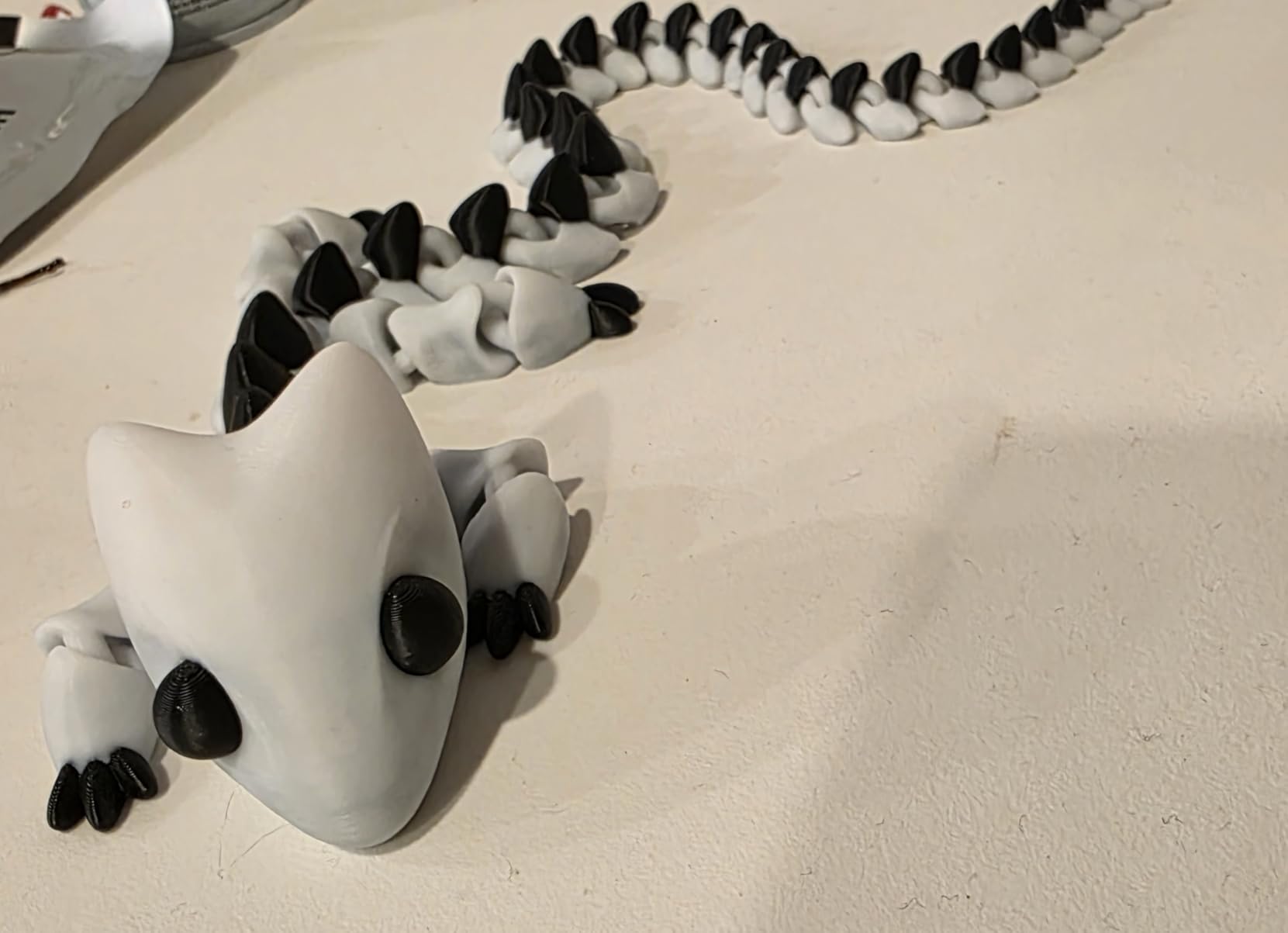
The AMS lite handles automatic four-color changes so a child does not have to babysit a filament swap. Integration with Bambu Studio and cloud printing means a model can be queued from a phone while the family eats dinner.
The minority of negative reviews cluster around long-term reliability, specifically nozzle clogs and AMS feeding errors after months of use, plus the physical footprint of the AMS unit and any filament dryer sitting next to it.
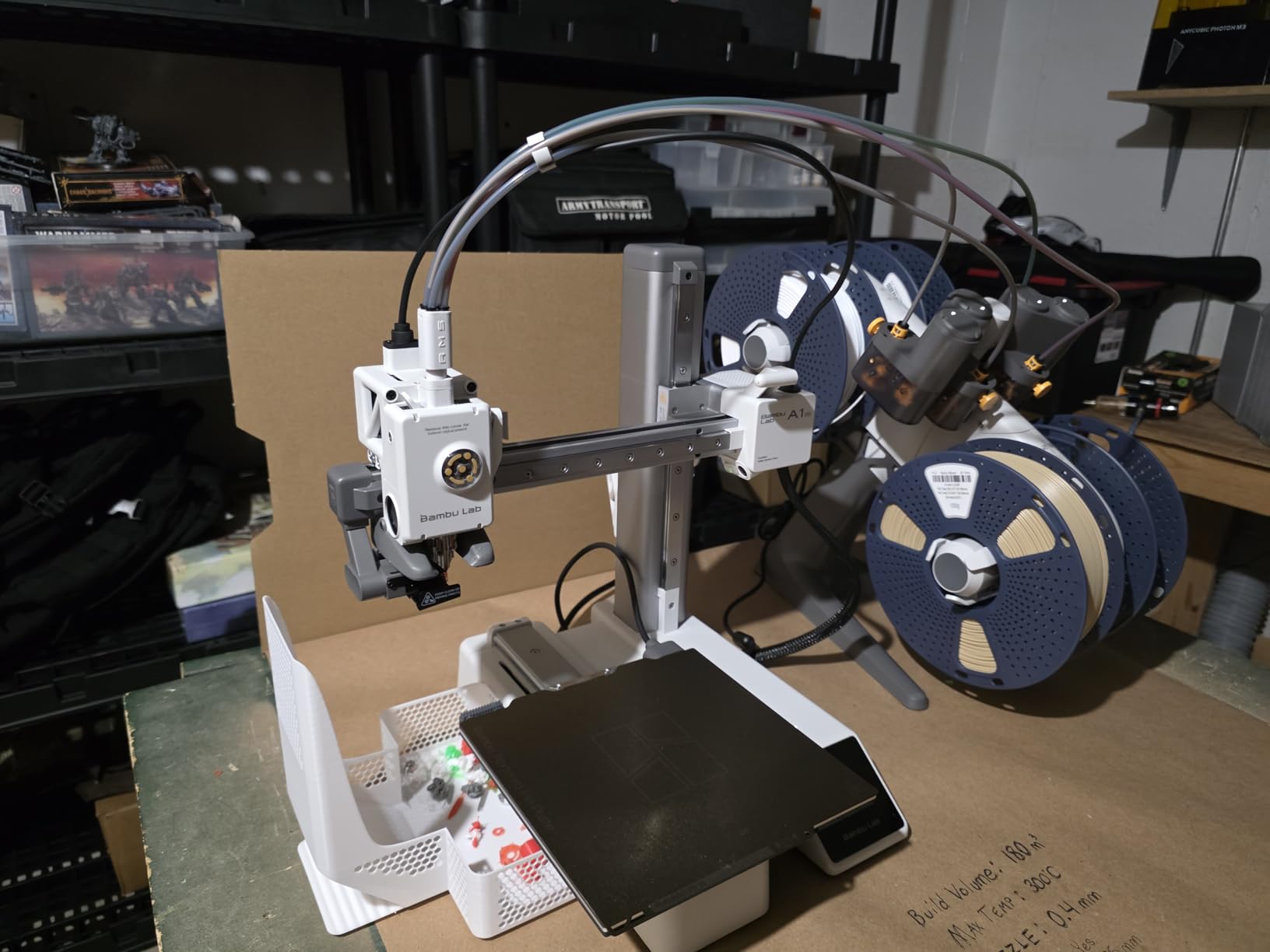
Is the AMS lite worth the extra footprint?
Only if color is the hook. Color prints take longer because of the purge between colors, so a child printing a large PLA model will wait longer for a less impressive result than the same model in one color on the standard A1.
How loud is it really?
The manufacturer rates it at 48 dB or quieter, but owners describe it as noticeably louder and more vibratory than expected, particularly the rapid movements enabled by the 10,000 mm/s² acceleration. It suits a home office better than a shared wall.
8. Creality Ender 3 V3 SE – Best Budget Route Into Auto-Leveling
Creality Ender 3 V3 SE Beginner-Friendly 3D Printer with Auto Leveling
Up to 250mm/s with 2500mm/s2 acceleration
CR Touch auto leveling and Z-offset
Assembles in about 20 minutes
19.8 pounds
Pros
- Lowest-cost machine here with automatic leveling and Z-offset calibration
- Assembles in about 20 minutes with basic tools
- Reliable across PLA PETG TPU and infilled filaments
- Flexible spring steel plate makes parts easy to remove
Cons
- Open bed-slinger design with no enclosure
- Some units report fan bearing noise and Y-axis dragging within weeks
- Rear power selector is set to 220V by default and must be changed for US use
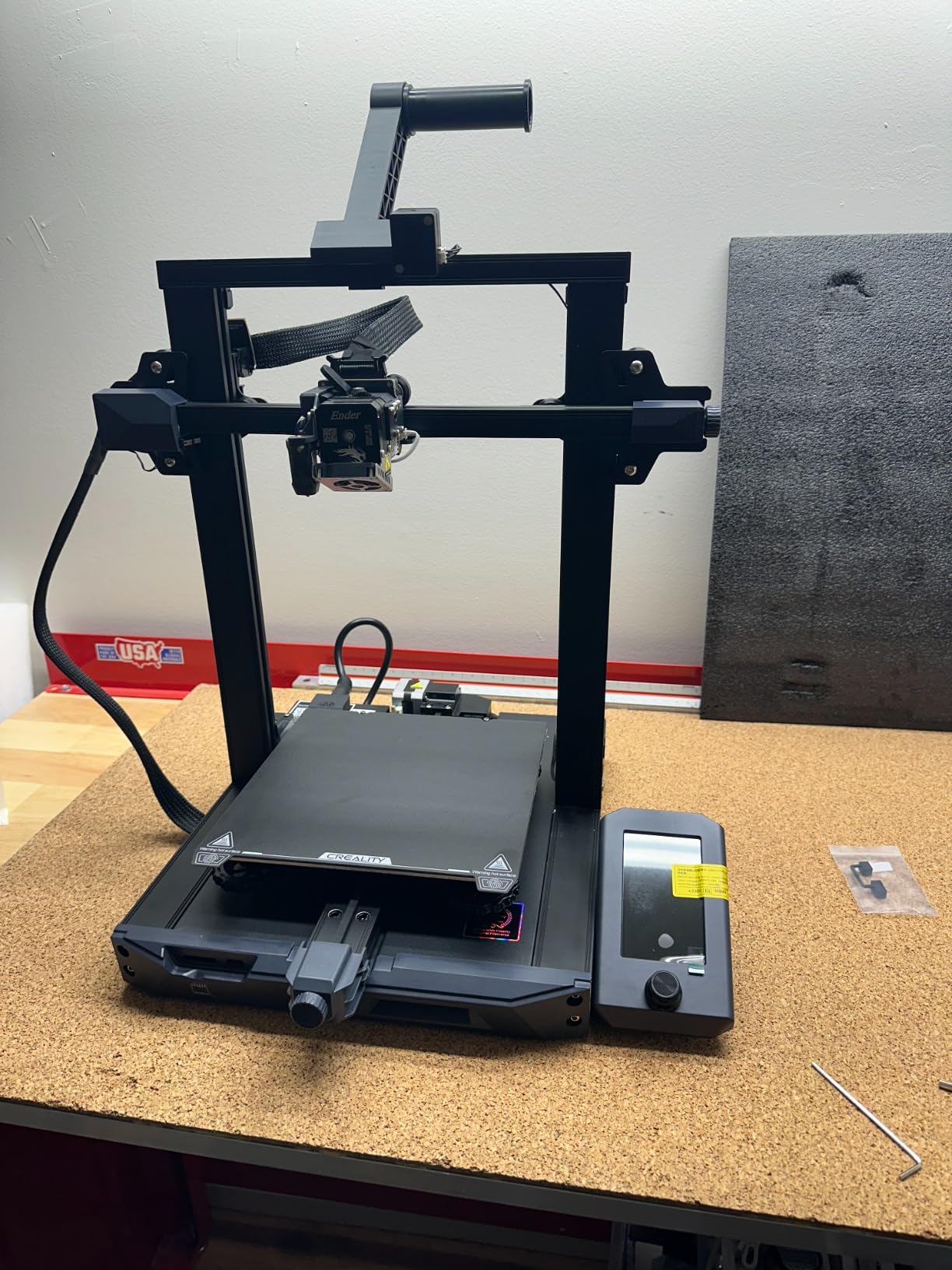
The Ender 3 V3 SE is the entry point that costs the least and still arrives with real automation. CR Touch auto leveling with automatic Z-offset calibration is the feature that separates it from the hand-tuned budget printers of a few years ago, and it is why first prints usually work.
Assembly takes roughly 20 minutes with basic tools, which gives a parent and an older child something useful to do together. The Sprite direct-drive extruder handles PLA, PETG and TPU, and the flexible PC spring steel plate makes parts pop off without a spatula argument.
With 791 reviews this is the most established machine in the group and a long-standing community favorite. Owners praise straightforward setup and low-hassle printing, and the 32-bit silent mainboard keeps the operating noise lower than its bed-slinger lineage suggests.
Check the rear power selector before first use. It is set to 220V by default and must be switched to 125V in the US, and missing that step produces a confusing failure on an otherwise healthy machine.
Is assembly a problem for a child?
It is a good shared project for a parent and a teenager over 12. For a younger child, choose a machine that arrives fully assembled instead, since a half-built frame is a fast route to losing interest.
What are the durability complaints?
A cluster of owners report cooling-fan bearing noise and Y-axis dragging within weeks of use, and some mention an unreliable included USB drive. Neither is fatal, but both add friction for a child who just wants to press print.
9. Entina Tina2 Basic – Budget Pick and Shared Desks
Entina Mini 3D Printers Tina2 Basic, Fully Assembled and Auto Leveling 3D Printer for Beginners and Kids, Easy Setup, Safe Design, High Precision Printing FDM Mini 3D Printer for Home & School
Fully assembled, first print in about 5 minutes
100 x 105 x 100mm build volume
Auto leveling with dual Z-rails
6 pounds
Pros
- Lowest-cost fully assembled entry printer in this group
- Ships assembled with a TF card of test models and slicer software
- Auto leveling and dual Z-rails improve first-layer quality
- Light and portable for classrooms and dorm rooms
- Fully open-source for broader slicer choice
Cons
- Small build volume limits what children can make
- No WiFi or app control unlike the Tina2C
- Single-button operation is less approachable than a touchscreen
At six pounds and 11.4 by 8.6 by 8.6 inches, this is the smallest and lightest machine here, and it is the easiest to hand to a child. It arrives fully assembled and the manufacturer quotes a first print in about five minutes.
Everything needed is on the TF card, including test models and the slicing software, so there is no app to download, no account to create and no WiFi to configure. For a classroom where the network is locked down, that simplicity is the feature.
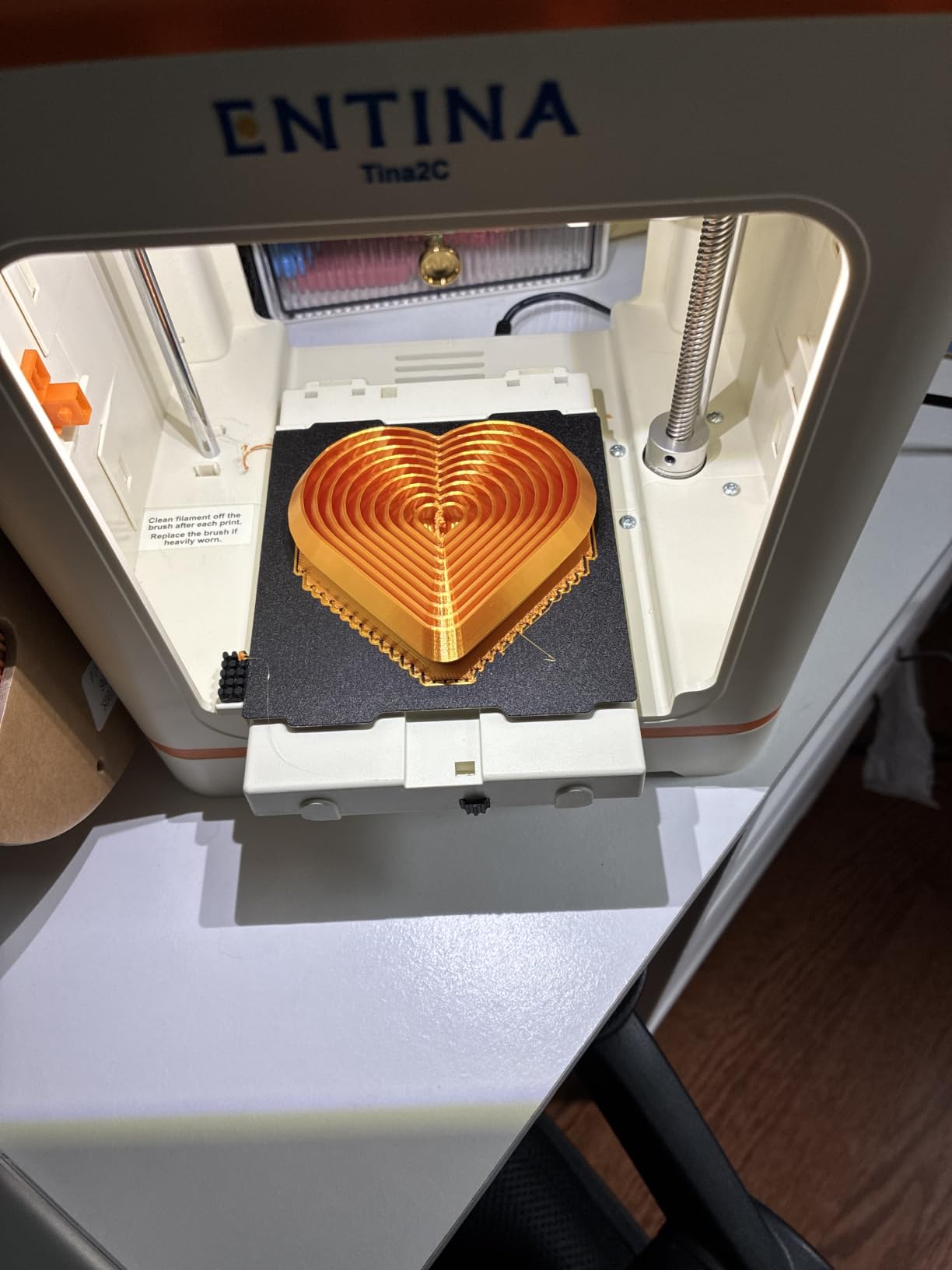
Owners value the price and the zero-assembly experience. The intelligent auto leveling with a flexible magnetic build plate and dual Z-axis rails produced clean layers in our testing, and power-outage print resume means a dropped WiFi signal or a tripped breaker does not lose an evening of printing.
Because the design is fully open-source, a family can use whichever slicer the school already runs. One-button filament load and unload keeps material changes simple.
Does a child need an app to print?
No. Everything runs from the 2.4-inch LCD and the TF card. That is a limitation compared with app-driven machines, but for a child under about nine it removes the screen time question entirely and keeps the loop physical.
What should you buy alongside it?
A spare magnetic build plate and a small brush for the nozzle. Both wear out eventually, and replacing them takes seconds on this machine.
10. Creality K1C – Best for Speed and Camera Monitoring
Creality K1C 3D Printer, 600mm/s with AI Camera and Auto Leveling
600mm/s CoreXY motion
Direct-drive extruder, 280C capable
AI camera monitoring
Silent mode at 45 dB or quieter
Pros
- Very high print speed thanks to CoreXY kinematics
- Handles high-temperature and carbon-fiber filaments
- AI camera adds monitoring and time-lapse
- Activated carbon air purification reduces odors
- Auto calibration makes first prints straightforward
Cons
- Heavier and larger machine that takes up notable desk space
- Higher learning curve than entry-level printers
- Silent mode reduces noise but also print performance
The K1C is the speed pick, printing at 600mm/s with 20,000mm/s² acceleration on CoreXY kinematics. With 2,728 reviews behind it, this is also the most battle-tested machine in the roundup, and that history matters when a household is investing in something a child will use daily.
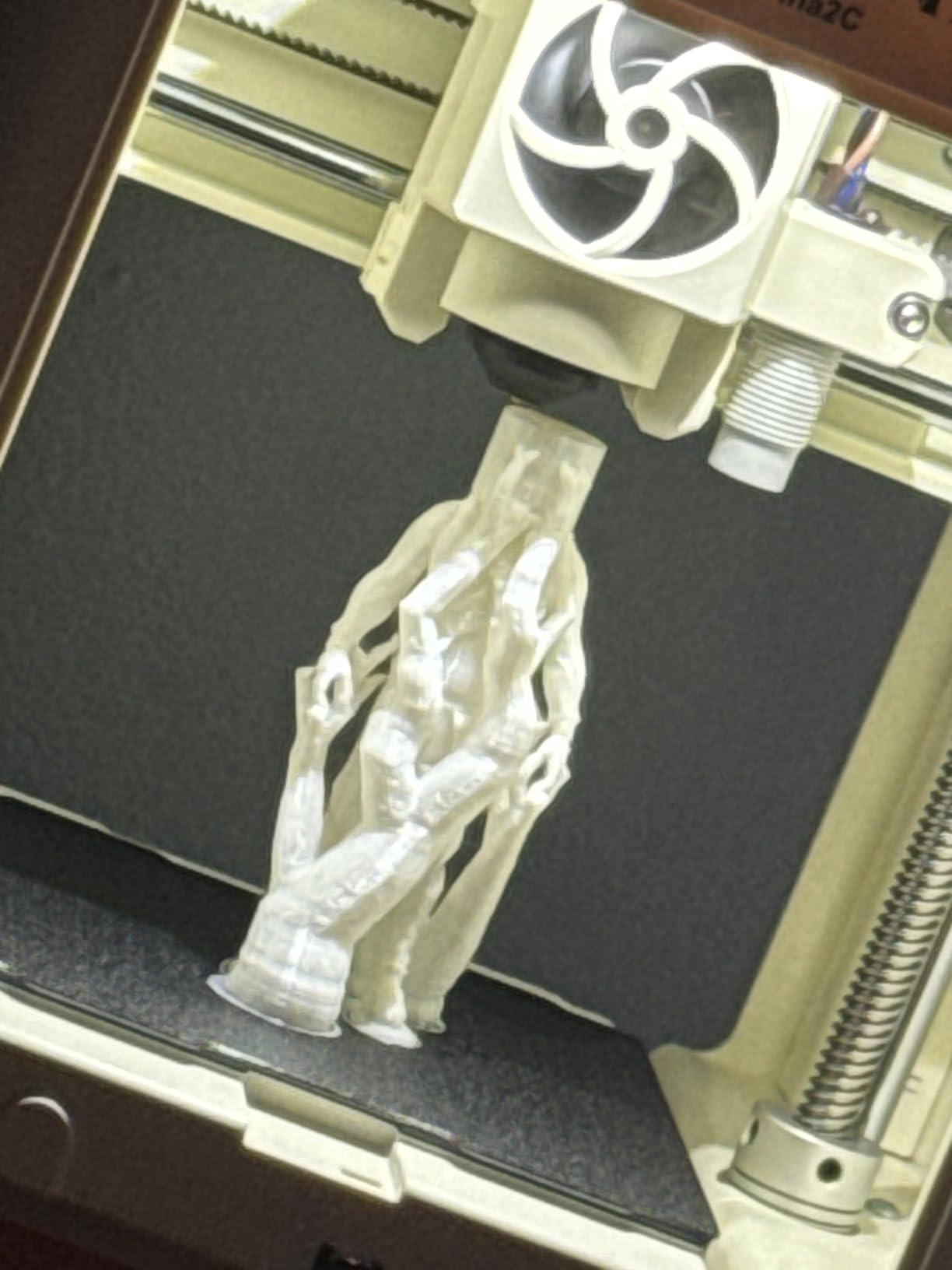
The built-in AI camera monitors the print in real time, detects faults and records time-lapse video. For a child, watching a dragon build itself layer by layer on a phone screen is often what keeps them printing after the novelty of the design software fades.
Buyers praise the speed, camera monitoring and material versatility. The direct-drive extruder with a tri-metal unicorn nozzle handles high-temperature filaments, and one-tap auto bed leveling with a dynamically balanced printhead fan gets the first layer right.
The activated carbon air purification reduces odors during printing, and silent mode runs at 45 dB or quieter. Parents in apartments should still treat that as background noise rather than something suitable for a sleeping child in the next room.
Is a 600mm/s printer faster in the real world?
Faster on short prints, especially fidgets and small figures where acceleration dominates. Long prints converge because the bottleneck becomes the nozzle and the cooling, not the motion system. The speed advantage is real but not as dramatic as the number suggests for a beginner.
Who should not buy this one?
Anyone with a small desk. At 35.2 pounds and 10 by 10 by 10 inches of listed footprint in a larger housing, it is the machine in this list most likely to end up in a garage. It also carries the highest learning curve, which is a poor match for a child under 10.
How to Choose a 3D Printer for Your Child
Start with the age band, not the specification list. Children under about 7 do best with a machine they can carry and operate with two buttons. Children aged 8 to 12 can handle app control and will want model libraries more than speed. Teens want enclosure, materials and multi-color capability.
Auto bed leveling. This is the single feature that decides whether a child’s first print works. Auto bed leveling means the machine probes the build plate and sets the nozzle height itself. Without it, a first-timer spends an hour adjusting four knobs and concludes the printer is broken.
Enclosed versus open frame. An enclosed chamber holds heat, blocks drafts and reduces noise, which makes ABS and ASA printing reliable. An open frame is cheaper, easier to service and fine for PLA, which is what most child projects use anyway.
App control versus no computer. If your child should print without a laptop, choose WiFi or app control. The Bambu machines and the Entina Tina2C handle this well. The Entina Tina2 Basic and the Creality Ender 3 V3 SE rely on a screen and a card, which keeps children away from screens but means more adult involvement.
Noise. Printers produce a low hum plus fan noise and stepper rattle. Rapid machines such as the K1C and Adventurer 5M are louder than the enclosed Bambu units. Place the printer in a garage, basement or workshop rather than a bedroom, especially if a sleeping child is nearby.
Is 3D Printing Safe for Kids?
FDM printing with PLA is safe in a home with children when the machine is used the way it was designed. Resin printing is a different story, and we do not recommend it for homes with children under about 12.
Hot end and open frames. The nozzle reaches and holds temperatures high enough to cause a burn, and the heated bed stays hot after a print ends. Touch it only after an adult confirms it is cool. This is the main reason we place age 10 as the floor for unsupervised use of an open-frame machine.
Filament fumes. PLA emits very little, but ABS and ASA emit styrene, which carries a real health warning and should only be printed in a well-ventilated space or an enclosure with filtration. PETG is the better choice for a home where a child prints regularly, and community advice consistently favours it over ABS indoors.
What a child cannot do alone. Removing a failed print, clearing a jam, unclogging a nozzle and changing filament all involve hot or pinched components. Plan to do those four jobs yourself for the first year, however capable the child is with the app.
For anyone curious about resin, the trade-offs are written up in our guide to resin 3D printers for miniatures, but the short version is that it needs gloves, alcohol, curing and ventilation that no family should have near a play area.
What It Really Costs to Own a Kid’s 3D Printer
The printer is the smaller half of the running cost. Filament is sold by the kilogram, and a spool lasts far longer than most families expect at beginner volumes. A child printing a few models a week will get through roughly one spool every couple of months.
Budget separately for a spare build plate, a nozzle cleaning kit and a brass nozzle brush. Those three items cover most repairs, and they are what you replace instead of returning a machine. Dry storage for filament matters more than people expect in humid climates, since wet filament causes poor surface quality and a frustrated child.
Skip ABS and ASA for the first year. They print well but need an enclosed chamber and ventilation, which means the machine has to live away from the play area and away from unsupervised time.
Where Kids Get Free Models and What to Print First
Printables, MakerWorld and Tinkercad cover almost everything a child needs without spending money. Printables and MakerWorld are browsable libraries of downloadable models, while Tinkercad is a browser-based design tool where a child drags shapes together to make something original.
Start with projects that finish in under 30 minutes: name tags, keychains, bookmarks and simple fidgets. After that move to articulated animals, which print as loose pieces and demonstrate movement when assembled. Save large, multi-hour prints for a weekend when the child has something else to do.
Parents often ask whether the design software or the hardware is the better learning tool. Our answer is that for most children the software is more engaging, because a child who designs a dragon and prints it has made two things rather than one.
What to Do When the First Print Fails
A failed first print is the number one reason parents abandon 3D printing, and it is almost always fixable. The most common failure is a first layer that will not stick, and the fix is cleaning the build plate with isopropyl alcohol and confirming auto leveling ran.
If a print stops mid-way, check the filament path first. A snapped filament or an untangled spool causes more failures than any machine fault. Every model here except the Tina2 Basic includes runout detection or power loss recovery, which at least tells you what went wrong.
For motivation, print alongside the child rather than for them. A shared failure you diagnose together teaches more than ten successful prints handed over as a surprise, and it keeps the frustration pointed at a solvable problem instead of at the machine.
Frequently Asked Questions
What are the best 3D printers for kids?
The best 3D printers for kids are pre-assembled FDM machines with automatic bed leveling and app or one-touch control, so a child can pick a model and print it without adult help. Our top pick is the Bambu Lab A1 for families, the Asani TINA2S for value, and the Bambu Lab P1S for teens who want an enclosed chamber.
How old should a kid be for a 3D printer?
Around age 7 is a reasonable starting point for a fully assembled machine with physical controls and no computer, such as the Entina Tina2 Basic. Between 8 and 12, app-controlled printers open up model libraries and remote printing. Below about 10, an adult should handle failed prints, jams and filament changes, and no unsupervised use of an open-frame machine is sensible because the nozzle and bed run hot.
Should a 7 year old have a 3D printer?
Yes, with an adult nearby. At that age pick something small, light and fully assembled, ideally one that prints from a button or card rather than a laptop. Keep filament changes, failed print removal and jam clearing as adult jobs, and place the printer somewhere it cannot be touched mid-print.
Do kids need a computer to use a 3D printer?
For everyday printing on most models here, no. The Bambu Lab A1, the Bambu Lab A1 Mini Combo, the Bambu Lab P1S and the Entina Tina2C all print from a phone app over WiFi. A computer is only needed if a child wants to design their own models in Tinkercad or adjust slicer settings in a program like Cura.
What is the most kid friendly 3D printer?
The Entina Tina2C is the most kid friendly by design: guided app setup, a stated first print in about eight minutes, a browsable model library and 25 plus STEM modules that keep a child engaged without adult help. The Asani TINA2S is the runner-up for families who prefer physical controls, since it arrives fully assembled with filament and software included.
What is the best 3D printer for a beginner?
The Bambu Lab A1 is the best choice for a beginner because it arrives assembled, calibrates its own bed and Z-offset at startup, and prints from a phone without a computer. It rates 4.7 stars across 671 reviews and needs almost no learning curve. The Asani TINA2S is a close second if you want the complete starter kit at a lower outlay.
Is it worth buying a 3D printer for kids?
It is worth it when a child is willing to be supervised through failures, because the first month teaches more patience than the last month does. Judge it on 12 months of use, not the first week. If interest fades after a month, the machine is not wasted: it becomes a family tool for name tags, hooks and replacement parts.
The Verdict for Most Families
The best 3d printers for kids are the machines that remove the fiddling and leave the making. The Bambu Lab A1 remains our pick for the widest range of households, because it calibrates itself, prints from a phone and rates 4.7 stars across 671 reviews. The Asani TINA2S is the value choice for a first printer, and the Bambu Lab P1S is where we send a teen who has outgrown the small machines.
Whichever you choose, supervise the hot parts, keep PLA as the first material, print something small together on day one, and let your child pick the second print. That is the whole method. Check the latest model details through the buttons on this page as 2026 moves along.