
There has never been a better time to buy a 3D printer, and there has never been a more confusing one. Three years ago a machine worth owning cost more than a used car, and the good ones arrived as a box of parts with a manual. Today the best 3D printers under 500 dollars arrive fully assembled, level their own beds, catch their own failures, and print in four colors without you touching a screwdriver.
That shift is what this guide is built around. Every printer below was priced at or under the 500-dollar ceiling when we checked it, and we did not pad the list with machines that bust that ceiling for a spec-sheet victory.
If a competitor roundup slips a 900-dollar CoreXY in with six budget picks, it is not answering your question. This one is locked to the budget from the first line to the last.
We spent the past several weeks reading owner reports across Reddit r/3Dprinting, Reddit r/3DPrinterComparison, the Linus Tech Tips forum and the Revopoint community, then cross-checking every spec against manufacturer documentation. Our criteria were simple: it must print well out of the box, it must not require a hobby to keep running, and it must do something the other options on this list do not. Full methodology is further down the page.
If you are still narrowing the field, our guides to the best 3D printers for miniatures and the best resin 3D printers for miniatures cover the detail side in more detail, while our wide-format picks under 5000 dollars cover the opposite end of the build-volume scale.
Table of Contents
What Is the Best 3D Printer Under the 500-Dollar Ceiling?
The best 3D printer under the 500-dollar ceiling is the Bambu Lab A1. It prints at 10,000 mm/s² acceleration, calibrates its own bed and Z-offset, weighs only 22 pounds, and adds multi-color through the AMS lite.
If your budget stretches a little further, the Bambu Lab P1S is the pick for ABS and ASA because it is fully enclosed, and the Anycubic Kobra X is the one to buy if four colors out of the box matter more than the lowest entry point.
That is the short answer. The longer answer depends on what you are printing, and the honest truth is that most of the disagreement you see in forums comes from people answering a question you do not have. A person printing 28mm tabletop miniatures and a person printing a cosplay helmet want completely different machines out of the same budget.
One thing worth stating plainly, because it is the number one question in every beginner thread we read: you no longer need to learn 3D printing by buying a broken machine. Anything on this list arrives assembled, levels itself, and has an app. The tinkering era of hobbyist 3D printing is over.
Top 3 Picks Right Now
These are the three we would put in front of most people, in the order we would hand them over.

Bambu Lab A1
- 10000 mm/s acceleration
- AMS lite multi-color
- Full-auto calibration
- 22 lb footprint

The A1 wins because it does the most without asking anything of you. The A1 mini is the same philosophy in a smaller box and a smaller commitment. The Kobra X is the only machine here that prints four colors out of the box with no extra unit at all.
All Eight Printers at a Glance
All eight machines, side by side, with the decision-relevant specs drawn from the manufacturer documentation and aggregated owner feedback. Every one of these was priced at or under the 500-dollar ceiling when we checked.
| Product | Specifications | Action |
|---|---|---|
| Bambu Lab A1 |
|
Check Latest Price |
 Bambu Lab P1S Bambu Lab P1S |
|
Check Latest Price |
 Anycubic Photon Mono 4 Anycubic Photon Mono 4 |
|
Check Latest Price |
 Bambu Lab A1 mini Bambu Lab A1 mini |
|
Check Latest Price |
 Flashforge Adventurer 5M Flashforge Adventurer 5M |
|
Check Latest Price |
| Anycubic Kobra X |
|
Check Latest Price |
 Flashforge AD5M Flashforge AD5M |
|
Check Latest Price |
 Creality Ender 3 V3 SE Creality Ender 3 V3 SE |
|
Check Latest Price |
Two patterns jump out. Six of the eight are filament FDM machines, which is what most people actually want. And of those six, only one has a fully enclosed chamber, which is why the P1S earns its place on a list that is otherwise full of open frames.
FDM or Resin: Which One Fits Your Budget
This is the first fork in the road, and getting it wrong means buying the wrong machine entirely. The two technologies share a price range and almost nothing else.
FDM, or fused deposition modeling, melts plastic filament and lays it down in thin layers. It is forgiving, the material is cheap and inert, cleanup is a brush and a scraper, and mistakes cost you a few cents. Every FDM machine on this list is the right choice for functional parts, cosplay props, organizers, replacement pieces, and anything that needs to be strong or snap together.
MSLA resin printing cures liquid plastic with a masked light source, and the result looks nothing like FDM output. At 17 x 17 micron pixels the Anycubic Photon Mono 4 produces detail where FDM leaves visible layer lines, which is exactly what tabletop gamers and jewelry makers are chasing. The trade is a wet, smelly workflow: gloves, a wash station, a cure step, and a room you can ventilate. The long-standing community position in the r/3Dprinting purchase advice megathread is that filament is the safer and cheaper place to start, and resin wins on detail once you already know you want it.
One warning that gets repeated constantly in the Revopoint community forum: buy a resin machine for miniatures, not as a casual first purchase. The workflow difference is real enough that it derails people who were expecting a printer, not a chemistry project.
How We Picked These Printers
We did not buy eight printers and time them. What we did was cross-reference manufacturer specifications with a large volume of aggregated owner feedback, then weight the results against what people actually ask for in the buying threads. Being straight about that matters, because forum readers distrust untested lists immediately.
1. It prints on the first or second try. The most repeated request in every beginner thread is something I will not have to tinker with. Automatic bed leveling, automatic Z-offset, and a build plate that holds are not nice-to-haves at this budget. They are the difference between a first print that succeeds and a first evening spent blaming yourself.
2. Speed has to be real speed. A headline max speed is meaningless if acceleration is low, because a machine that can hit 600 mm/s but takes a second to get there will never print faster than a smoother one. We care about the acceleration figure and whether the frame can hold it.
3. Support and repairability. A manufacturer that answers the phone and has spare parts is worth real money to a first-time owner, and it is one of the trust signals forum readers name most often. So is a repairable machine you are allowed to modify.
4. It has to add something. If two machines do the same job at the same quality, one of them does not belong on the list. That is why there is an enclosed pick, a resin pick, a four-color pick, a compact pick, and a lowest-cost pick rather than eight variations on the same open-frame filament printer.
5. Price discipline. Every machine here was at or under the ceiling when we checked it on October 1, 2026. Filament, accessories and multi-material units are what push a real setup past the number, so we call those out separately in the buying guide rather than pretending the printer is the whole cost.
1. Bambu Lab A1 – The Best 3D Printer in This Price Range
Bambu Lab A1 3D Printer, Ready-to-Use FDM 3D Printer for Beginners and Kids
10,000 mm/s acceleration
AMS lite multi-color
Auto level and Z-offset
22 lb, 21.76 x 20.83 x 12.87 in
Pros
- Prints well immediately with no manual calibration
- Very quiet with active motor noise canceling
- Fast acceleration with accurate extrusion
- App control plus MakerWorld model library
Cons
- AMS lite required for multi-color and sold separately
- Closed-source slicer ecosystem
- One unit reported a Z-axis error from a partially seated USB-C connector
The A1 is the machine we recommend to people who ask what to buy and then want to stop thinking about it. It is rated 4.7 out of 5 across 671 reviews, the highest-rated machine in this guide, and the pattern in the owner feedback is remarkably consistent: people bought it expecting a compromise and got a workhorse instead.
What you get is a CoreXY-style platform with 10,000 mm/s² acceleration, full-auto calibration covering bed level and Z-offset, and Active Flow Rate Compensation, which monitors extrusion and corrects for it. In practice that means the machine quietly fixes the two problems that ruin most budget prints. It does not need periodic re-leveling, and it does not need a flow test after every filament change.
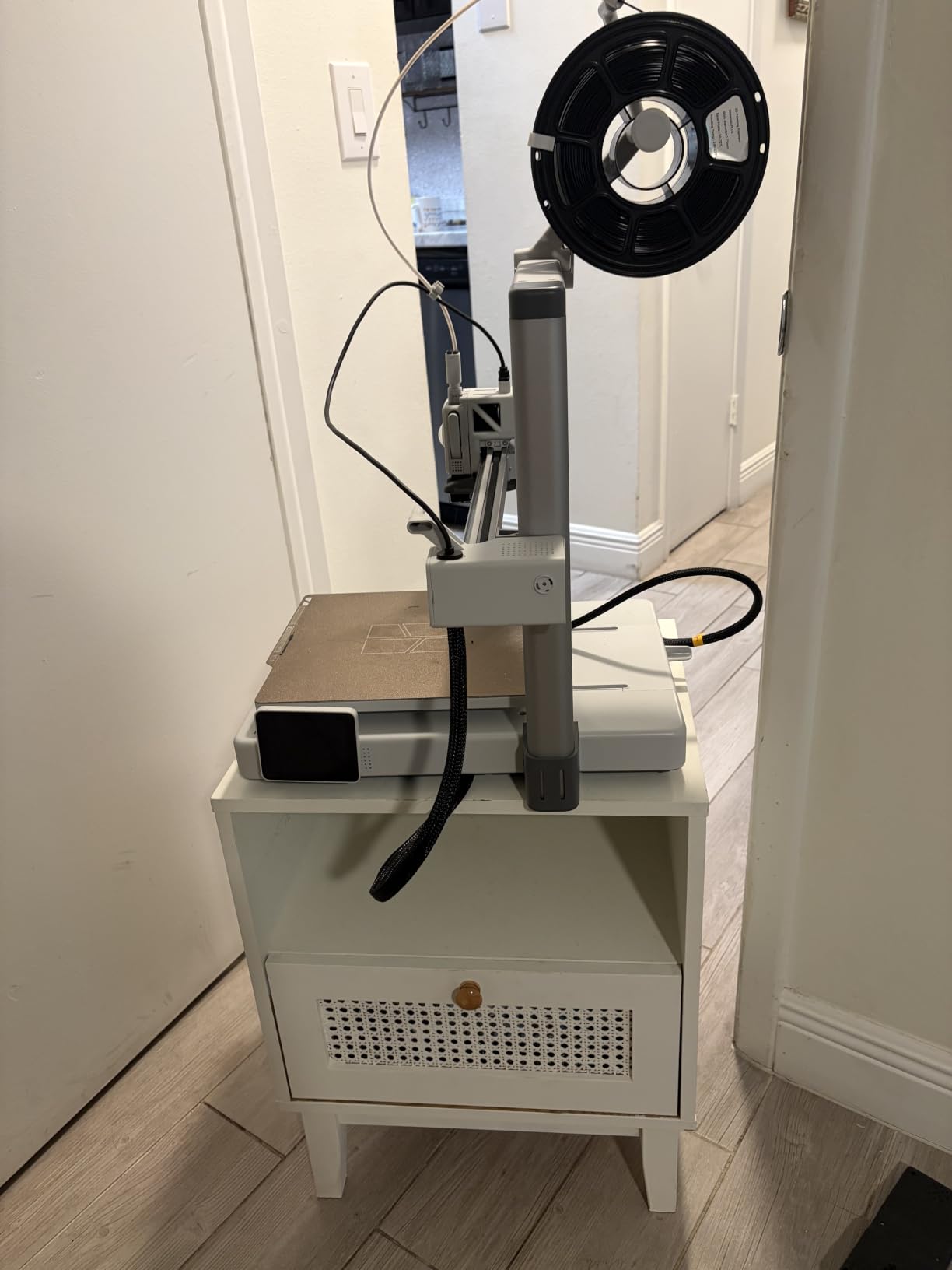
The thing that surprised us most was the noise. Active motor noise canceling makes this one of the quietest machines here, and owners repeatedly mention being able to run it in a shared room or a home office. At 22 pounds it is also light enough to move between a desk and a shelf when you want it out of the way.
The honest catch is multi-color. The A1 does not include an AMS lite, and owners report that buying without one is the single most common regret. The purge waste that multi-color printing produces is the top complaint across every brand’s forum, so budget for filament if you plan to swap colors. One early unit also needed a base module reseated to clear a Z-axis error on first power-up, which is a small sample but worth knowing.
Who This Is For
First-time buyers who want the widest possible range of projects without a second purchase. If your list includes cosplay props, functional parts, planters, organizers, and the occasional multi-color model, the A1 handles all of it and asks nothing of you in return.
When to Buy Something Else
If ABS or ASA is a material you need, the open frame rules it out and you want the P1S instead. If you are printing 28mm miniatures where surface finish matters more than part strength, resin will outperform anything on this list, and we would point you at our miniature printer guide for the wider context.
2. Bambu Lab P1S – Best Enclosed 3D Printer Under the Ceiling
Bambu Lab P1S 3D Printer, Ready-to-Use FDM 3D Printer
Fully enclosed chamber
500 mm/s at 20,000 mm/s acceleration
ABS, ASA, PA and PC capable
Built-in camera
Pros
- Enclosure unlocks ABS and ASA printing
- Prints succeed almost every time
- Setup takes about 15 minutes
- Camera with time-lapse and remote monitoring
Cons
- No touchscreen
- control is via app or PC
- Low frame rate on camera preview
- Transparent and silk filaments prone to clogging this hotend
The P1S answers the two questions beginners ask most about this price range: which enclosed printer is best, and which enclosed one is easiest to start with. Both answers are the same machine. It is the only fully enclosed printer in this entire roundup, and the enclosure is not a marketing accessory. It is what lets the machine hold heat while ABS or ASA plastic prints instead of warping the moment the bed cools.
Under the covers it runs 500 mm/s with 20,000 mm/s² acceleration, automatic bed leveling, and a material list covering PLA, PETG, TPU, PVA, PET, ABS, and ASA, with capability for PA and PC. Owners with long printing histories describe the jump from entry machines costing several times more as genuine, and the enclosed chamber doubles as noise damping.
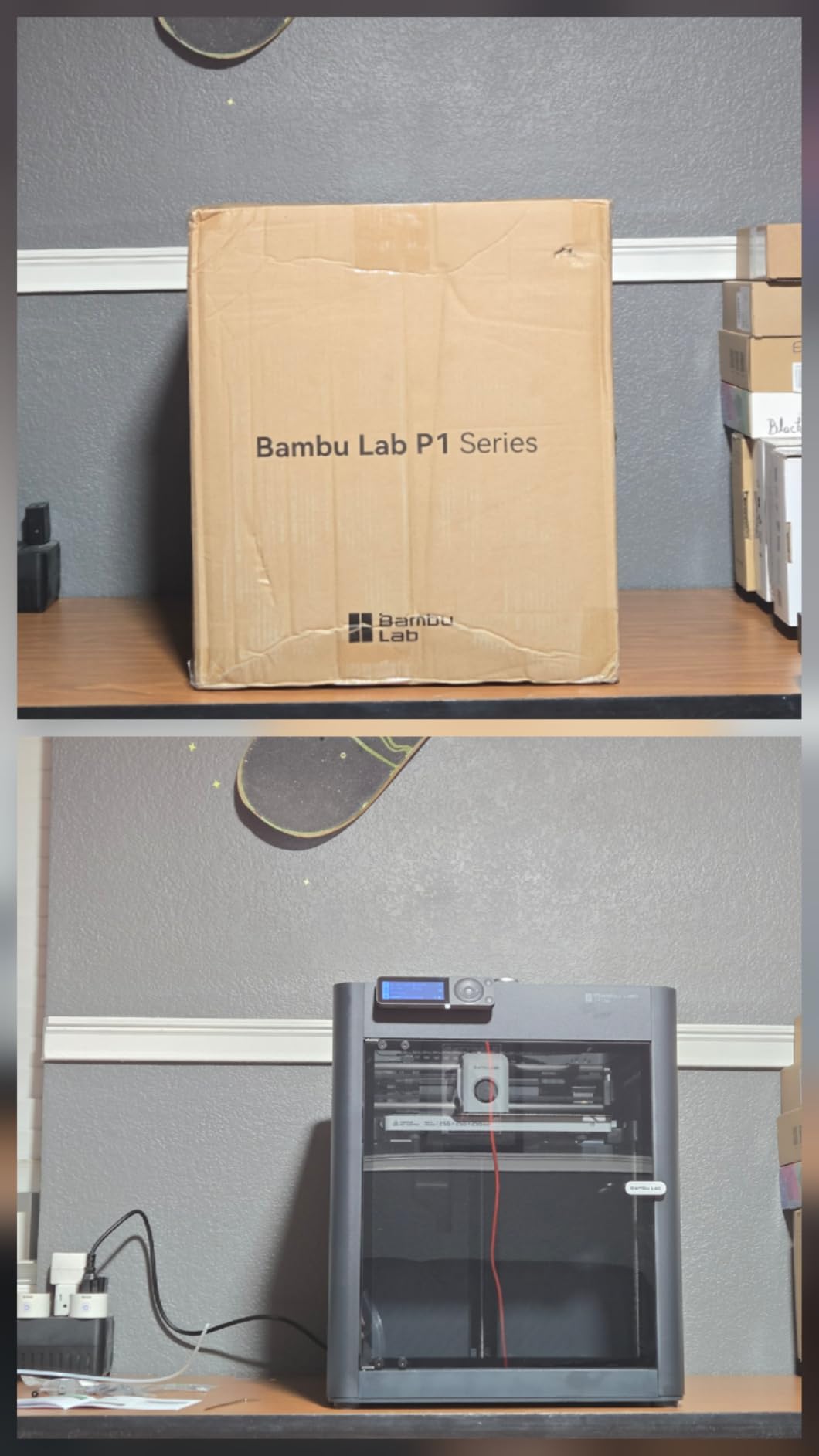
There is a benchy printed in under 15 minutes in owner reports, which tells you more about the acceleration and frame than any spec sheet. The built-in camera gives you time-lapse and remote monitoring, so a long overnight print can be checked from a phone. Owners do point out that the preview frame rate is low, which makes it a monitoring tool rather than an entertainment one.
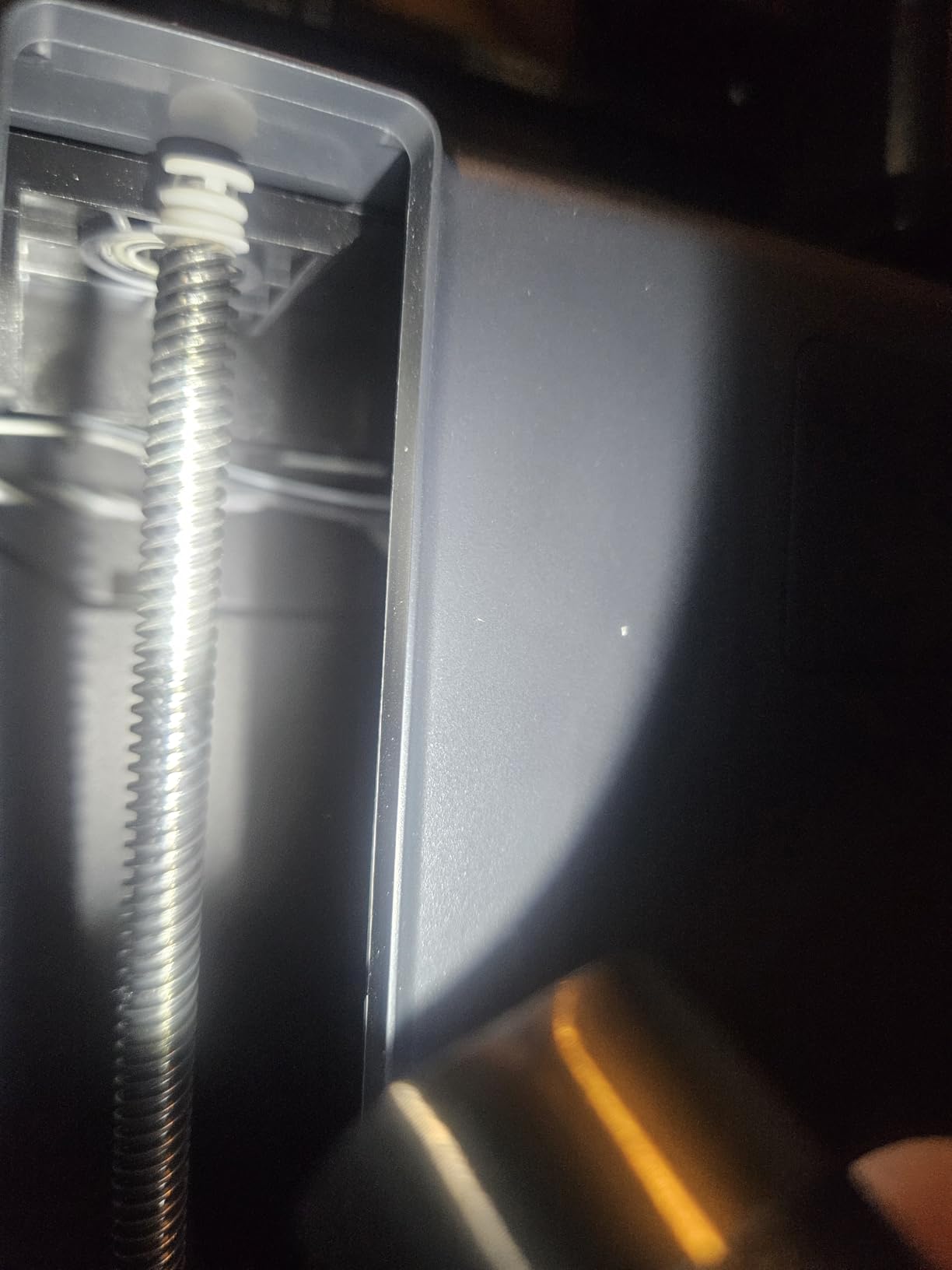
Two cautions. There is no touchscreen, so every control happens in the app or PC software, and a few users would prefer a physical dial. And the hotend is not fond of transparent and fine silk filaments, which clog it. Neither is a dealbreaker, but both are things to know before you order a spool of everything in the catalog.
Who This Is For
Anyone who prints in ABS or ASA, works on parts that need to survive heat, or lives in a cooler room where an open frame struggles to hold temperature. It is also a strong pick for a home with pets or children, since the enclosed chamber limits the spread of fumes and loose filament.
When to Buy Something Else
If you only ever print PLA and PETG, the enclosure is money you are not using, and the A1 gives you more speed per dollar. Avoid this one if you are bothered by cloud-based account registration, because the software ecosystem requires it. A handful of units also arrived with missing foot pads and a misaligned display bezel, so inspect the box on arrival.
3. Anycubic Photon Mono 4 – Best Resin 3D Printer Under the Ceiling
ANYCUBIC Photon Mono 4, Resin 3D Printer with 7” 10K Mono LCD Screen
7 inch 10K monochrome LCD
17 x 17 micron pixels
LighTurbo light source
153.4 x 87 x 165mm volume
Pros
- Detail resolution that FDM cannot approach
- Compact and very quiet at 7.7 lb
- Printing within about 30 minutes of setup
- Resumes after power outages
Cons
- Resin vats and LCD have a reputation for early failure
- Requires a ventilated space and PPE
- Small volume means frequent model resizing
- Needs a PC running Photon Workshop
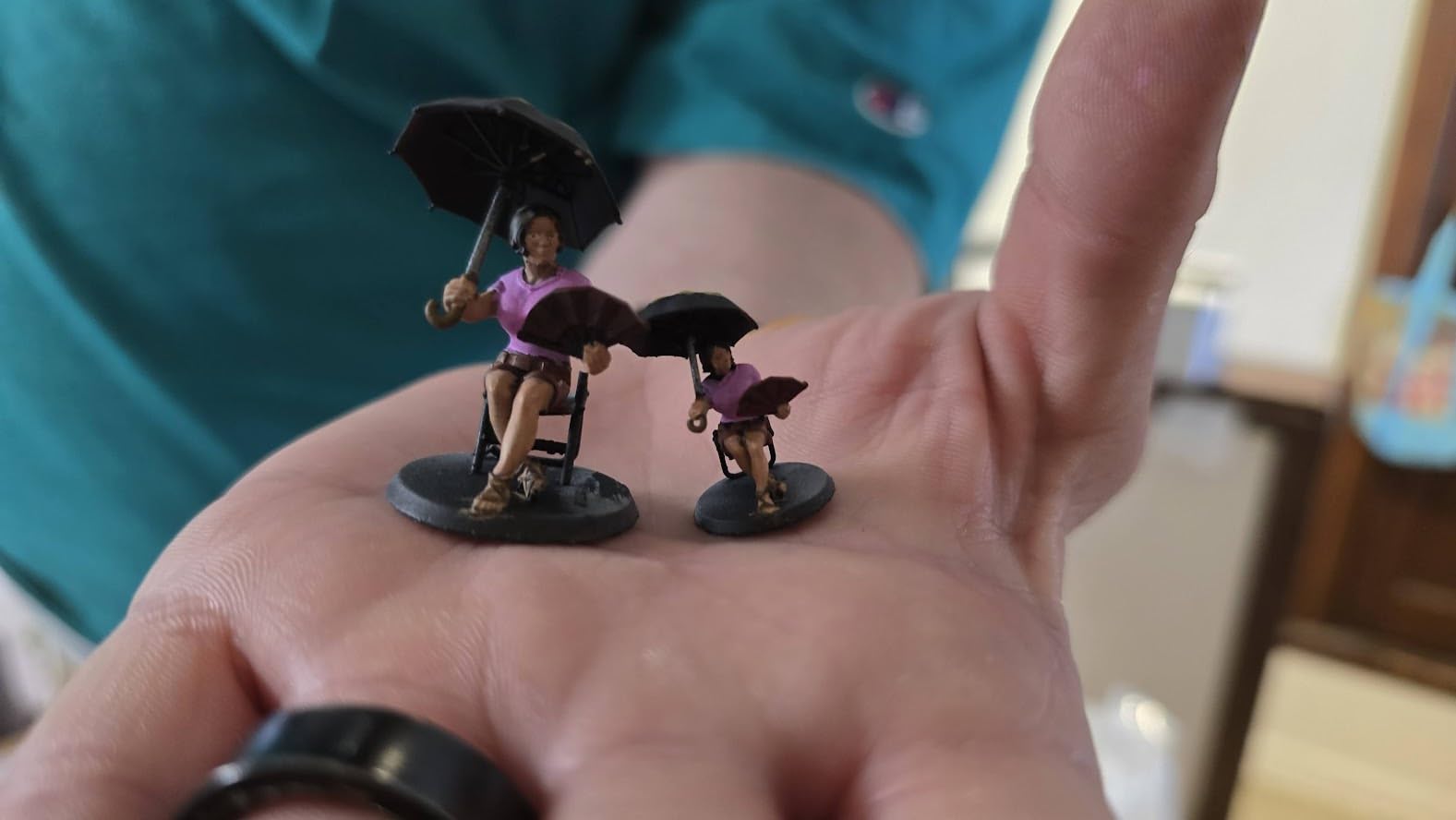
Resin printers answer a different question from filament printers, and if you are printing miniatures, the answer is resin. The Mono 4 carries a 7-inch 10K monochrome LCD at 9024 x 5120, which works out to 17 x 17 micron pixels, and Anycubic claims a 105 percent precision increase over the Mono 2 it replaces. Owners describe the practical result as layer lines that are effectively invisible at normal viewing distance.
The LighTurbo matrix light source spreads exposure evenly across the screen, which reduces the rasterization pattern that gives cheap resin prints their telltale look. Build volume is 153.4 x 87 x 165mm, the platform is laser-engraved for adhesion, and there is four-point leveling plus power-loss resume. At 7.7 pounds and about 30 minutes from box to printing, setup is one of the quicker ones here.
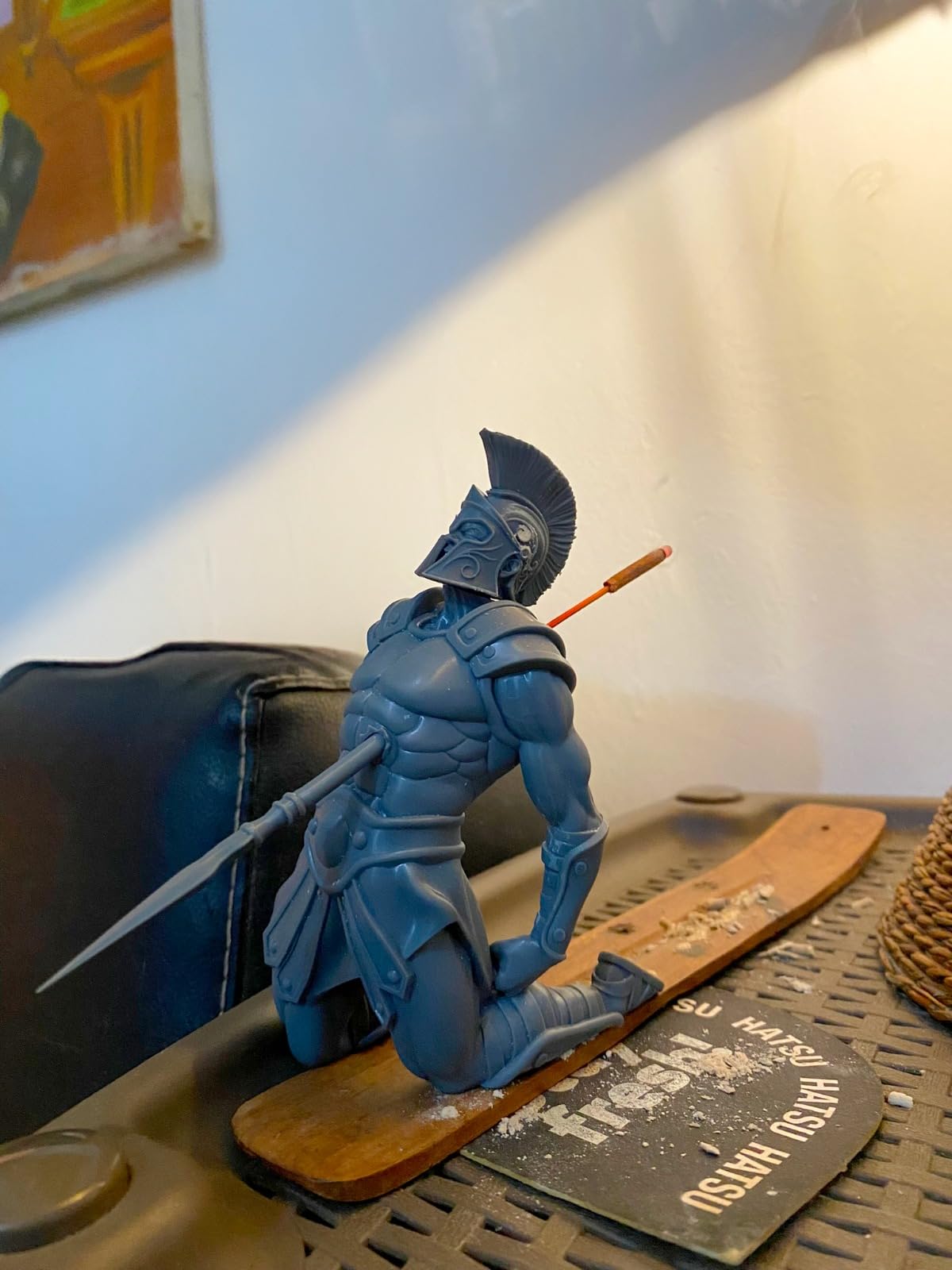
The build volume is the constraint to plan around. At roughly 6 by 3.4 by 6.5 inches, you will be resizing models more often than you would on any FDM machine here, and that resizing step is where beginners on the Revopoint forum report getting stuck. Printing a squad of 32mm minis means running them in batches, which is fine once you get used to it and annoying the first time.
Consumable longevity is the real complaint. A number of owners report resin vats and the included LCD failing within weeks, several reviews detail long warranty exchanges, and tech support is widely described as slow. The resin itself needs a ventilated space, gloves, and a proper wash and cure workflow, and this model needs a computer running Photon Workshop because the Anycubic app does not support it.
Who This Is For
Tabletop gamers printing armies of miniatures, jewelry and small sculpture, and anyone who cares about surface finish more than part strength. It also makes an excellent second machine for someone who started on filament and got curious.
When to Buy Something Else
Skip it if resin makes you nervous, if you have no way to ventilate, or if you need functional parts that survive being dropped. Our resin printer guide for miniatures goes deeper on workflow if you want the full picture.
4. Bambu Lab A1 mini – Best Value Pick in the Range
Bambu Lab A1 mini 3D Printer + LED Lamp Kit, Ready-to-Use for Beginners
Automatic calibration
Compact 12.1 lb body
Bundled LED lamp kit
Bambu Handy app and MakerWorld
Pros
- Automatic calibration keeps setup simple
- Compact and quiet for a home or classroom
- LED lamp kit gives you a first project immediately
- Easy to move or store at 12.1 pounds
Cons
- Smaller build volume than the full-size A1
- LED Kit bundle does not include the AMS lite
- Closed-source account-based software
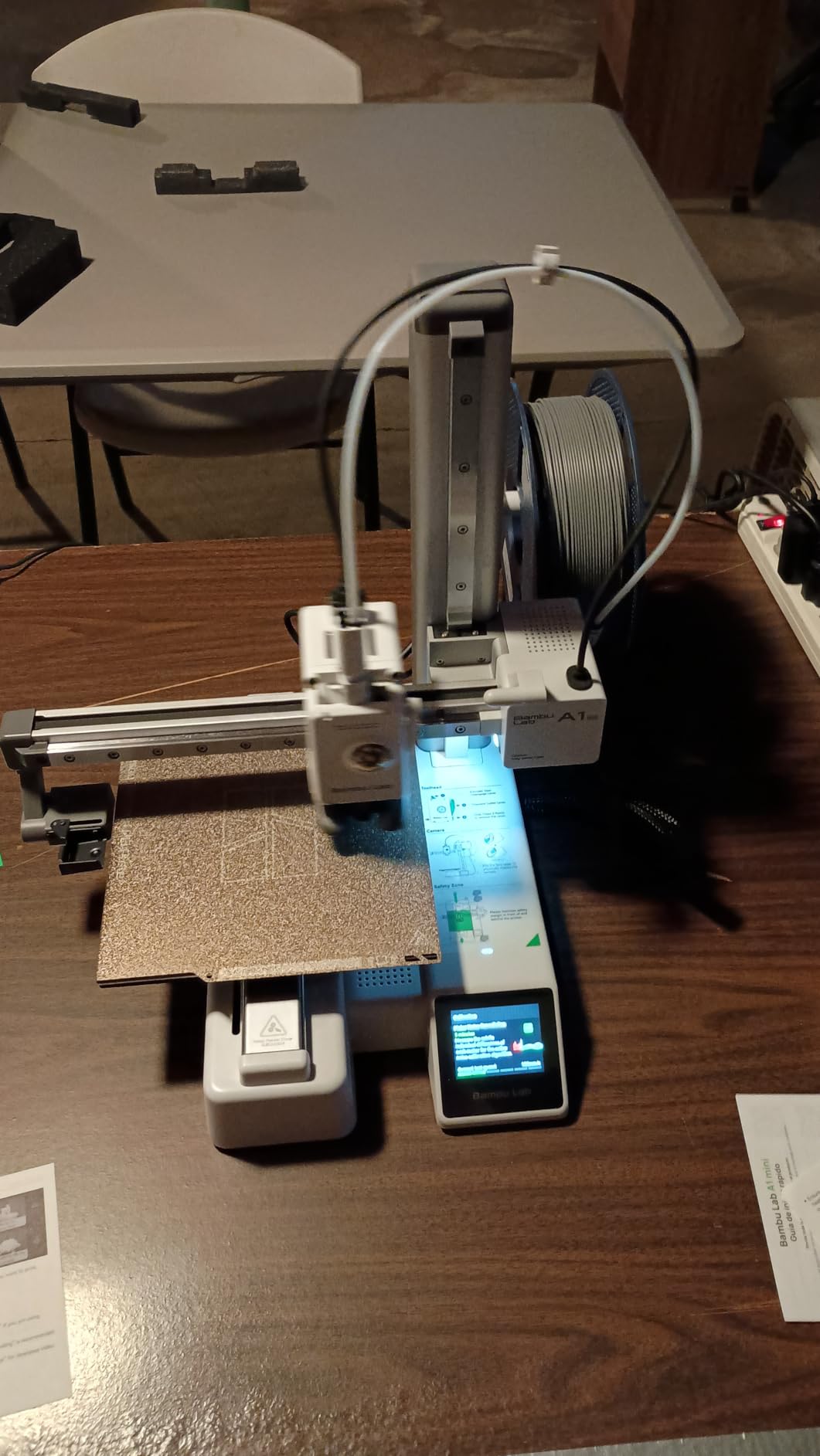
The A1 mini is the cheapest credible way into the Bambu ecosystem, and the ecosystem is a large part of why we recommend it. MakerWorld gives you a library of models with settings already dialed in, the app handles printing from a phone, and automatic calibration removes the manual step that trips up most first-timers.
This particular bundle pairs the printer with an LED lamp kit, which is a smarter inclusion than it sounds. Instead of opening a box and facing an empty build plate, you have a project that teaches you the whole loop, slicing, printing, removing, and finishing, on something that is genuinely useful afterward. Owners consistently point to that as the thing that made the first week painless.
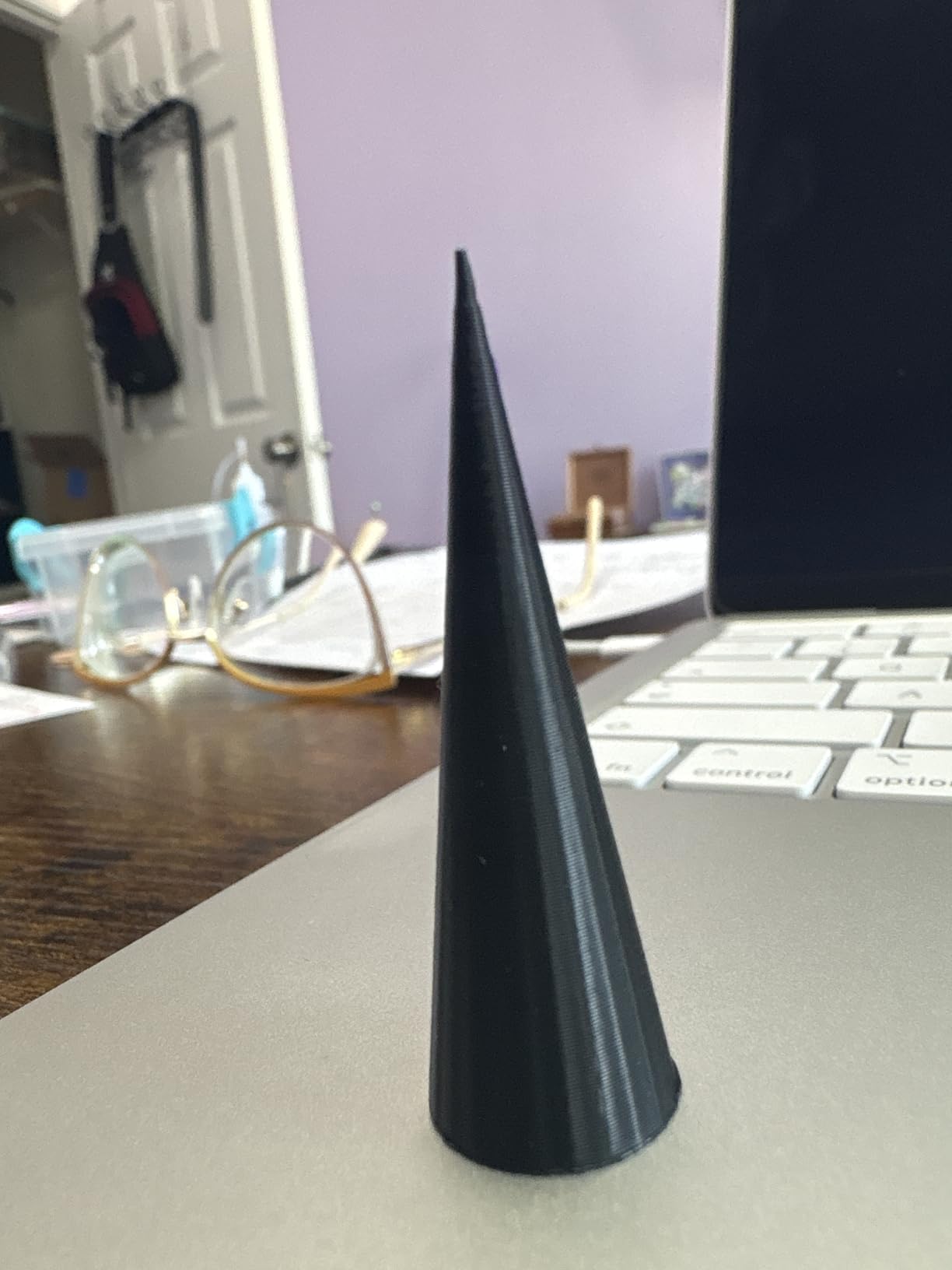
At 12.1 pounds this is the easiest machine here to move, store, or carry to a classroom, and it is quiet enough for a shared room. The trade-off against the full-size A1 is build volume, and that is the only real cost. If your projects are desk-scale, this is plenty. If you are building cosplay armor, it is not.
The AMS lite is not included in this bundle, so multi-color is still a separate purchase. The closed-source account-based software is the other recurring note, and it is the one thing that turns off experienced tinkerers who like open firmware.
Who This Is For
Students, apartment dwellers, and anyone who wants a first printer that is easy to move and easy to live with. It is also our pick for a classroom, where machines get moved around and students need forgiving automation more than build volume. For institutions buying in quantity, our guide to equipment for universities covers the procurement side.
When to Buy Something Else
Buy the full-size A1 instead if you want multi-color sooner or plan to print anything larger than a shoebox. Move up to the Kobra X if four colors in the box matters more than the lowest entry point, since its ACE system is native.
5. Flashforge Adventurer 5M – Fastest CoreXY in the Budget
FLASHFORGE Adventurer 5M 3D Printer, 600mm/s High-Speed, 1 Click Fully Auto Leveling, Upgraded Direct extruder Quick Detachable 280°C Nozzle, Dual-Sided PEI Coating Plate, Print Size 220x220x220mm
CoreXY 600 mm/s, 20,000 mm/s acceleration
One-click auto leveling
220 x 220 x 220mm volume
Quick detachable 280C nozzle
Pros
- Genuinely fast with high quality output
- Stable repeatable CoreXY motion
- Ready to print in about 10 minutes
- Vibration compensation reduces ghosting
Cons
- Open frame means no ABS or ASA
- Wi-Fi and app connectivity is unreliable
- Single color only
- No built-in work light
The Adventurer 5M is the value pick for anybody who cares about raw speed. CoreXY motion with 600 mm/s max speed and 20,000 mm/s² acceleration gets from zero to full speed in about 0.025 seconds, and one reviewer logged running 2.6 kilometers of filament through a single machine. The dual-sided flexible PEI steel plate does most of the adhesion work for you.
One-click fully automatic bed leveling plus vibration compensation is what keeps that speed usable, because ghosting from an unleveled or ringing frame is the usual cost of a fast open-frame machine. The quick-detachable 280°C direct extruder reaches temperature in about 35 seconds, and at 32 mm³/s of flow it handles thicker walls without stalling. Build volume is a 220mm cube, and assembly is quick enough that owners are printing the same day.
Flashforge support comes up repeatedly and positively in reviews, with owners reporting replacement parts sent quickly when hardware does go wrong. That matters more than it sounds for a school or a shared workshop, where downtime costs more than money.
The open frame is the hard limit. No ABS, no ASA, no high-temperature anything, which leaves PLA, PETG, and TPU on the standard 0.4mm nozzle, plus PLA-CF and PETG-CF if you fit a 0.6mm. Owners also report firmware freezes, unreliable Wi-Fi where ethernet or USB works better, and a sensitive touchscreen with no work light. A few units needed troubleshooting out of the box for sensor or bowbed-plate issues.
Who This Is For
Anyone who prints a lot of PLA and PETG and wants each job done faster, plus classrooms and makerspaces where throughput and vendor support matter. The 220mm cube is a genuinely useful size, larger than the A1 mini by a wide margin.
When to Buy Something Else
Move to the P1S if ABS or ASA is on your list, and to the Kobra X if multi-color is. Choose the AD5M instead if you want an all-metal frame and the 3-second tool-free nozzle swap, since the two Flashforge machines trade places on frame construction rather than capability.
6. Anycubic Kobra X – Best Multi-Color 3D Printer Under the Budget
Anycubic Kobra X Multicolor 3D Printer, Easy Setup, Native 4-Color
Native 4-color ACE system, expandable to 19
260 x 260 x 260mm volume
600 mm/s hardened nozzle
AI camera with failure detection
Pros
- Four colors built in with fast clean color changes
- Benchy in about 14 minutes
- Exceptionally quiet for an FDM machine
- One owner logged 265 print hours on a single failure
Cons
- Filament not included with the package
- Some units report jams clogs and Z-axis faults
- Support is largely automated
- TPU produces heavy stringing
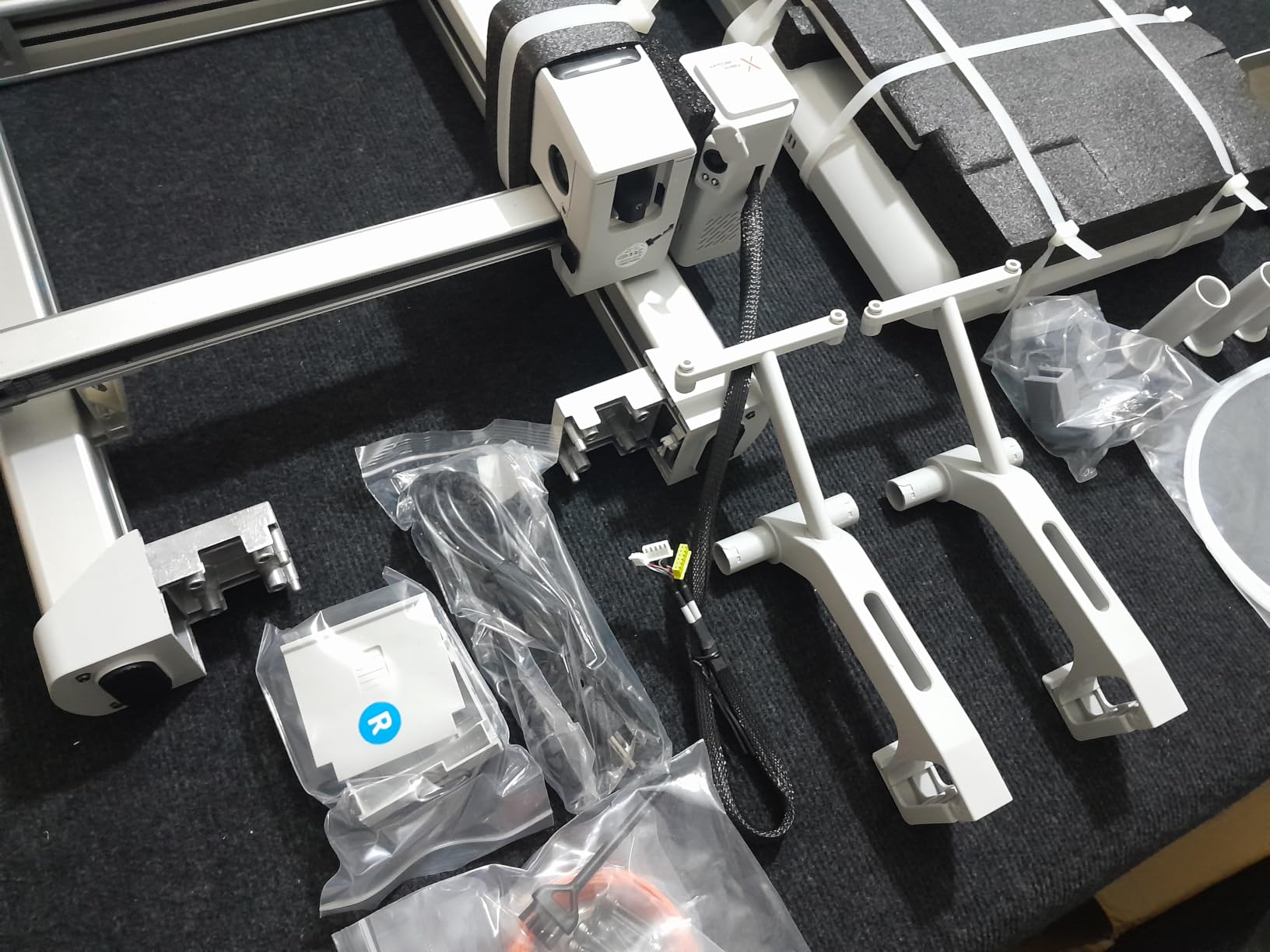
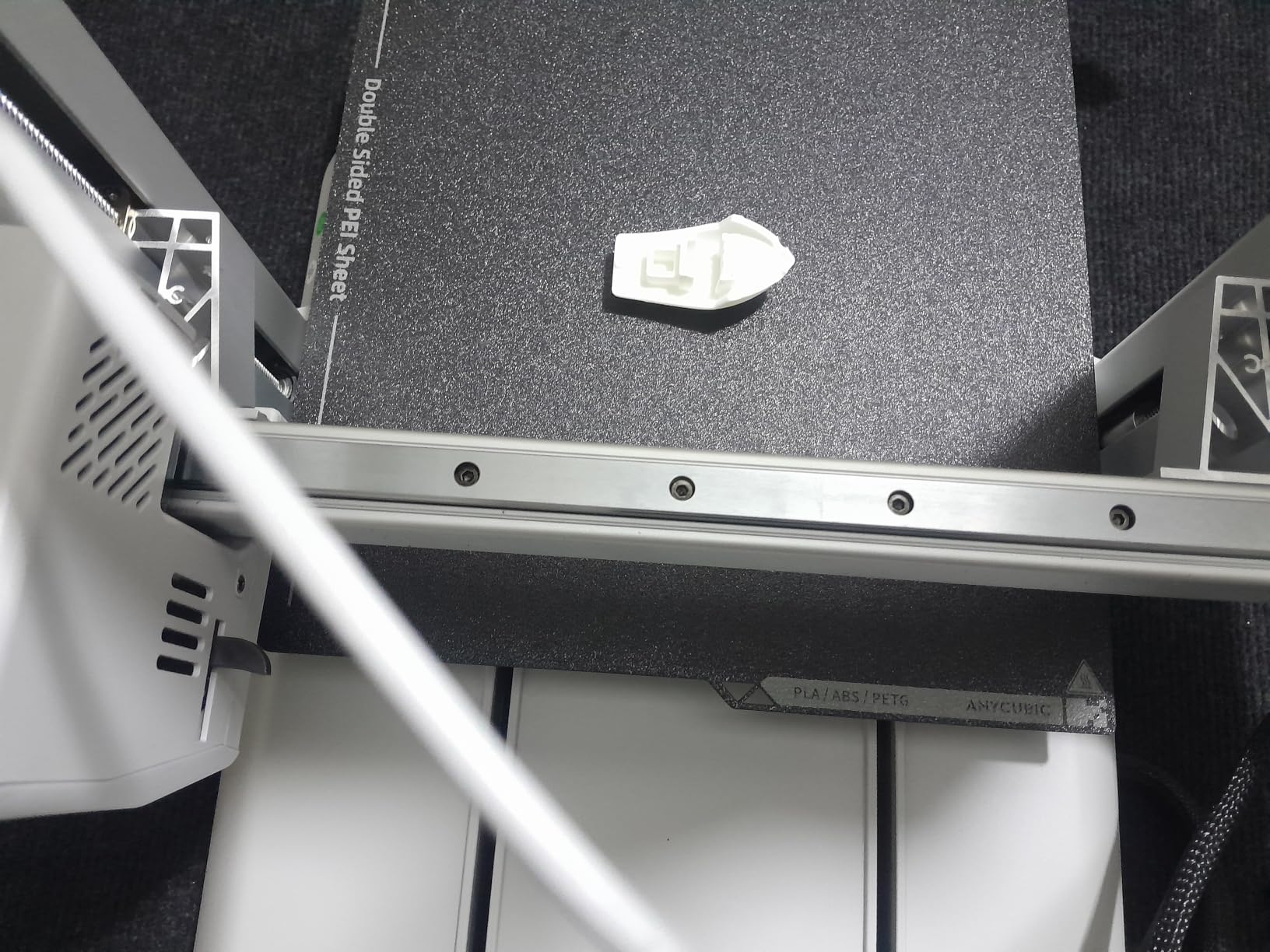
If the thing you want is multi-color, the Kobra X is the only machine on this list that delivers four colors in the box. The ACE system is native, not an add-on, and it expands to 19 colors with four ACE 2 Pro units. Every other multi-color option here needs a separate purchase first, and that difference in total cost is the single reason to consider this machine.
Anycubic claims an 81.25 percent reduction in filament and travel path for purging, which roughly doubles purge speed compared with a conventional long travel move. That matters because purge waste is the most criticized aspect of multi-color printing on every forum we read, and reducing it reduces both the wasted filament and the time each color change costs you. The build volume is a 260mm cube, among the largest of the filament machines here, with a hardened steel nozzle, 300°C hotend, and 600 mm/s speed.
LeviQ 3.0 does 49-point bed leveling calibration, and the AI camera monitors for spaghetti failures and foreign objects, which is rare at this budget. The touchscreen menus are genuinely intuitive, and the machine is quieter than most FDM printers of its class. One owner tracked roughly 265 print hours with a single failure they caused themselves, which is a good reliability signal.
The caveats are real. Filament is not included, so budget for a starter pack immediately, and quality varies between machines with reports of jams, clogs, and Z-axis problems. The support system is largely automated self-help that owners feel does not stand behind them when a jam happens.
TPU stringing and webs on this machine are reported consistently, and some stone-filled filaments leave visible layer lines. The ACE 2 Pro and ACE Pro units are not interchangeable, so read carefully before you plan an expansion.
Who This Is For
People who print in color as a matter of course: articulated figures, organizers with labels, kids’ projects, and anything where a color change is the point rather than a decoration. The 260mm cube also makes it the best choice here for larger multi-part projects.
When to Buy Something Else
Buy the A1 instead if you want proven long-term consistency and a single-color setup today, then add color later. Avoid the Kobra X if you print TPU heavily, if you are the type who wants a human on the other end of support, or if you are impatient about buying filament separately.
7. Flashforge AD5M – Best Budget CoreXY Workhorse
FLASHFORGE AD5M 3D Printer Fully Auto Calibration Print with 1-Click Max 600mm/s Speed, All-Metal CoreXY Structure Precise Printing, Easy-Maintenance Quick-Swap Nozzle, Print Size 220x220x220mm
All-metal CoreXY structure
600 mm/s, one-click auto leveling
3-second tool-free nozzle swap
220 x 220 x 220mm volume
Pros
- Assembles in about 15 to 20 minutes
- Good print quality and layer adhesion for the price
- OrcaSlicer has a gentle learning curve
- Quiet enough to run in another room
Cons
- Slicer requires a Windows or Mac PC
- Wi-Fi and app connectivity is spotty
- Nozzle heating is slow
- Louder than expected
The AD5M is the machine we would buy with money to spare after everything else, and it is quietly excellent. The all-metal CoreXY structure gives you the same stable high-speed motion as the Adventurer 5M in a more rigid frame, which shows up as quiet operation and consistent layer height. 600 mm/s max speed, one-click fully automatic leveling and nozzle-to-bed offset, and a 220mm cube build volume.
The patent quick-release nozzle swaps in about three seconds with no tools, and accepts 0.25, 0.4, 0.6, and 0.8mm tips. A clogged nozzle no longer means a wait for parts, and being able to drop to a 0.25mm tip for miniatures or up to 0.8mm for quick functional parts makes one machine cover a wide range of work. It also resumes after a power outage from the last completed layer.
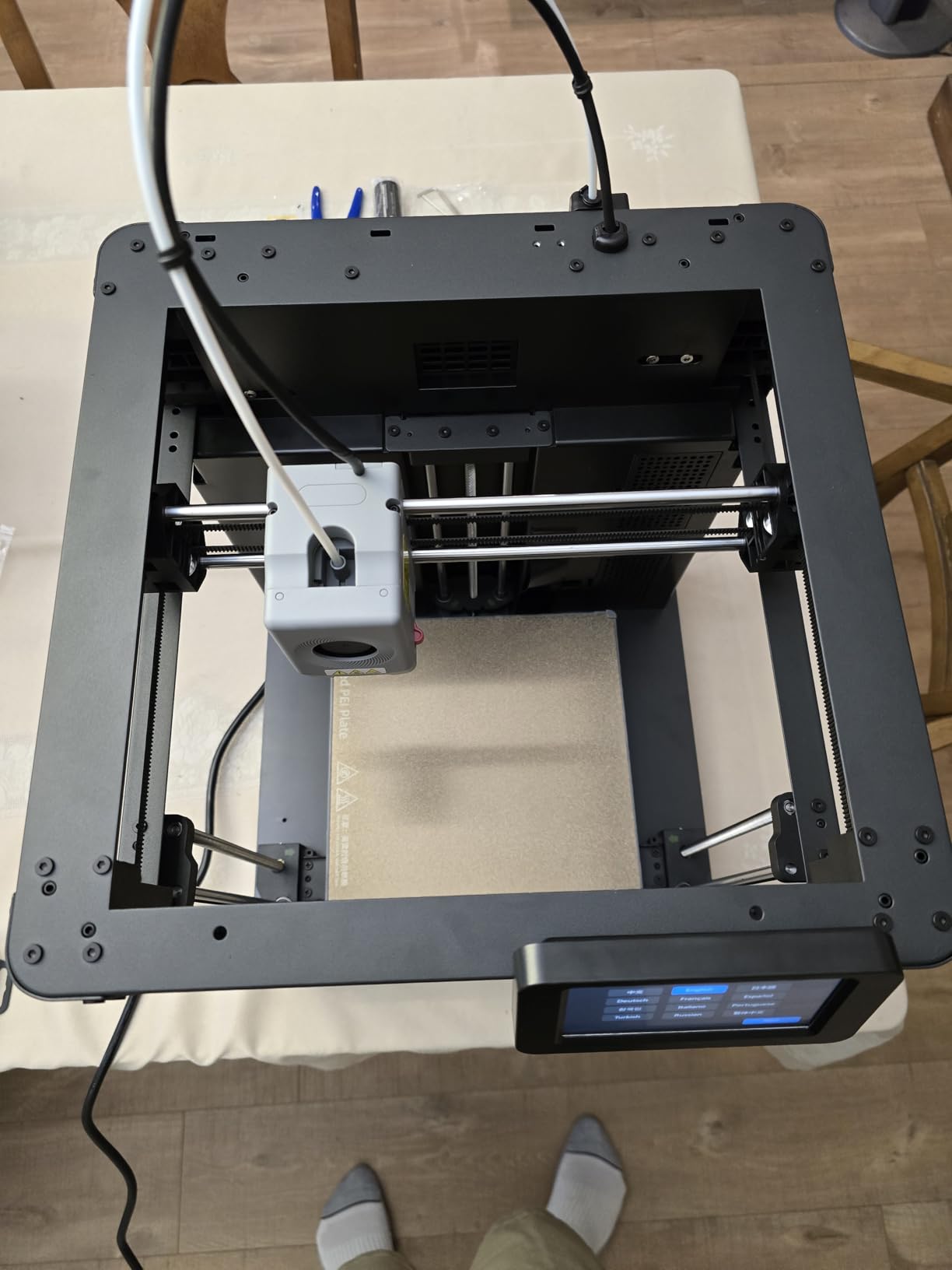
Owners consistently describe assembly as 15 to 20 minutes and report printing the same day. The double-sided flexible PEI steel plate has a reverse side better suited to PETG, and the bundled Orca-flashforge slicer supports batch transmission and multi-printer monitoring if you ever scale up. The Flash Maker app handles remote control.
The recurring complaints are software-side rather than hardware-side. Slicing needs a Windows or Mac PC, so a tablet alone will not drive it, and Wi-Fi connectivity is spotty where ethernet is dependable. A minority of units needed third-party filament before it would stick and dispense properly, and a few could not complete a test print out of the box. Nozzle heating is also slower than the spec sheet suggests.
Who This Is For
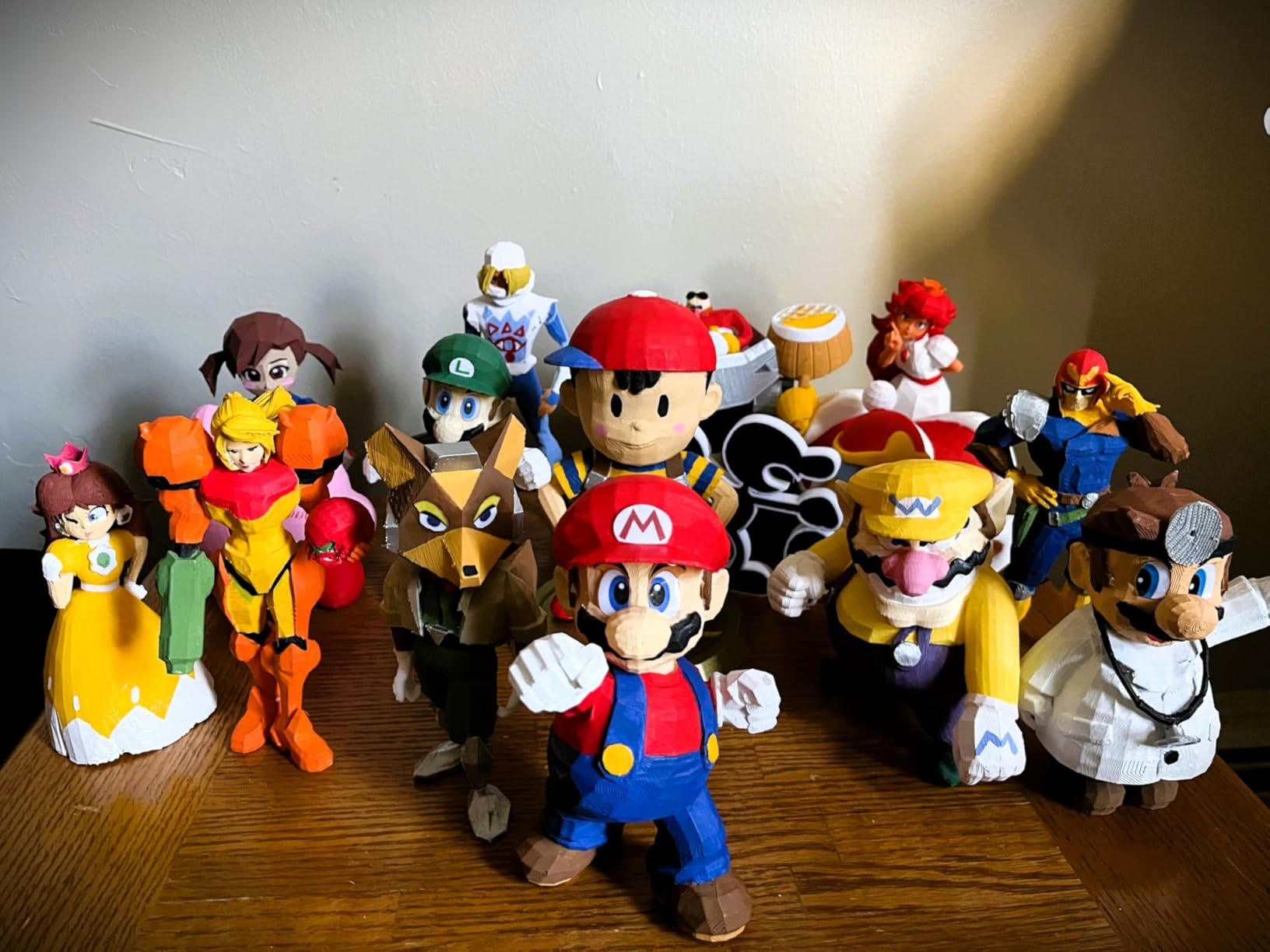
Anyone who wants CoreXY speed and rigidity with none of the setup friction, plus tinkerers who want to change nozzles freely and print farm operators who will use the multi-printer monitoring. It is the most repairable-feeling machine in this list.
When to Buy Something Else
Choose the Adventurer 5M if you want a larger build plate area relative to the same footprint or if vendor support matters more to you. Neither machine has an enclosure, so both are out for ABS and ASA, and neither does multi-color.
8. Creality Ender 3 V3 SE – Lowest-Cost Way to Start Printing
Creality Ender 3 V3 SE Beginner-Friendly 3D Printer with Auto Leveling
250 mm/s, 2500 mm/s acceleration
CR Touch auto leveling and Z-offset
Sprite direct drive extruder
Dual synchronized Z lead screws
Pros
- Lowest entry point on this list by a wide margin
- About 20 minutes from box to printing
- Handles PLA PETG TPU and infused filaments
- Massive community and free resources
Cons
- No enclosure camera or multi-color
- Some units develop fan bearing noise and Y-axis drag
- Limited build height and unreliable USB drive
- Rear power selector arrives set to 220V
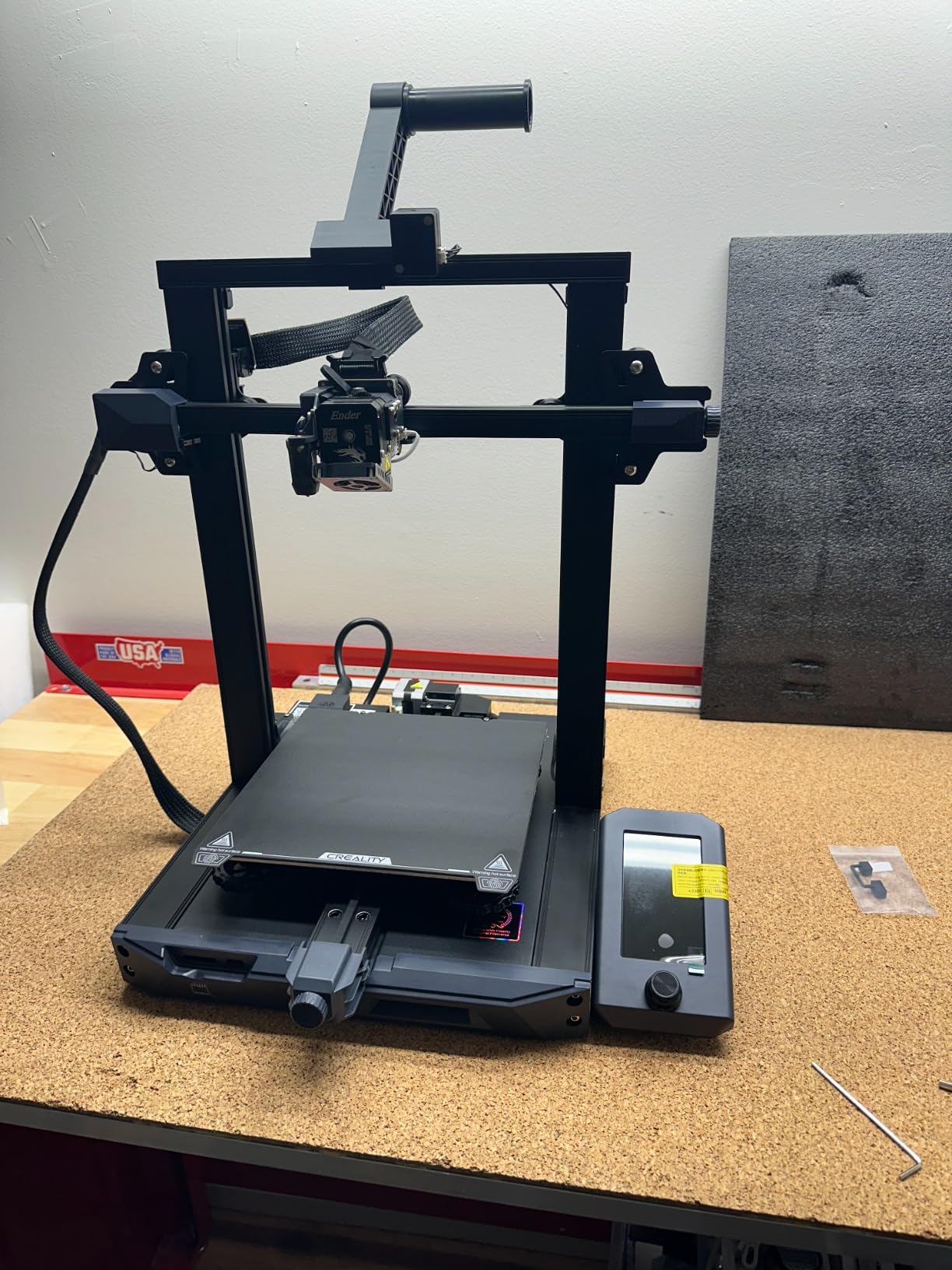
The Ender 3 V3 SE is the least expensive printer here and the one with the most reviews, at 791 across a 4.1 rating. That combination tells you something real: it is the machine most first-timers actually buy, and it is the machine that has the most documented long-term ownership data, which is why we can tell you both what is good and what wears out.
CR Touch handles auto leveling and Z-offset calibration, the Sprite direct drive extruder covers PLA, PETG, and TPU, and dual synchronized Z-axis lead screws with linear Y shafts keep layers consistent. A 32-bit silent mainboard keeps it quieter than the older Ender models people remember. Setup is around 20 minutes, and the flexible PC spring steel plate releases prints without much persuasion.
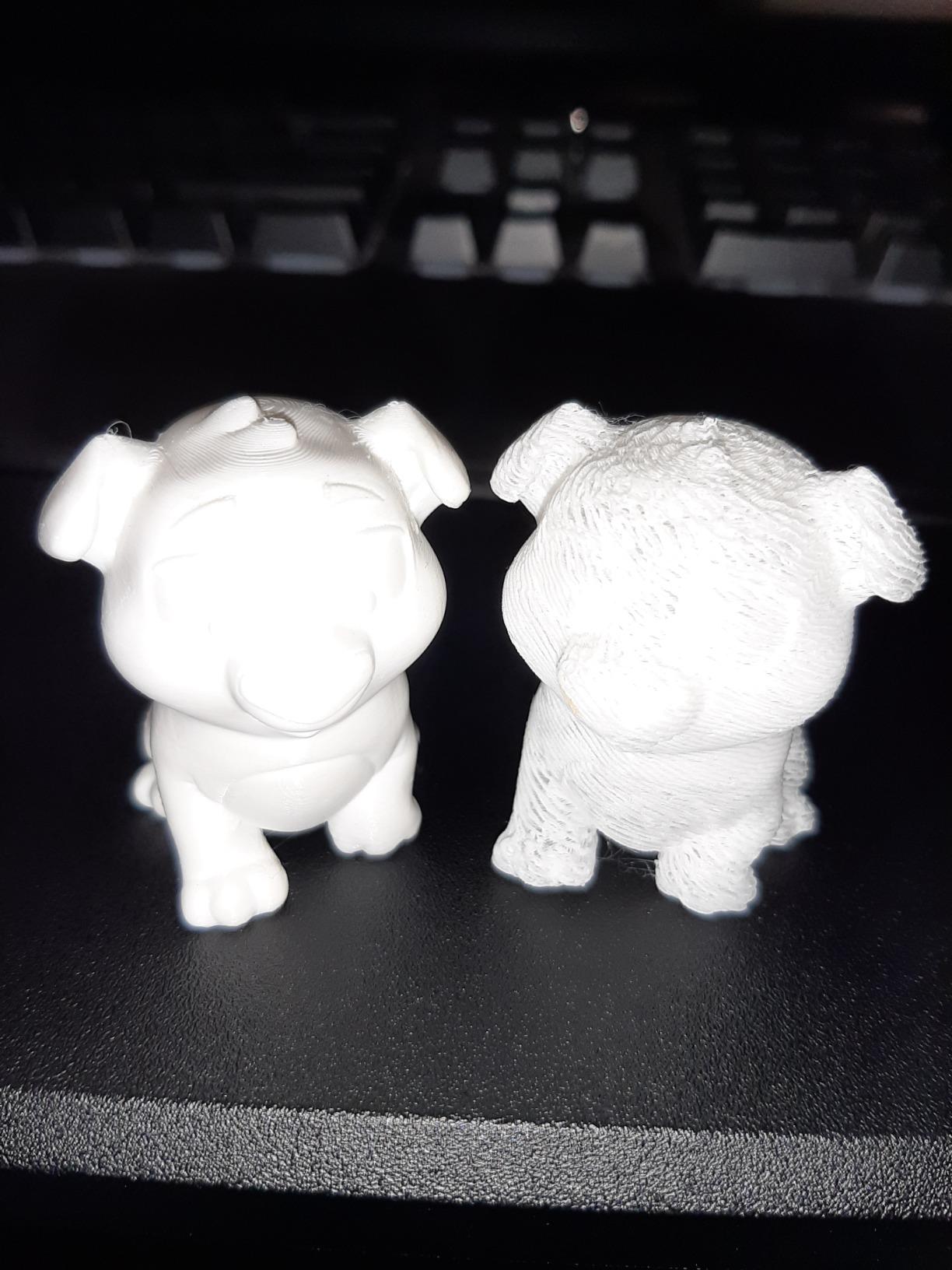
Owners describe it in a phrase that repeats across reviews: it just works. Several people say they prefer it to more feature-rich machines that turned out to be fussy. The community is enormous, so troubleshooting videos and print profiles exist for almost any problem you will hit, and it handles infused filaments including wood and nylon variants.
The durability reports are the honest downside. Some units develop bearing and fan noise and Y-axis dragging within weeks or months, which is normal for this price class but worth planning around.
Build height is limited, the included USB drive is unreliable, and the rear power selector arrives set to 220V, so US users need to flip it to 125V. There is no enclosure, no camera, and no multi-color, and chat support tends toward generic troubleshooting checklists. On a PC-coated plate, a few owners report needing hairspray for reliable adhesion with some filaments.
Who This Is For
Budget-conscious beginners who want a large community, plenty of free resources, and a machine that prints reliably once tuned. It is a solid first printer for PLA and PETG, and it is the least risky way to find out whether you actually enjoy the hobby.
When to Buy Something Else
If you have never printed before and want zero adjustment from day one, spend up on the A1. If you plan to print TPU, PETG, or ABS consistently, the direct drive here will manage the first two but the open frame blocks ABS entirely, which points you at the P1S.
Which Printer Has the Fewest Problems?
This is the most common question in the purchase advice threads and nobody publishes an answer, so here is ours based on the volume and consistency of reported issues. In short: the A1 and the P1S generate the fewest, the Kobra X generates the most variable quality, and the resin machine generates the most problems with consumables rather than with itself.
For setup reliability, the A1, P1S, and A1 mini are ahead because full-auto calibration covers bed level, Z-offset, and flow. The Flashforge machines are close behind with one-click leveling, and the Ender 3 V3 SE is a step behind because it lacks flow compensation. The Mono 4 is fast to set up but its default profiles need exposure and lift-speed tuning before output is dialed in.
For first-layer consistency, machines with flow compensation and a textured or PEI steel plate lead: the A1, the P1S, the Adventurer 5M with its dual-sided PEI plate, and the AD5M. The Ender 3 V3 SE is the most likely to need a plate treatment or an adhesion aid on some filaments, which is the single most repeated complaint on that machine.
For long-run durability, the picture flips slightly. Fast CoreXY machines like the Kobra X and Adventurer 5M put more stress on belts and frames, and QA variance on the Kobra X shows up as jams and Z-axis faults. The A1’s acceleration figure is high but its closed-loop flow monitoring catches problems early, which is why its reported problem list is the shortest in the aggregate.
Buying Guide: What Actually Matters Under This Budget
Build volume is the first real decision
Build volume is the bounding box of the largest part you can print, and the number in millimeters cubed is less useful than people think. You need a printer at least as large as your largest single part, not your largest project, because most projects are printed in pieces and assembled. A 220mm cube handles a large planter or a set of cosplay pieces. The 153.4 x 87 x 165mm resin volume handles a squad of miniatures and little else.
Automatic bed leveling is no longer optional
Legacy Ender-style machines required manual leveling and constant re-adjustment, and that is the tinkering fear that shows up in every beginner thread we read. Every machine on this list has automatic bed leveling. If you are shopping outside this list and see a printer without it, you are buying a project, not a printer.
Enclosure decides which materials you can print
An open frame is fine for PLA, PETG, and TPU. ABS and ASA need a heated, enclosed chamber because they shrink as they cool, and an open frame will warp them off the plate. The P1S is the only enclosed machine here. That is not a flaw in the other seven; it is a materials limit, and it only matters if you actually need engineering plastics.
Multi-color costs more than the printer headline suggests
Beyond the hardware, expect ongoing filament use from purge waste, which is the most criticized feature of multi-color printing across every forum, and plan on dry storage, because humidity is the root cause of the fine filament hairs owners report on colored prints.
Acceleration matters more than top speed
A printer that can reach 600 mm/s but needs a second to get there is slower in practice than one that holds 300 mm/s smoothly. Acceleration in mm/s² tells you how quickly the machine reaches speed and how sharply it can change direction, which is what determines corner quality and layer consistency. The A1 at 10,000 mm/s², the P1S and Kobra X and both Flashforge machines at 20,000 mm/s² all handle corners well.
Direct drive versus Bowden, in one sentence
A direct drive extruder pushes filament straight into the hotend, which makes TPU reliable and retraction cleaner, at the cost of weight on the moving toolhead. Bowden uses a tube, which is lighter and faster to move but struggles with soft and flexible filament. For a first machine, direct drive is the safer bet.
Layer height versus screen resolution, two different numbers
These get confused constantly. Layer height is how thick each FDM layer is, and it controls visible stair-stepping. Screen resolution is how small the resin printer’s pixels are, and it controls fine surface detail. A 17 x 17 micron pixel on the Mono 4 produces detail that no layer height setting on an FDM machine can reach.
Filament is your real running cost
Once you have a machine, you will find the costs that matter are filament and accessories, not the printer. PLA and PETG spools are inexpensive and last a long time on a well-tuned machine, but purge waste, failed prints, and multi-color swaps all add up over a year. Keep filament sealed and dry, because wet filament causes stringing, layer separation, and the surface defects that beginners often blame on the printer.
Noise matters more in a home than a workshop
Anything with a heated bed, stepper motors, and fans makes noise. The A1 and A1 mini run notably quiet thanks to active motor noise canceling, and the P1S’s enclosed chamber also damps sound. If the printer will live in a bedroom or a shared office, factor that in before you fall for the fastest option.
Check the software before you buy, not after
Bambu uses Bambu Studio with MakerWorld, the Flashforge machines use Orca-flashforge, and the Kobra X has its own app with AI camera detection. Resin printers typically need a desktop slicer and a connected computer, and the Mono 4 specifically needs a PC running Photon Workshop. Cloud-based ecosystems are convenient but require account registration, which is the main objection tinkerers raise.
Your First 30 Days and Basic Safety
What you print first matters less than people think. Start with a 3DBenchy, which is the standard calibration model every community uses, and a simple container or phone stand. Benchy will show you the machine’s overhangs, bridging, and first layer, and a flat simple part teaches you removal and finishing.
Keep filament dry. A filament dryer box costs less than a single failed large print, and it fixes stringing, layer separation, and the fine hairs that show up on colored prints when temperature or humidity swings. Store spools sealed when not in use.
If a first layer fails, do not keep reprinting. Check that the plate is clean, confirm the nozzle is not too close, and re-run the leveling routine. Every machine here has a one-click option.
On resin, ventilate the room, wear nitrile gloves, wash and cure parts before handling them long-term, and keep bottles sealed and away from children. On any filament printer, do not leave a machine running unattended, which is the one piece of safety advice every modern roundup has quietly dropped and nobody should.
Frequently Asked Questions
What is the best printer under the 500-dollar ceiling?
The Bambu Lab A1 is the best all-around pick at this budget. It calibrates its own bed and Z-offset, runs 10,000 mm/s acceleration, weighs 22 pounds, and supports multi-color through the AMS lite. If you need ABS or ASA, choose the enclosed Bambu Lab P1S instead.
What is the best 3D printer for a reasonable price?
At this price class, reasonable means a machine that arrives assembled, levels itself, and prints successfully without adjustment. The Bambu Lab A1 and the Flashforge Adventurer 5M both meet that bar, with automatic calibration and strong owner satisfaction. Anything without automatic bed leveling is a hobby project, not a reasonable first purchase.
What is the best and most affordable 3D printer?
The most affordable credible machine here is the Creality Ender 3 V3 SE, with CR Touch auto leveling, a Sprite direct drive extruder, and setup in about 20 minutes. It has the largest review base of any pick. The limitation is that it is open-frame and single-color, so you cannot print ABS or multi-color with it.
What is the best resin 3D printer under the 500-dollar ceiling?
The Anycubic Photon Mono 4 is the resin pick, with a 7 inch 10K monochrome LCD at 9024 x 5120 and 17 x 17 micron pixels that produce detail no FDM machine here can match. Its 153.4 x 87 x 165mm build volume suits miniatures and jewelry, and it needs a ventilated space, gloves, and a computer running Photon Workshop.
What is the best enclosed 3D printer under the 500-dollar ceiling?
The Bambu Lab P1S. It is the only fully enclosed machine in this roundup, and the chamber is what makes ABS and ASA printable by holding heat while the plastic cools. It runs 500 mm/s at 20,000 mm/s acceleration and supports ABS, ASA, PETG, TPU, PA, and PC, though you will have to avoid transparent and silk filaments on this hotend.
Which 3D printer has the least amount of problems?
The Bambu Lab A1 and P1S report the fewest recurring issues, because full-auto calibration handles bed level, Z-offset, and flow without owner input. The Anycubic Kobra X shows the most QA variance, with jams, clogs, and Z-axis faults reported on some units, and the Photon Mono 4 has the most consumable-related problems with resin vats and its LCD.
Is FDM or resin better for beginners?
FDM is better for beginners. It is forgiving, the material is cheap and inert, mistakes cost cents, and cleanup needs no chemicals. Resin produces far finer detail but requires gloves, ventilation, a wash and cure workflow, and a computer. The standard community advice is to start on filament and add resin once you know you want fine detail.
Do 3D printers come assembled or as kits?
Every printer in this roundup arrives assembled or requires only 10 to 20 minutes of assembly, with leveling and Z-offset handled automatically. Kits that ship as a box of parts are a different category and are not represented here. Budget an afternoon for the Flashforge machines, which owners report taking about 15 to 20 minutes, and roughly 20 minutes for the Creality.
Can you learn 3D printing with a budget printer?
Yes. A machine at this budget teaches the same skills as an expensive one: model preparation, slicing, orientation, first-layer settings, supports, and post-processing. The difference is speed, build volume, and enclosed material capability, not technique. Anyone who can follow a 3DBenchy calibration print and a simple container model has learned the fundamentals.
Conclusion
The best 3D printers under the 500-dollar ceiling in 2026 are genuinely good machines now, and the choice comes down to what you print. The Bambu Lab A1 is the one to buy if you want a single answer: fast, quiet, self-calibrating, and ready to grow into multi-color.
The Bambu Lab P1S covers the one thing the A1 cannot, which is ABS and ASA in an enclosed chamber. The Anycubic Kobra X is the answer when four colors in the box matter most, and the Anycubic Photon Mono 4 is a different category entirely for anyone printing miniatures.
Everything else on this list is a variation on speed, size, or entry point, and all of them beat the machines of five years ago on every axis that used to force hobbyists to tinker. Use the buttons below to check the current price on any of them, and pick the one that matches your materials rather than the one with the longest feature list.